
The Firefox browser developer Mozilla has maintained its identity as a user privacy and selection rights defender. Firefox is adding its own AI tools because Artificial Intelligence has become a typical element of contemporary software applications. Users of Firefox can easily select the “off” option because the browser provides them with straightforward access to that feature unlike competing products which require users to use their built-in features.
User Choice as a Priority

The Firefox browser software gives users complete power to determine their complete browsing experience. The developers recognize that machine assistance helps some users but they know there are people who prefer to work without machine assistance. The team requires every new AI tool to include a visible switch that allows users to deactivate it.
A Dedicated Settings Section
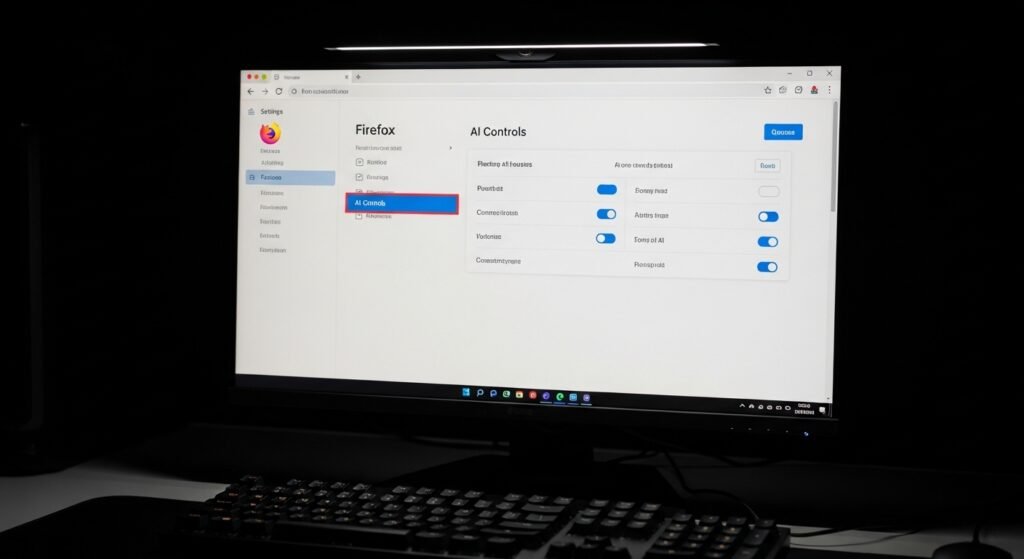
Firefox will create an AI control section which users can access from the main Settings page instead of requiring them to search through advanced technical menus. Users can easily locate and handle these tools because the system does not require them to possess any specialized computer expertise.
Managing Sidebar Assistants

The new features include a sidebar which enables users to interact with AI chatbots during their online activities. The sidebar can be fully disabled by users who find it disruptive because they want to return to the traditional clean design of their browser window.
Controlling Text Summarization

Firefox uses new tools which can create brief summaries of extensive articles that users read. The time-saving feature appeals to some users but others choose to read the complete original material without AI assistance. The “summarize” buttons can be hidden by users to stop them from taking up space in their address bar and right-click menus.
Disabling Image Alt-Text Generation

AI enables visually impaired individuals to access automatic image descriptions which help them understand visual content. Users who don’t need this accessibility function and want to save system resources can disable the automatic image-description service through the settings.
No Forced Accounts

Certain browsers require users to sign into a designated account for feature access or feature disabling. Firefox allows users to control AI features without needing a Firefox Sync account because the browser supports anonymous browsing.
Reducing Hardware Strain
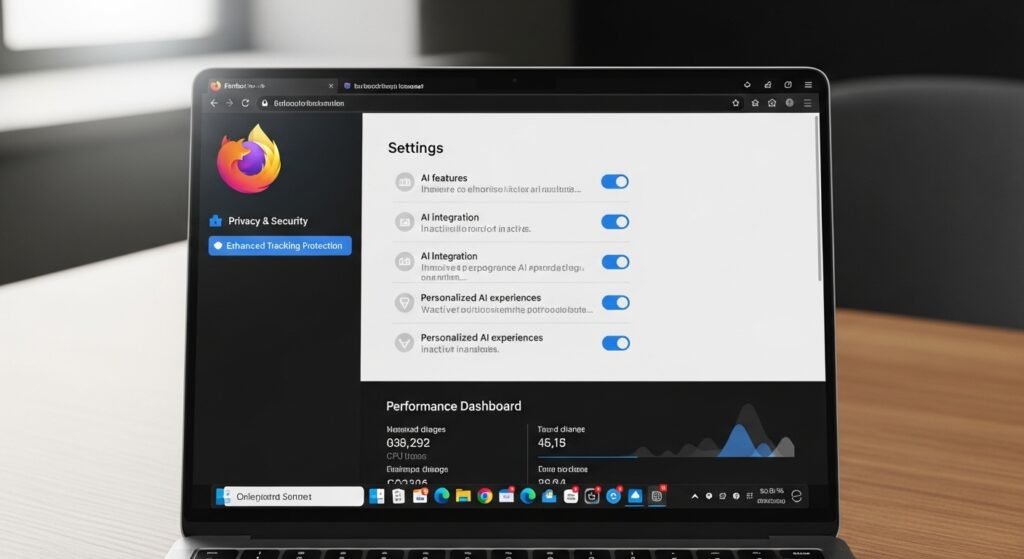
AI features can be “heavy,” meaning they consume extensive computer memory and power resources. The browser achieves better performance through disabled features which help users with older laptops to save battery life during their travels.
Opt-In vs. Opt-Out

The Firefox community strongly supports making these features available only through user selection. The AI function should remain inactive until users choose to activate it according to this system.
Blocking Third-Party AI Data Collection
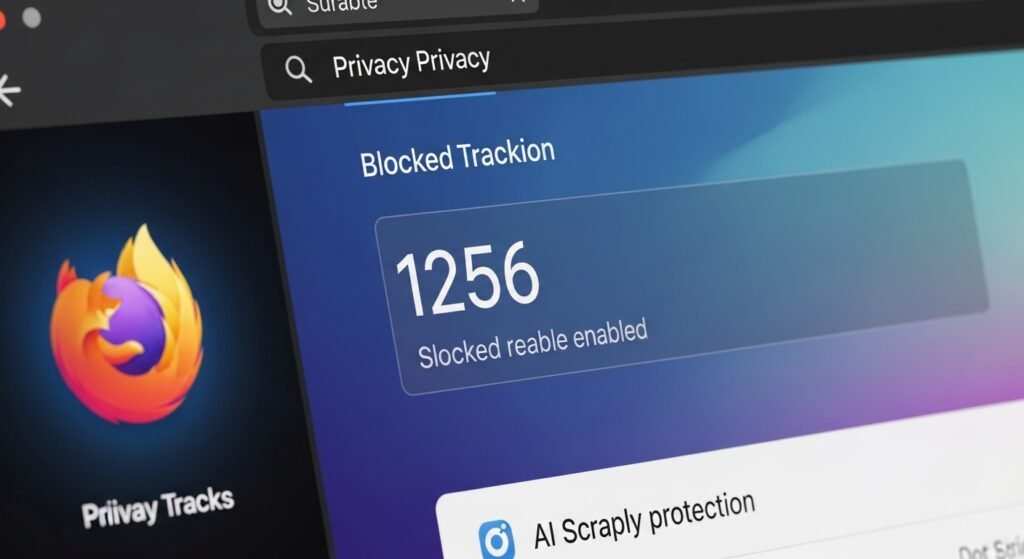
Firefox develops methods to block AI scrapers and trackers from other sites while protecting users with its own functional tools. This protects you from AI companies that attempt to collect your web browsing information to create your personal profile.
Clear Visual Indicators
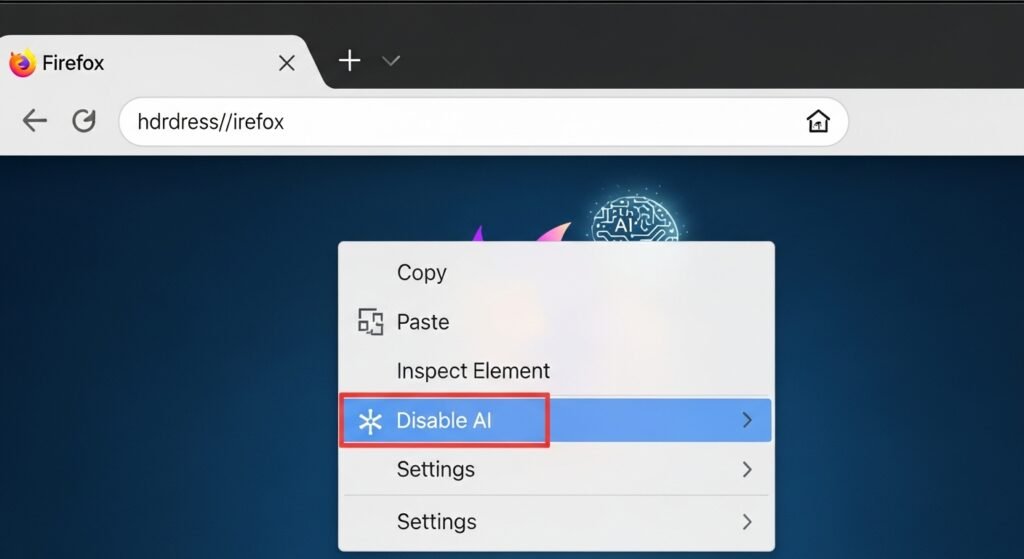
Firefox will use clear icons to show when an AI feature operates. You can disable AI functions through an icon which shows all active AI functions but you can also right-click on the icon to access the disabling feature.
Feedback-Driven Development

The Mozilla organization applies a test pilot system. The system enables users to turn off functions while delivering feedback about their reasons for doing so which helps developers improve their tools for users who want access while maintaining limits for users who don’t want access.