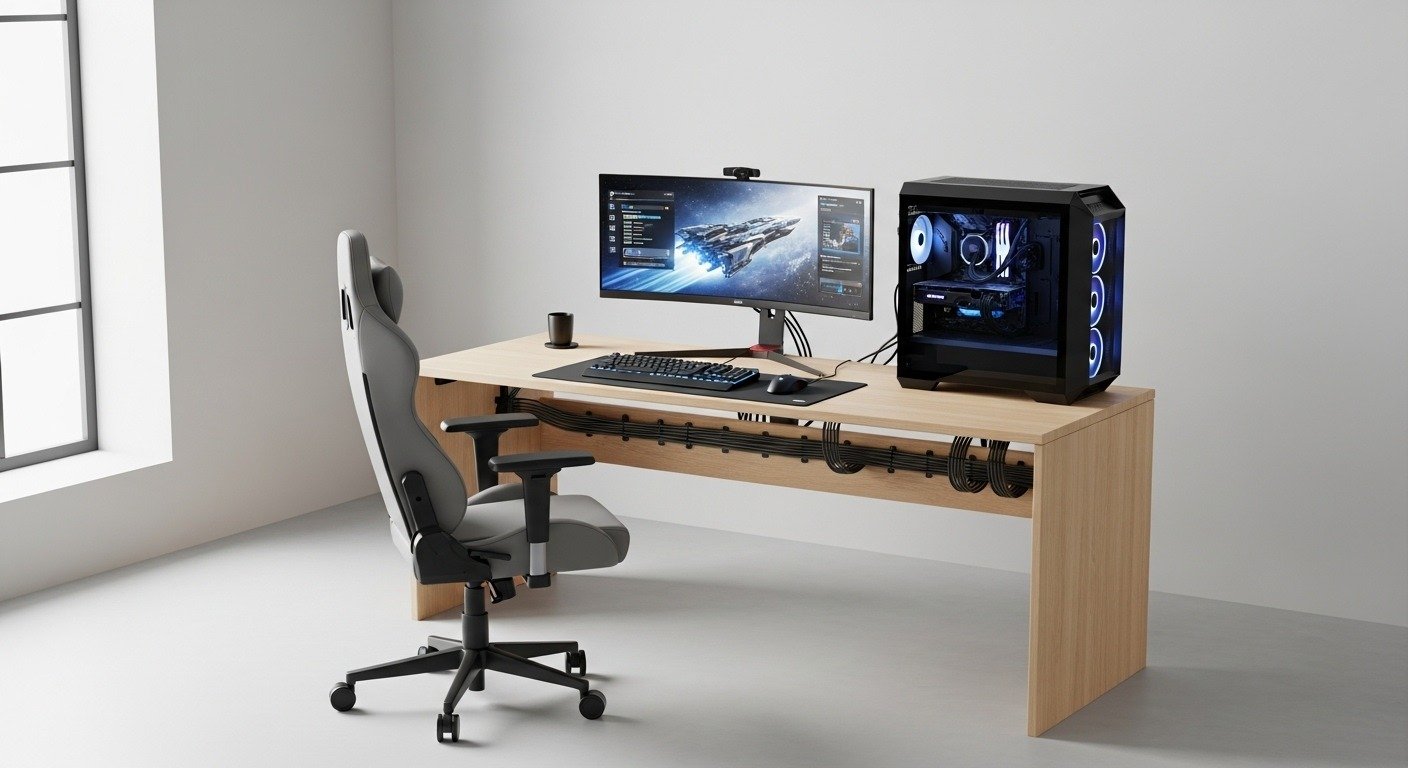
Competitive gaming depends on stable and low latency internet access. Many homes rely on Wi Fi because running Ethernet through walls demands time, tools, and permission. A practical alternative exists for gamers who want wired level performance without drilling or rewiring. Several technologies deliver consistent speeds using existing infrastructure already present in most homes. This article explains reliable options with a focus on latency, stability, and real world gaming use.
Powerline adapters for stable connections
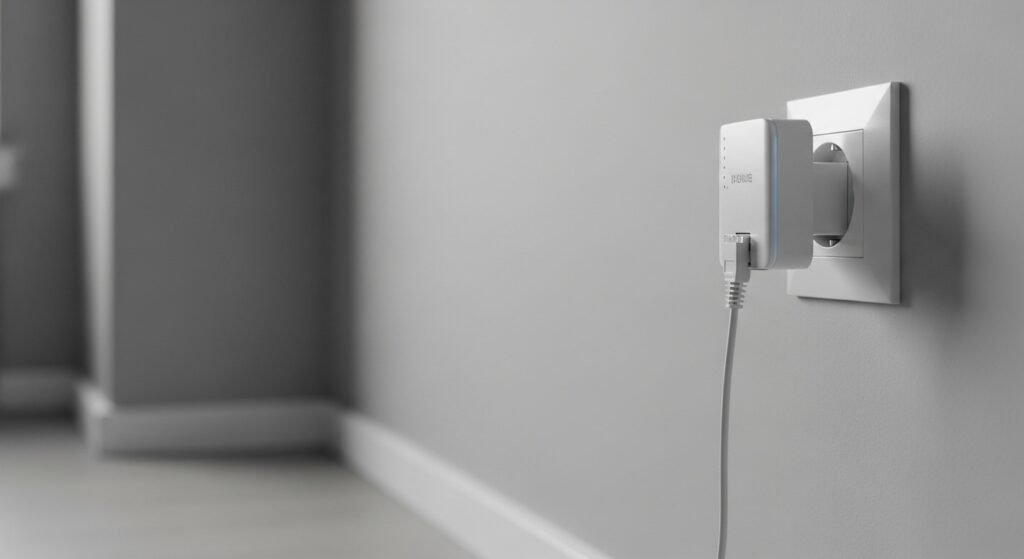
Powerline networking sends data through existing electrical wiring. A pair of adapters links a router and gaming device using wall sockets. Latency stays lower than standard Wi Fi during peak hours. Many modern units support speeds above 1000 Mbps under suitable wiring conditions. Performance depends on electrical circuit quality and distance.
MoCA adapters using coaxial outlets
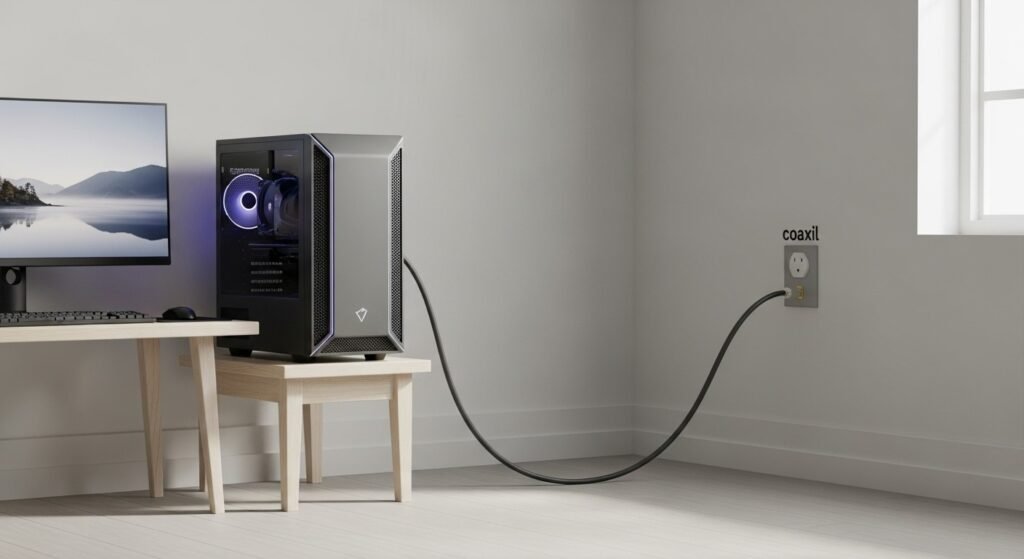
MoCA technology uses coaxial TV cables already installed in many homes. Adapters connect near a router and near a gaming system. This approach delivers low latency and high consistency. Speeds often reach 2.5 Gbps on supported hardware. Homes with cable TV wiring gain strong results without opening walls.
Mesh systems with wired backhaul alternatives
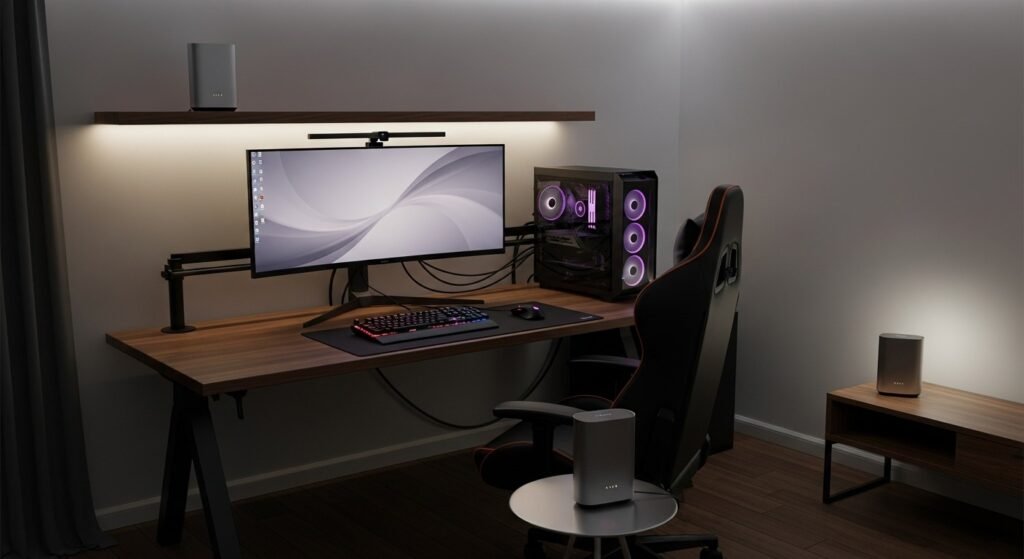
Some mesh systems support powerline or coax backhaul between nodes. This setup reduces wireless hops between access points. Gamers gain steadier connections across rooms. Latency stays closer to Ethernet than standard mesh Wi Fi. Placement and hardware compatibility affect overall performance.
USB to Ethernet through powerline bridges
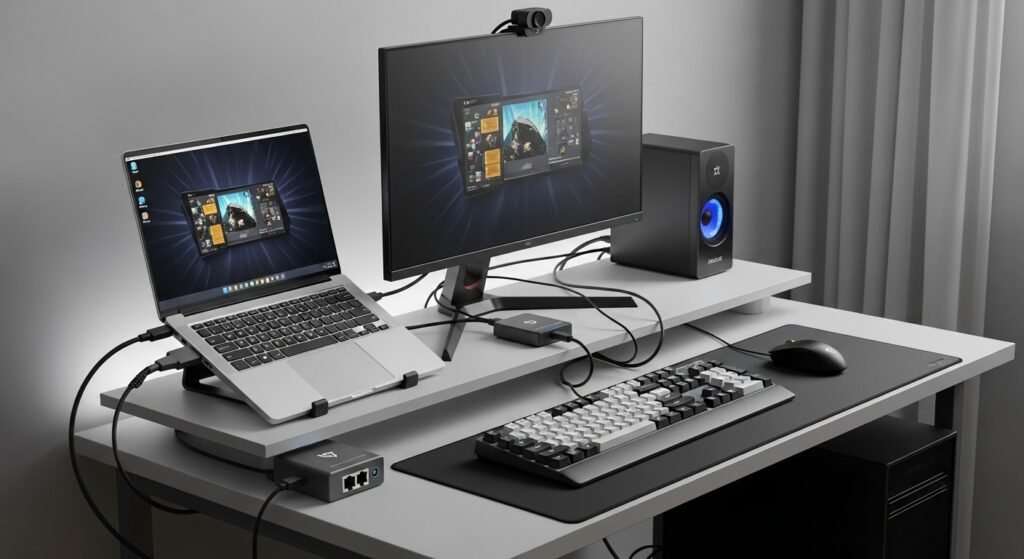
A compact setup uses powerline adapters combined with USB to Ethernet dongles. Laptops and consoles without Ethernet ports benefit from this method. The connection avoids Wi Fi interference from nearby devices. This option suits rented spaces where permanent changes stay restricted.
Latency comparison for online gaming

Ethernet averages 1 to 2 milliseconds inside a home network. Powerline averages 3 to 8 milliseconds depending on wiring. MoCA averages 2 to 4 milliseconds in most cases. Standard Wi Fi often exceeds 10 milliseconds during congestion. Lower latency supports smoother competitive play.
Stability during peak household usage
Streaming, video calls, and smart devices strain Wi Fi networks. Powerline and MoCA avoid airwave congestion. Packet loss stays lower during busy hours. Gamers experience fewer lag spikes during evening sessions. Consistency matters more than raw speed for online matches.
Installation time and skill level
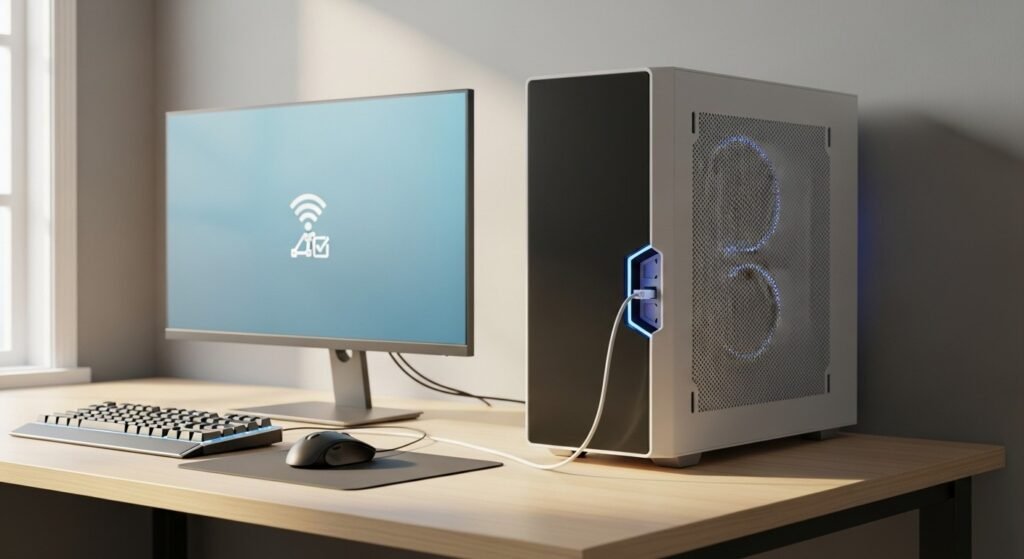
Powerline setup requires minutes and no tools. MoCA setup needs access to coax outlets and splitters. Mesh backhaul setups require basic app configuration. None require wall drilling or professional installation. This simplicity suits apartments and shared homes.
Security considerations for wired alternatives
Powerline adapters use encryption to protect data across circuits. MoCA networks remain isolated within a home coax system. These methods reduce exposure compared with open Wi Fi signals. Proper configuration ensures secure gameplay and account protection.
Cost comparison against new Ethernet runs
Professional Ethernet installation costs hundreds in many regions. Powerline kits start at modest prices. MoCA adapters cost more yet deliver near Ethernet performance. Mesh systems fall between depending on features. Budget planning depends on performance goals.
Choosing the right option for gaming style
Competitive shooters benefit from MoCA or powerline due to low latency. Casual gaming works well on mesh backhaul setups. Console gamers gain flexibility with adapter based solutions. Home layout and existing wiring guide final selection.