
USB C ports are the same in laptops, consoles, monitors, and game peripherals. Performance varies widely. Speed, power, and the display support are represented by symbols close to a port or printed on a cable. Failure to pay attention to them results in the slow process of the charging, low refresh rates, or unstable connections in the course of playing. Knowing the symbols can help to have the game run without any difficulties, have consistent power supply, and use the high performance peripherals correctly.
Thunderbolt Symbol
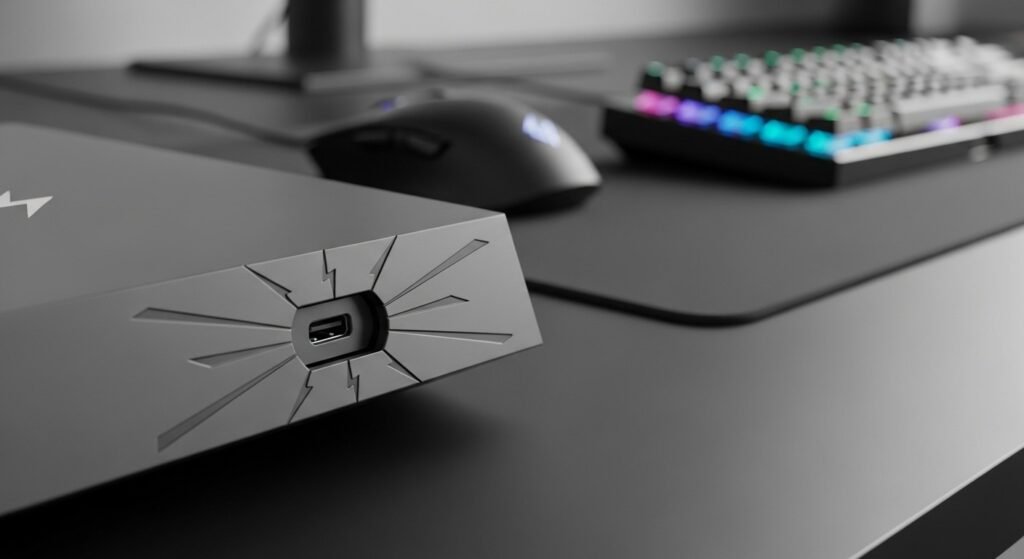
Thunderbolt is indicated by lightning icon. Thunderbolt supports data transfer rates of up to 40 Gbps and external graphic cards, high-speed storage, and high-resolution displays. With this port, competitive gaming systems have the advantage of lower latency when external docks or capture devices are used.
USB 20 or USB Symbol Only
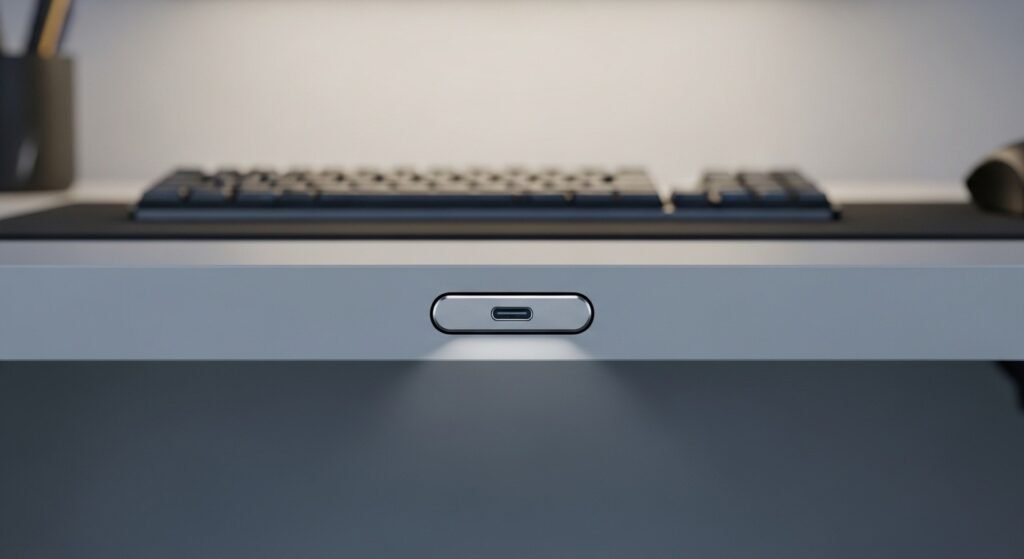
A plain USB trident without numbers indicates basic USB data support. Data speed stays limited to older standards. Controllers and keyboards function fine. High speed SSDs or capture cards experience bottlenecks through this port during gameplay recording or streaming.
USB 10 or USB 20 Gbps Marking
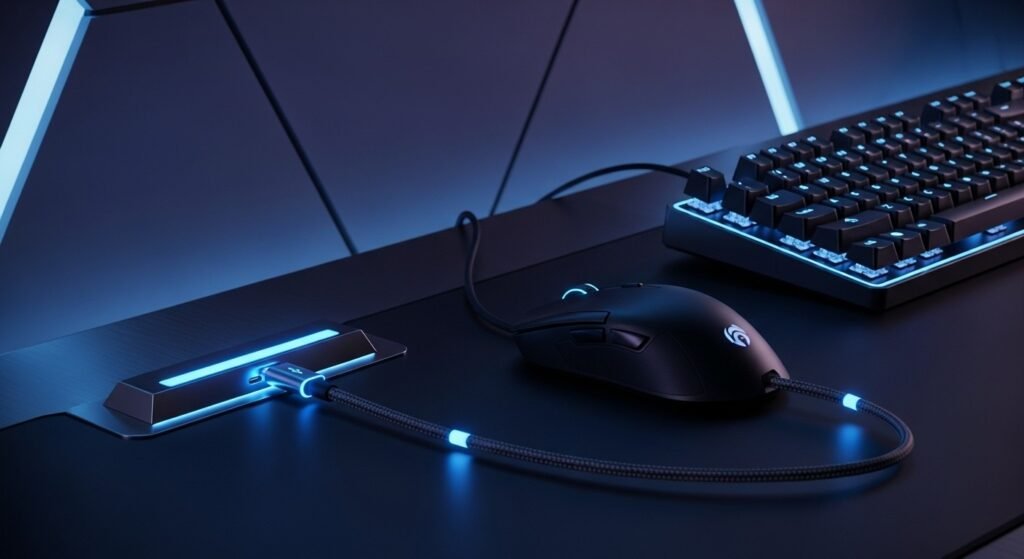
An integer close to the USB symbol represents the highest data speed. USB 10 Gbps or 20 Gbps are external game library-friendly and fast file transfer. The load times are reduced when the external drives are connected by means of higher speed marking ports.
DisplayPort Symbol
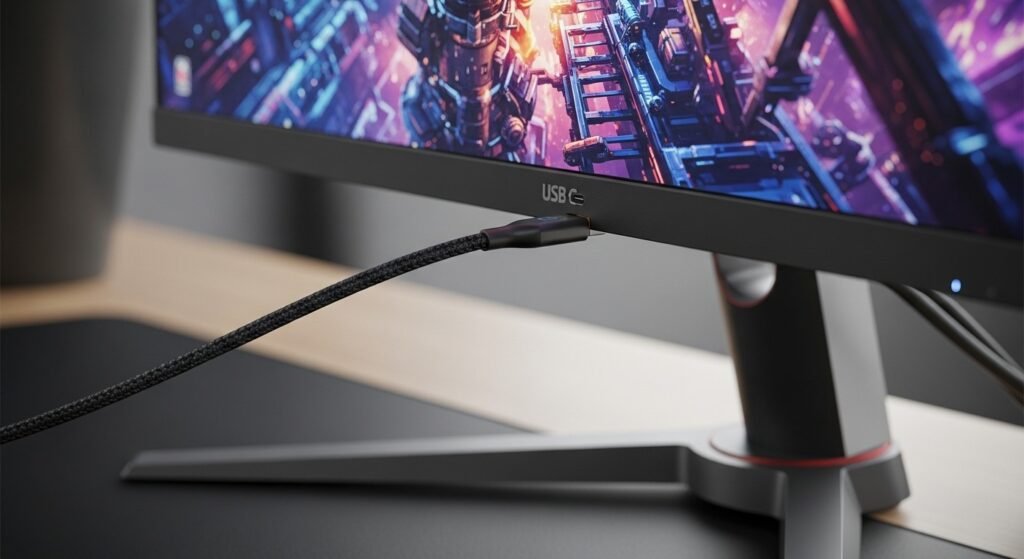
The DP icon confirms video output support through USB C. Gaming monitors rely on this symbol for high refresh rates and adaptive sync. Without this marking, a USB C port fails to drive external displays even when cable shape matches.
HDMI Symbol
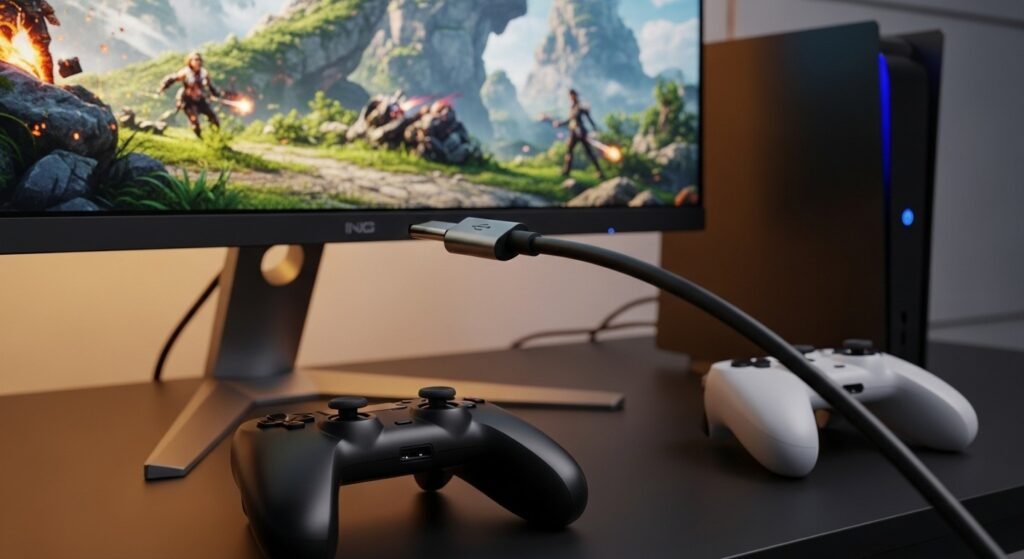
Some USB C ports include HDMI output support. This symbol suits console style gaming on TVs. Resolution and refresh rate depend on HDMI version. Absence of this symbol signals no direct display output through USB C.
Power Delivery Symbol
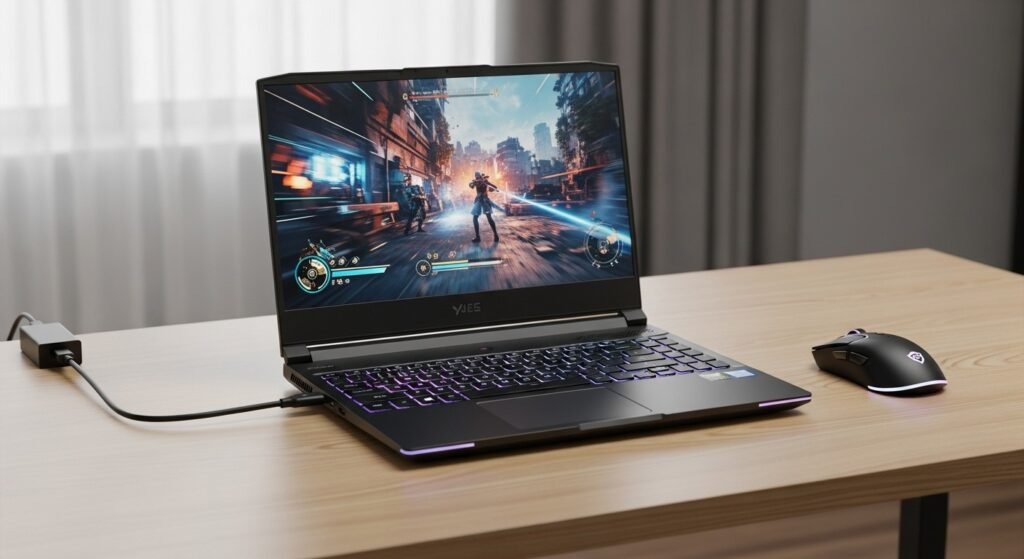
A battery or PD marking indicates charging support. Wattage varies by device. Gaming laptops require higher wattage for full performance. Using a low power port throttles CPU and GPU output during demanding sessions.
Charging Only Symbol

A battery icon without data markings signals charging only. Data transfer fails through such ports. Game controllers charge fine. External drives or headsets remain inactive when connected to this type of port.
Cable Speed Markings
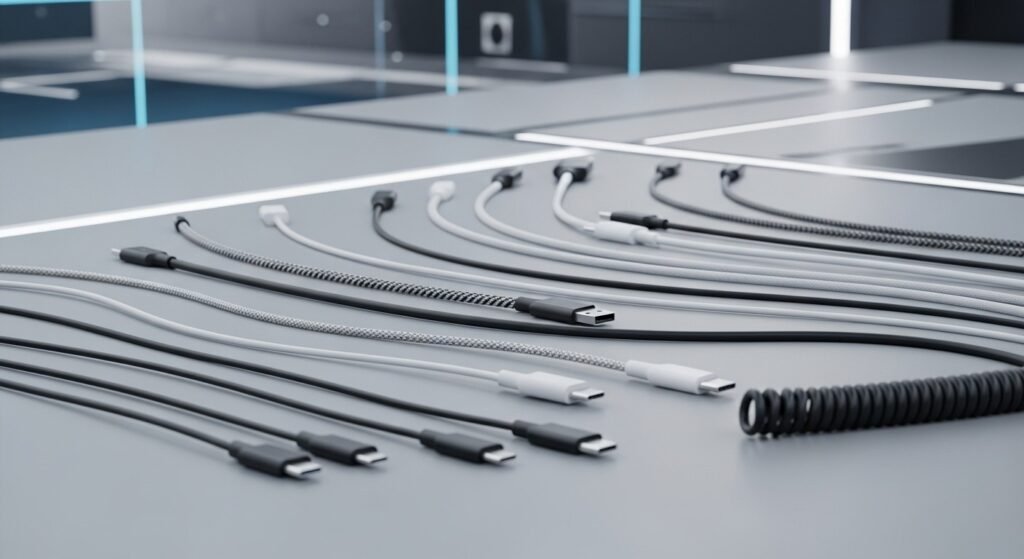
Cables display symbols similar to ports. A Thunderbolt cable differs from a basic USB C cable. Gaming accessories suffer performance loss when paired with low speed cables even when ports support higher standards.
Alt Mode Text
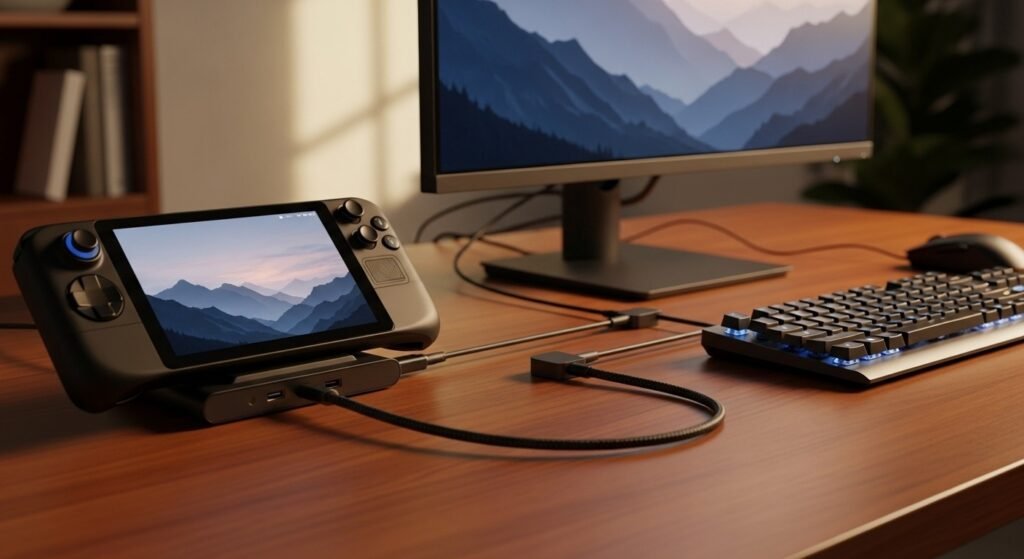
Alt Mode text confirms alternate functions like DisplayPort over USB C. Gaming handheld docks rely on this feature for external displays. Without Alt Mode, docking stations fail to output video despite proper cabling.
Why Symbols Matter for Gamers
Each symbol prevents mismatched connections. Competitive players depend on stable refresh rates, fast storage access, and consistent power delivery. Recognizing USB C markings avoids trial and error and protects gaming hardware from underperformance during long sessions.