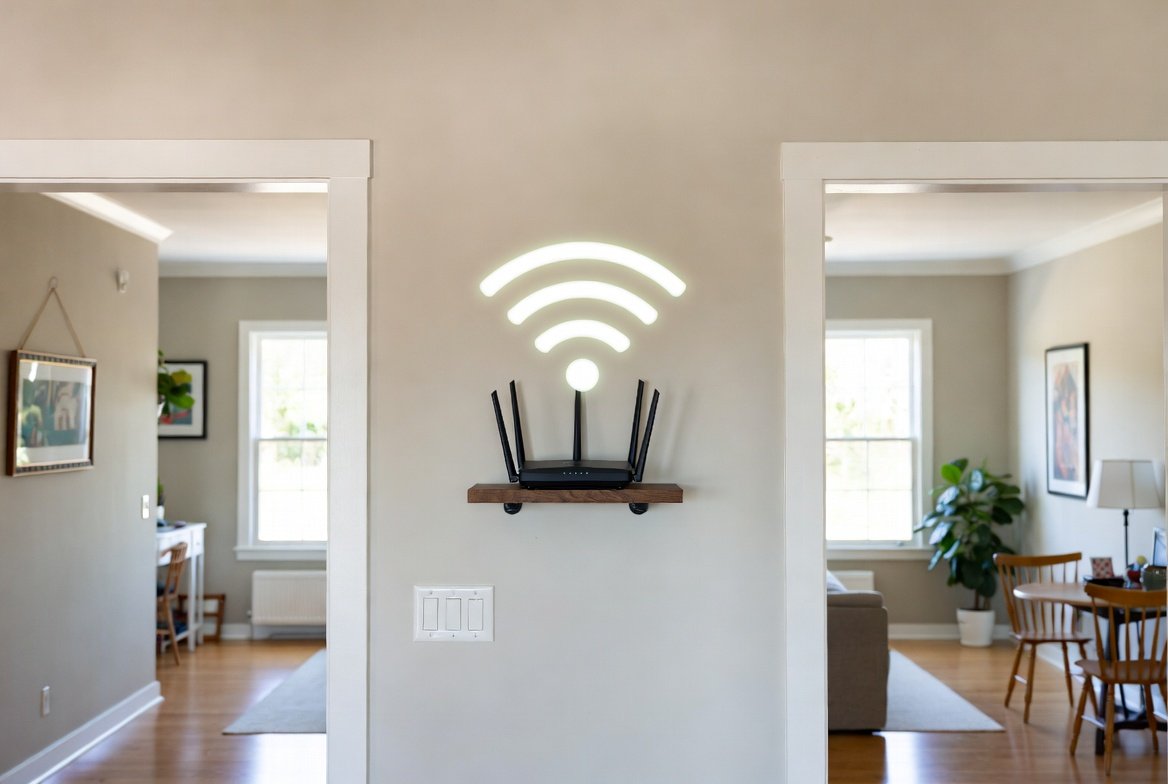
The Wi-Fi buffering problem in your bedroom occurs because people experience physical limitations when they use high-speed internet. Wi-Fi signals travel in radio waves which behave like sound waves because they get absorbed and reflected and blocked by objects in the surrounding environment. Moving your router just a few feet can be the difference between a frustrating “dead zone” and a seamless 4K stream.
The “Lightbulb” Rule
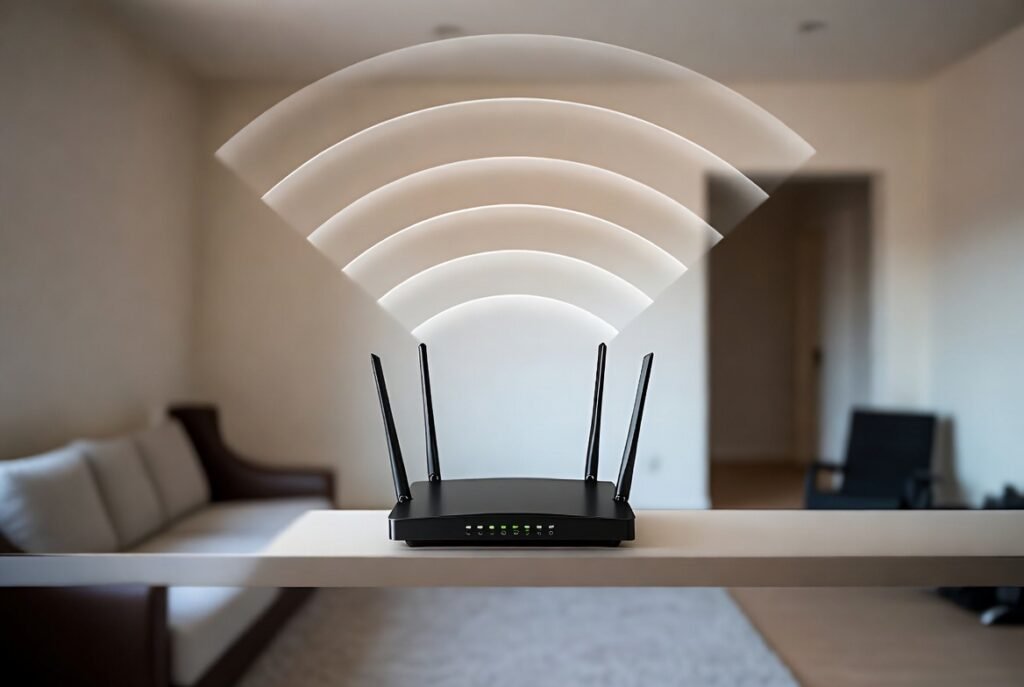
Think of your router like a bright lightbulb and you definitely wouldn’t place the bulb on the floor to light up the entire house. You want it in the most open central space possible so the “light” (signal) can reach every room evenly.
Avoid the Floor at All Costs

The materials used to construct fiberglass and wood and especially concrete floors create a situation where they absorb Wi-Fi signals. Most routers broadcast their signal slightly downward which means that placing yours on the floor causes you to waste half of your internet into the ground.
Elevate for Success
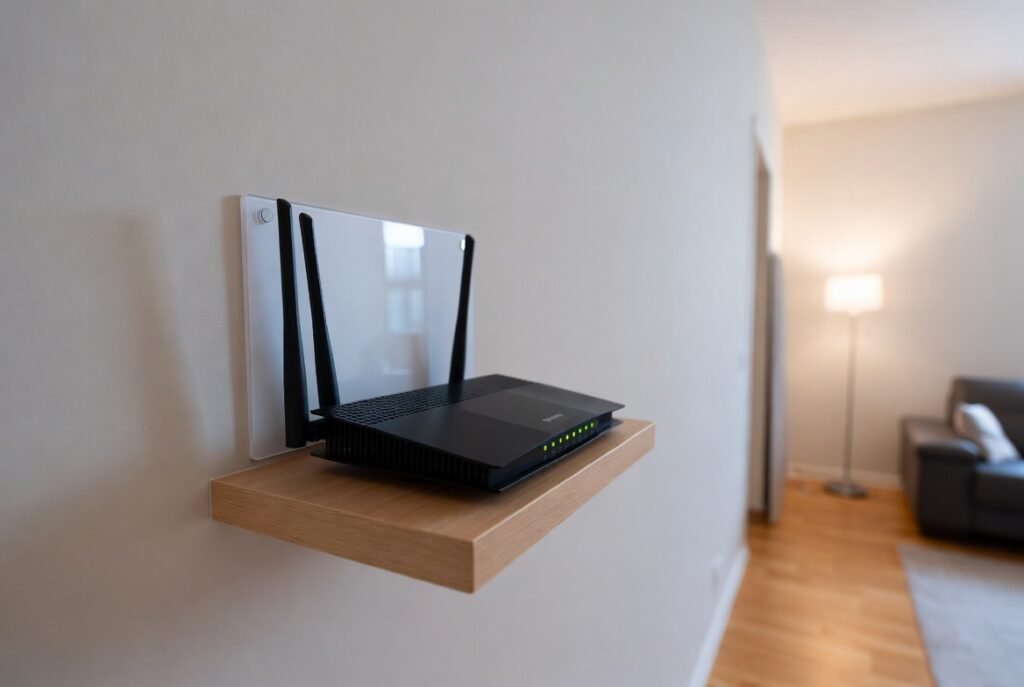
The sweet spot for a router is between 5 and 7 feet high—roughly eye level or on a high shelf. This space enables the signal to travel over obstacles because it eliminates all clutter that exists between sofas and chairs and tables.
Water is a Natural Blocker

Water creates a major obstacle which makes it impossible for Wi-Fi signals to pass through. A router placed close to a fish tank or fountain will experience signal loss because water absorbs radio waves which prevents their transmission to the other side.
Mirrors and Reflective Surfaces
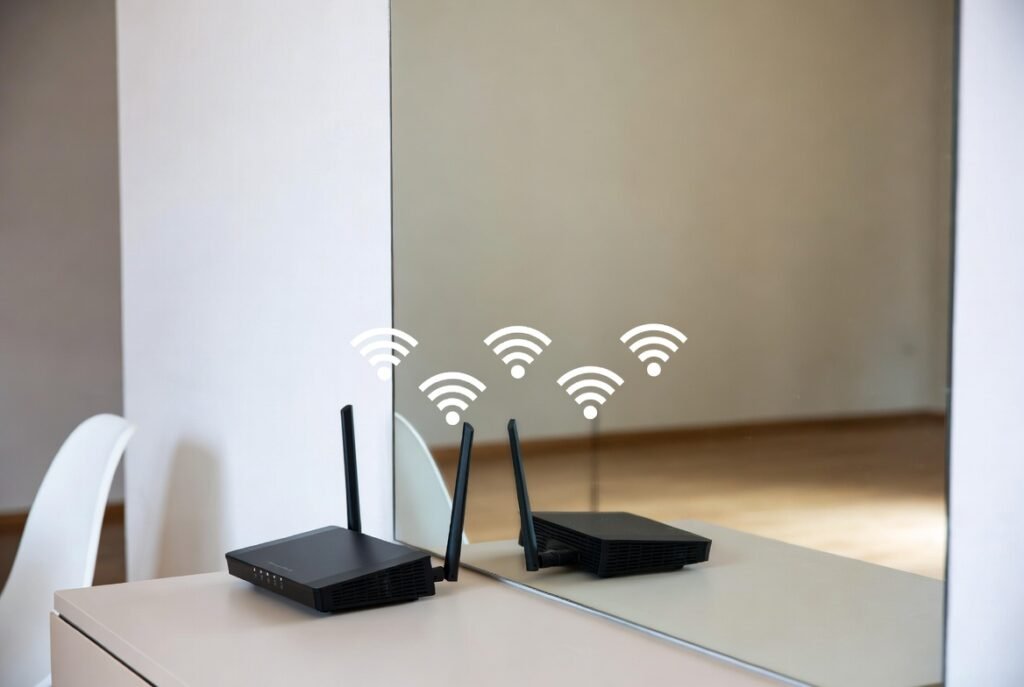
Mirrors consist of a glass surface which has been coated with a metallic backing layer. This design enables them to function as Wi-Fi signal shields because they reflect back all incoming Wi-Fi waves. A large mirror creates a situation where your router becomes digitally confined within multiple walls.
Concrete and Brick Walls
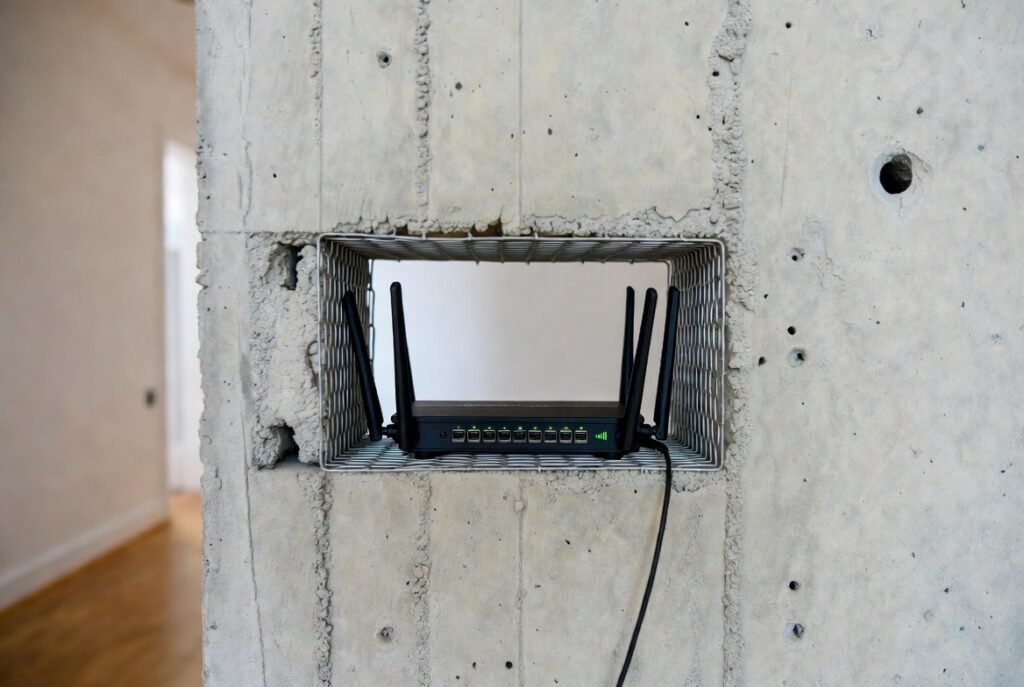
Thick masonry and concrete walls in your home create a situation where signals lose significant strength whenever they attempt to penetrate through wall material. The router should be positioned in a hallway or at an open doorway entrance to create a direct path for the signal to all other areas of the house.
Distance is Your Enemy
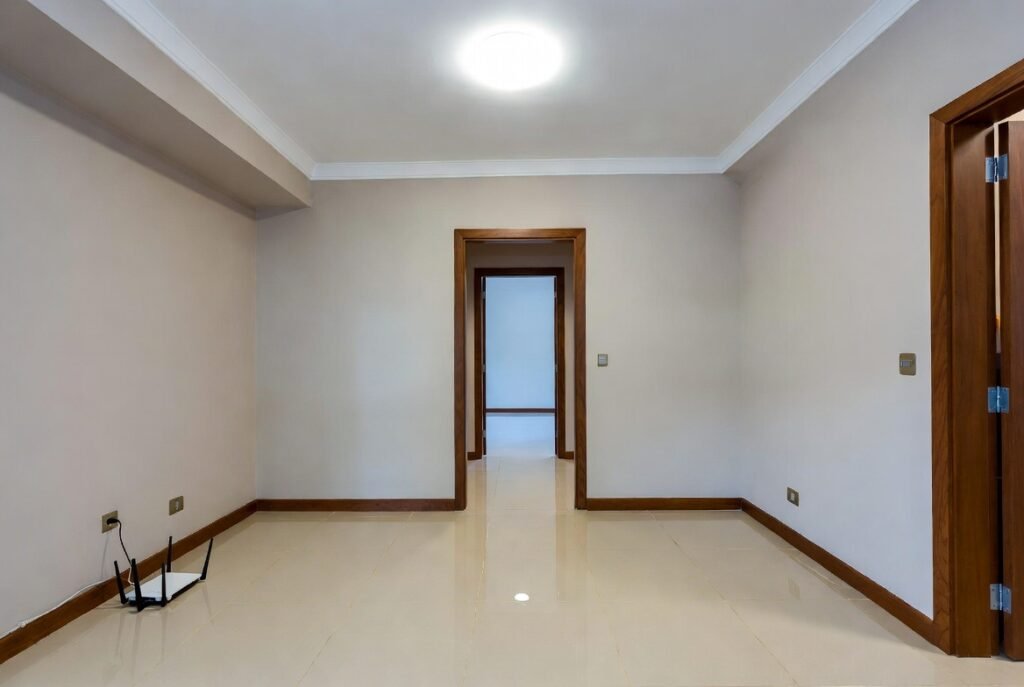
Wi-Fi signal strength decreases at a rapid pace because Wi-Fi signal strength decreases according to the “inverse-square law” which states that signals become weaker with each distance increase. The far corner of the house should not have a router because it will create a dead zone at the opposite side of the house.
Stay Away from Windows
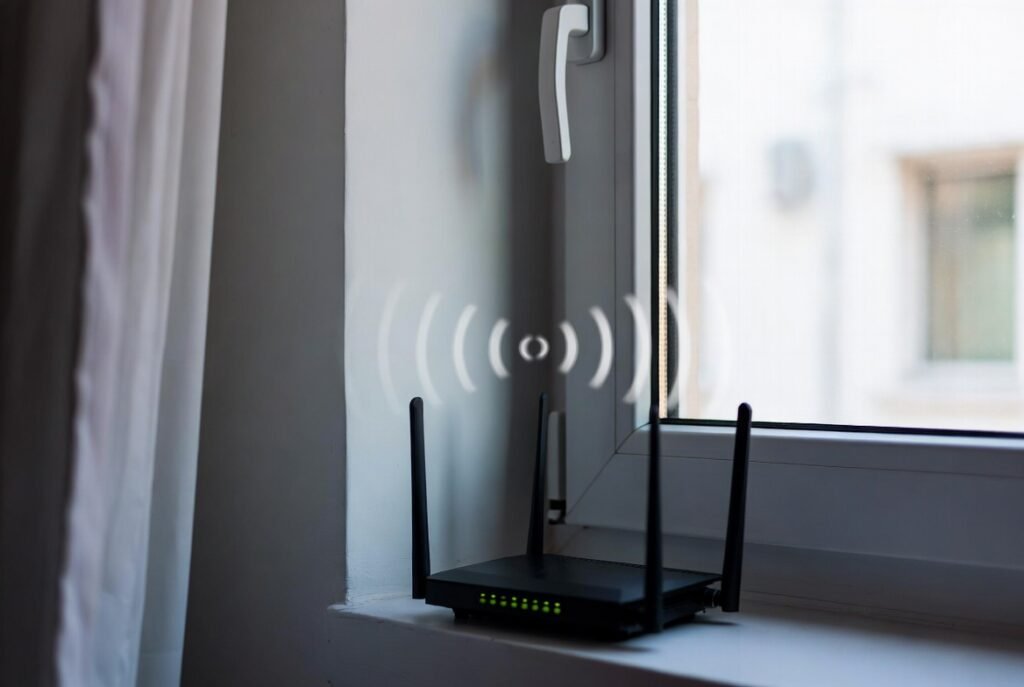
Glass materials permit Wi-Fi signals to pass through but window placement creates a situation where your signal escapes outside through the window. You should keep the item away from exterior walls because you want to direct the signal toward your main living spaces.
Clear the “Invisible” Noise
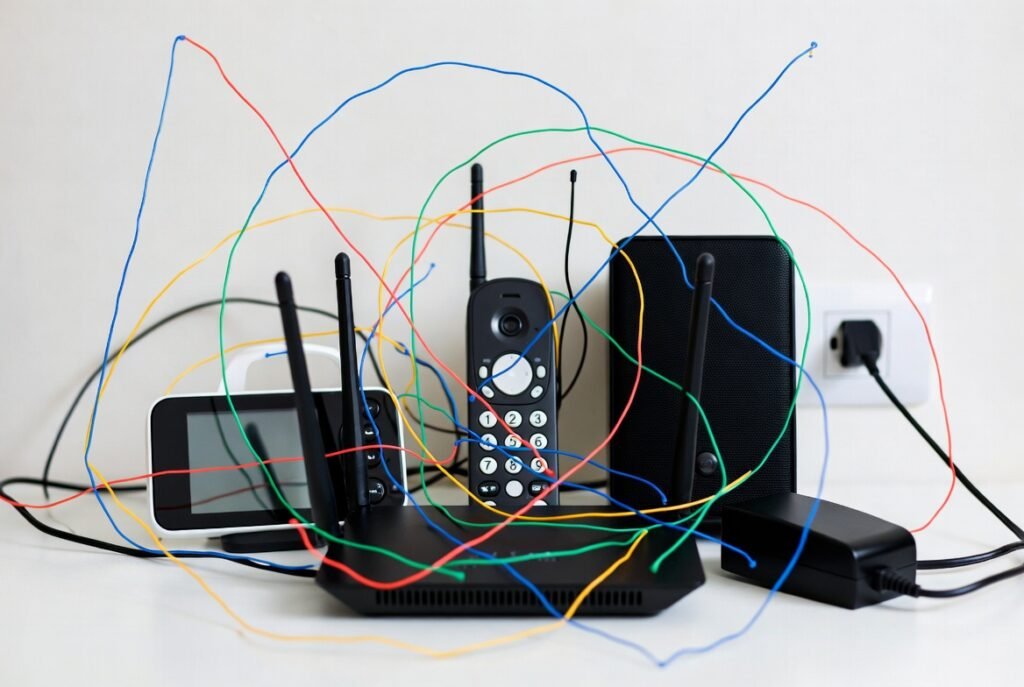
Baby monitors and cordless phones along with Bluetooth speakers create a situation where their electronics use the same electromagnetic waves as your Wi-Fi connection. The background noise will decrease your internet speeds when you place the router less than 3 feet from other electronic devices.
Position the Antennas Correctly
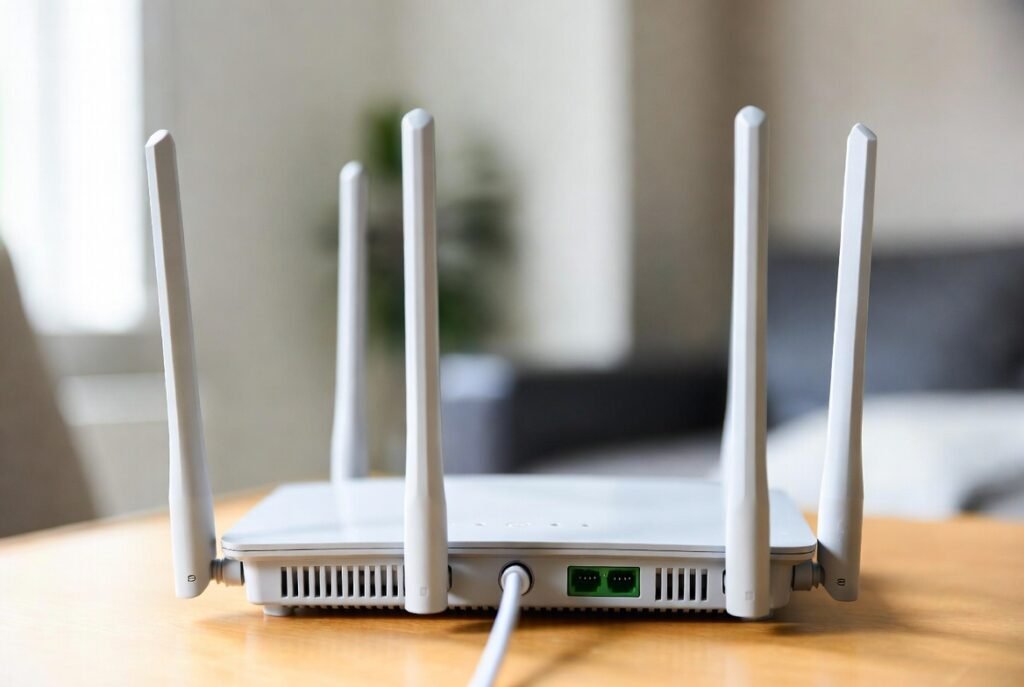
Your router’s external antennas should not all face the same direction according to the recommended installation procedure. The antennas should remain upright in a vertical position for use in single-story buildings. The multi-story home needs one antenna to be tilted horizontally because it helps the signal go through ceilings and floors.