

The presence of quick internet access becomes useless when your home WiFi system creates obstacles that prevent proper signal distribution to your devices. People who spend money on premium data plans experience internet outages because they use incorrect methods for installing their routers. The majority of problems occur because users make mistakes which they can resolve through quick fixes.
The “Floor is Lava” Mistake

People make a critical mistake when they position their router on the ground. Wi-Fi signals propagate downwards while they spread in all directions. The floor absorbs most of the router’s signal when it operates from ground level. You should place your router on a shelf or wall-mounted position which reaches at least five feet above the ground to improve your space’s signal distribution.
Hiding the Router in a Cabinet

People often choose to conceal their routers within TV consoles or closets because routers lack aesthetic appeal. Wireless signals experience degradation because walls and wooden doors serve as obstacles which block their transmission path. The router achieves maximum performance when it can achieve direct visual connection with all parts of your home.
Keeping the Antennas “Pretty”

The router requires you to position external antennas in different directions instead of directing all of them to the same point. You should position one antenna vertically while you place the other horizontally so that your signal can reach every area of your building. The system uses this method to broadcast radio waves on both vertical and horizontal paths.
Overlooking the “Reboot”

The router functions as a small computer which becomes overloaded with data after operating for extended periods. The device requires a 30-second power cycle which includes unplugging and plugging it back to function as a cache clearing method that makes the router choose its least used data channel.
The Neighbor Interference

Apartment residents face Wi-Fi signal interference because their neighbors share the same wireless paths. Your router allows you to select a channel which has less Wi-Fi traffic in its configuration settings. The majority of routers provide an “Auto” function which automatically selects the optimal channel but users should perform manual refreshing to identify cleaner pathways.
Ignoring Firmware Updates

Manufacturers issue software updates on a regular basis to enhance product performance through speed enhancements and security enhancements. Users who have not accessed their router’s admin panel within the past year will have outdated router software which lacks compatibility with modern hardware requirements.
Too Many “Ghost” Devices

Every smart bulb, old tablet, and guest phone connected to your Wi-Fi takes a tiny “slice” of the bandwidth. The verification process for your connected devices should be conducted regularly to identify and remove devices which are no longer in use to generate extra bandwidth capacity for your primary devices.
Placing it in the Corner of the House

Wi-Fi signals travel in a circular pattern which resembles the way ripples expand outward from a pond and your signal gets reduced by 50% when you place your router in a corner or basement because it sends half its output to the street. The most efficient method to remove dead zones from your space requires you to position the router at a central point.
Using an Ancient Router
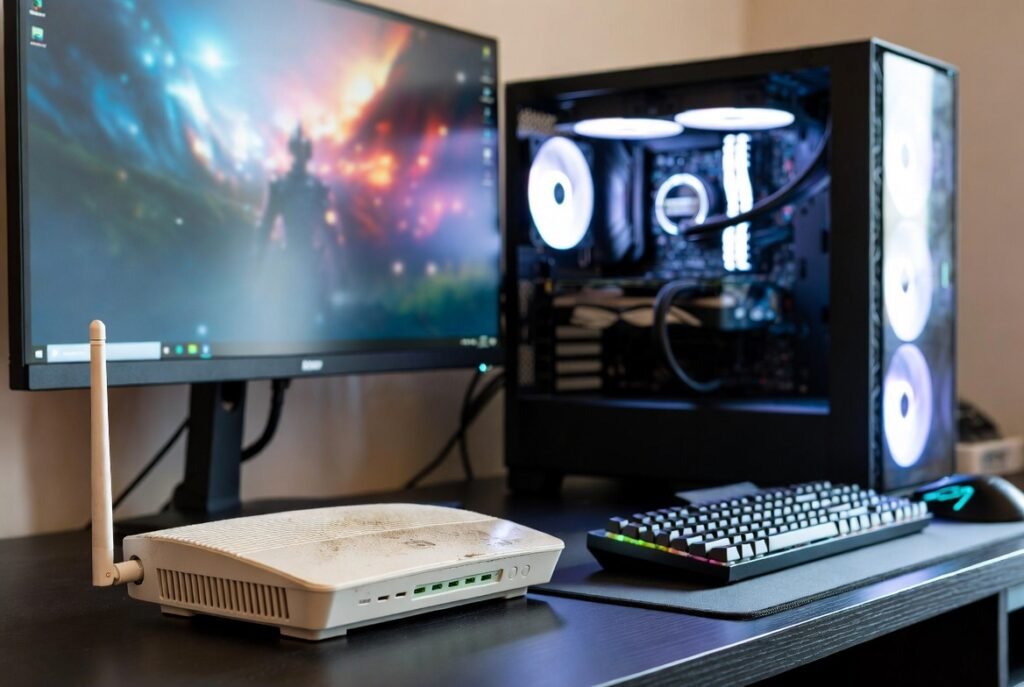
Your router needs replacement after five years because it no longer supports contemporary Wi-Fi 6 standards. Your internet connection speed encounters limitations from your outdated router which restricts all data transmission to 1990s speed levels despite your plan offering high-speed internet service.


