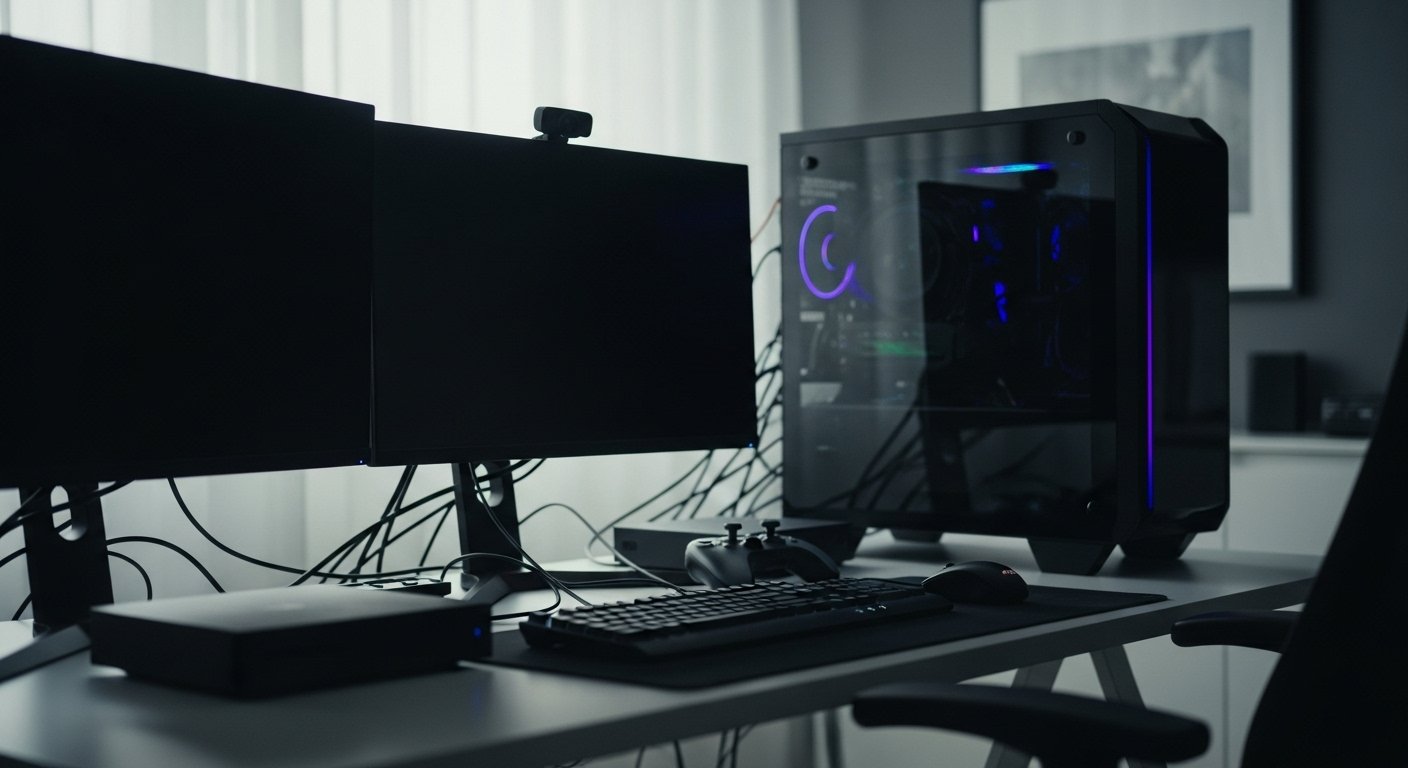
Power cuts create sudden voltage swings once electricity returns. Such spikes damage sensitive gaming hardware, routers, and displays within seconds. A planned shutdown order reduces risk and avoids costly repairs. Gamers rely on stable power delivery due to high performance components and constant network use. The following guidance explains a clear shutdown sequence focused on gaming setups and home electronics. Each step prioritizes protection, data safety, and fast recovery once electricity resumes.
Gaming PC or Console Power Supply
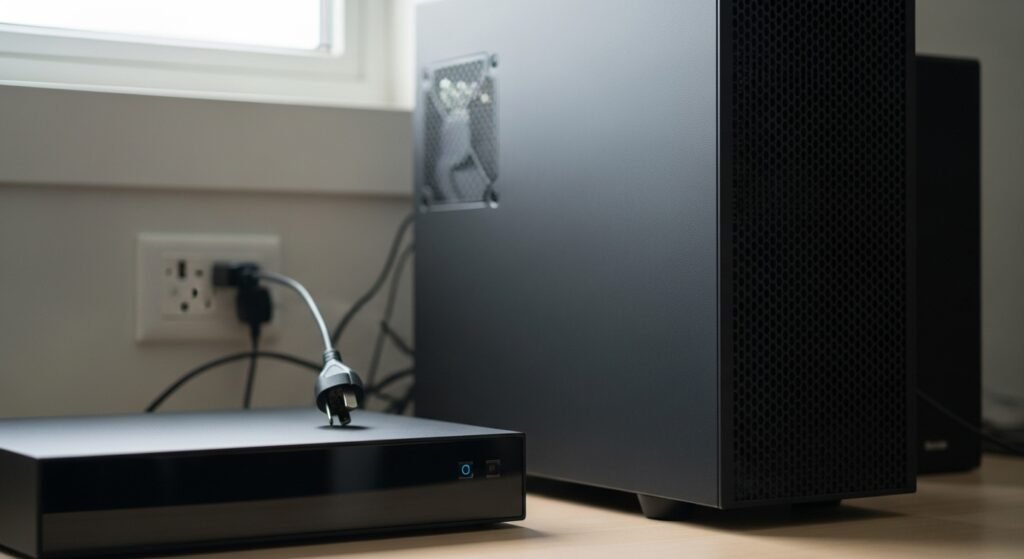
Disconnect gaming PCs or consoles at the wall socket before any other step. Power supplies hold residual charge and attract surge damage during restoration. High wattage units used for graphics cards face higher exposure. Removing power input blocks unstable current flow and preserves internal regulators and capacitors.
Monitors and High Refresh Displays

Switch off monitors immediately after gaming systems. Display control boards and backlights fail under irregular voltage. High refresh panels use tight tolerances and draw constant current. Wall disconnection prevents flicker damage, panel burn faults, and controller board failure once grid power returns.
Routers and Modems
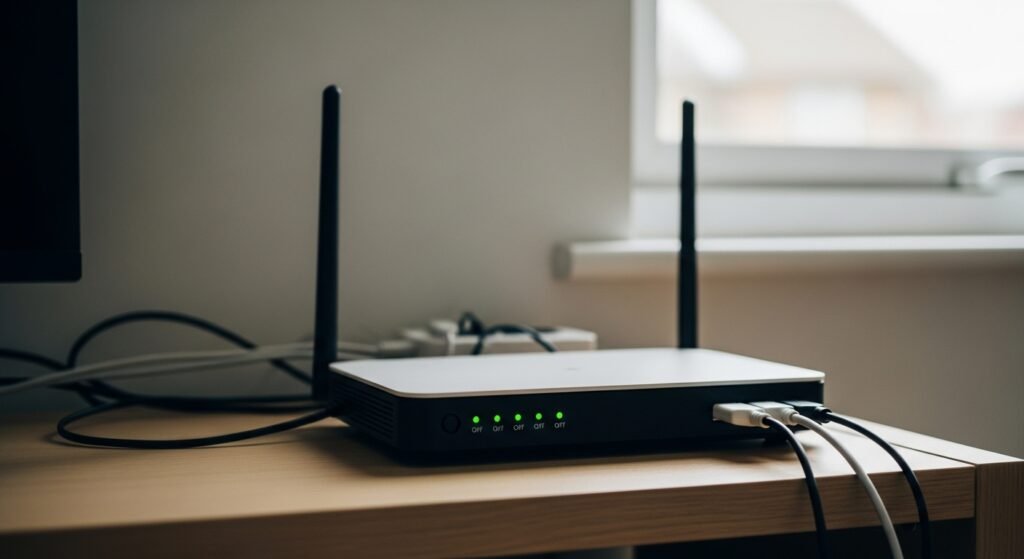
Turn off routers and modems early in the sequence. Network hardware runs continuously and often reconnects automatically during unstable power return. Surge exposure corrupts firmware or weakens ports. Manual shutdown protects online access hardware required for multiplayer sessions and digital downloads.
External Storage and Capture Devices
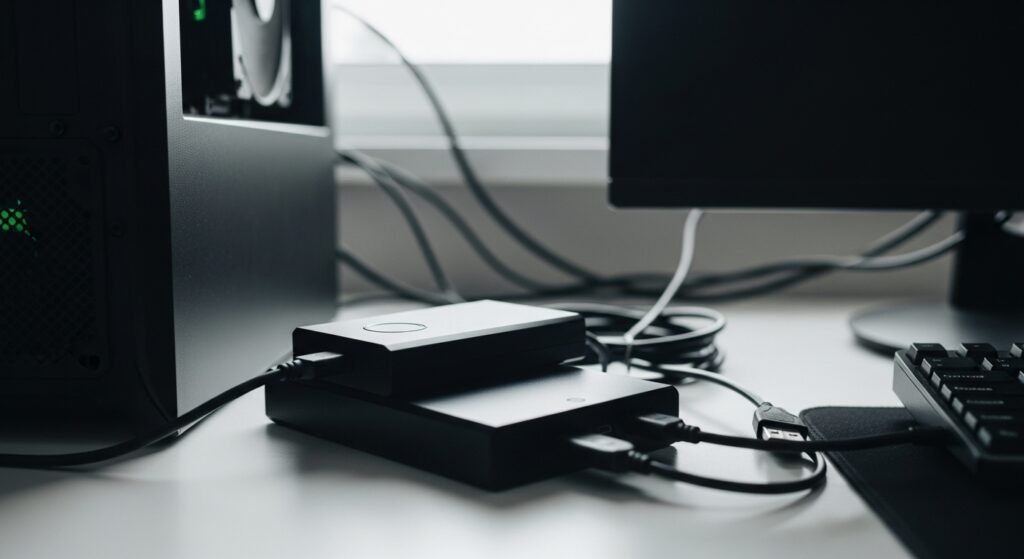
Shut down external drives, capture cards, and USB hubs next. Active data transfer during outages leads to file corruption. Streamers and content creators rely on such devices for recordings and backups. Removing power and cables preserves stored footage, save files, and configuration data.
Surge Protectors and Power Strips
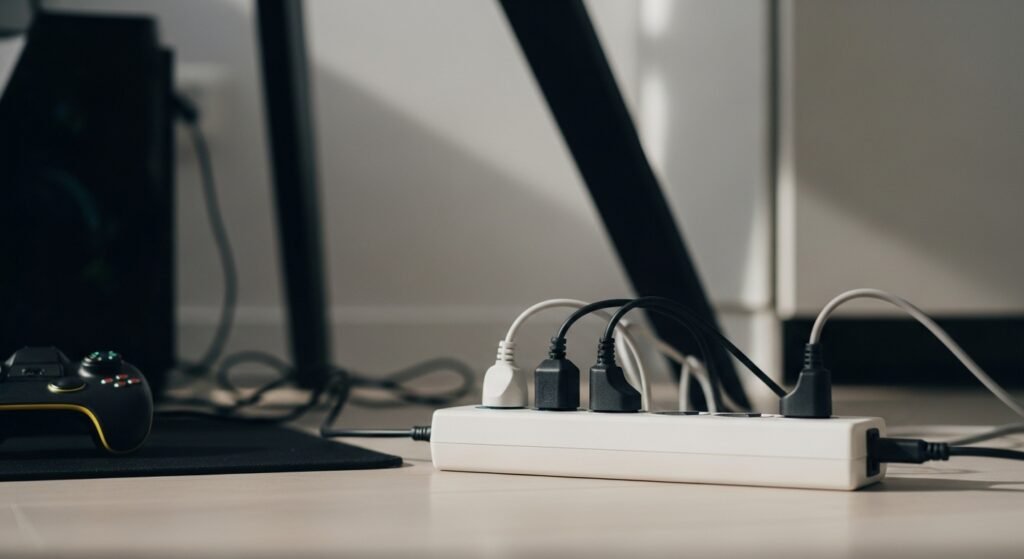
Switch off surge protectors after connected devices power down. Protection circuits degrade after repeated surge exposure. Leaving strips active allows voltage spikes through weakened components. Powering strips off limits internal heat stress and extends protective lifespan for future outages.
Televisions Used for Console Gaming
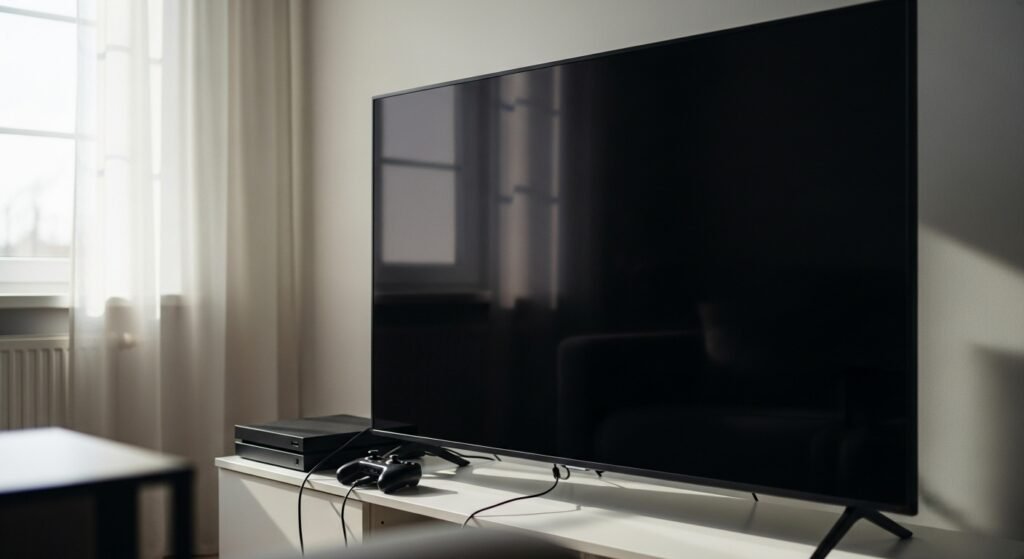
Power off televisions linked to consoles before unplugging wall power. Smart televisions include processors and memory modules vulnerable to unstable voltage. Gaming modes increase power draw and heat. Disconnection prevents board damage and pixel driver faults during restoration.
Audio Systems and Gaming Headsets
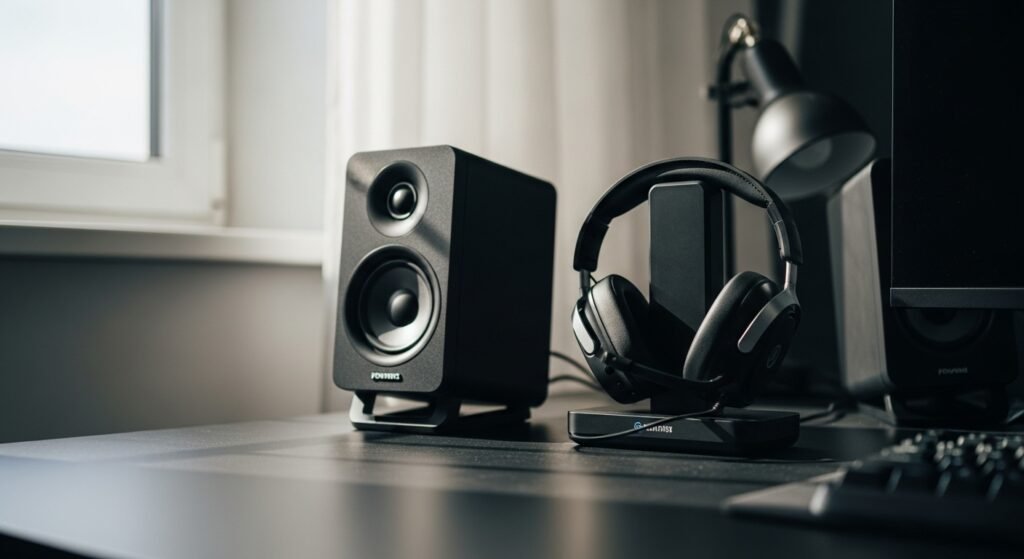
Turn off powered speakers, subwoofers, and wireless headset bases. Audio amplifiers react poorly to sudden current changes. Small internal transformers overheat under surge conditions. Proper shutdown avoids distortion issues and charging circuit damage within headset docks.
Charging Stations and Controllers
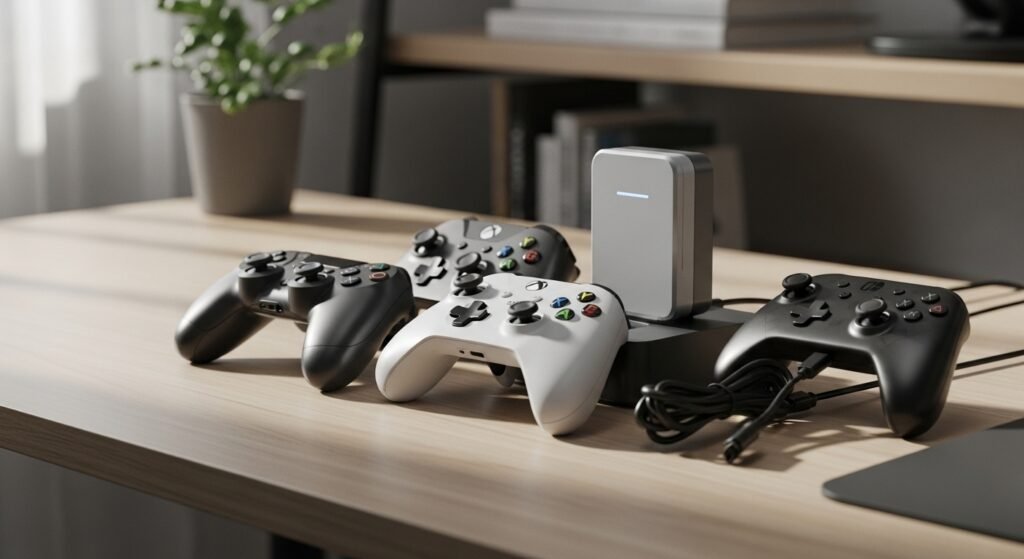
Disconnect charging docks for controllers, handhelds, and accessories. Lithium charging circuits suffer under inconsistent current. Overvoltage weakens battery lifespan and charging accuracy. Removing power protects accessories essential for gameplay and reduces replacement frequency.
Lighting and RGB Controllers
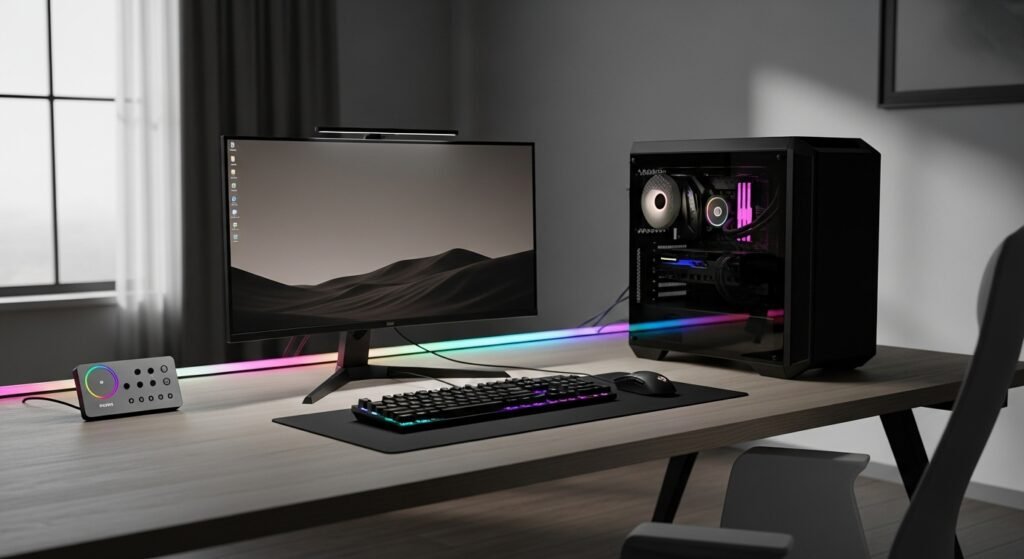
Switch off RGB controllers, LED strips, and ambient lighting systems. Such devices rely on low voltage drivers sensitive to spikes. Sync hubs connected to gaming software face firmware errors after abrupt restarts. Shutdown maintains lighting profiles and avoids controller replacement.
Main Circuit Breaker or Wall Sockets
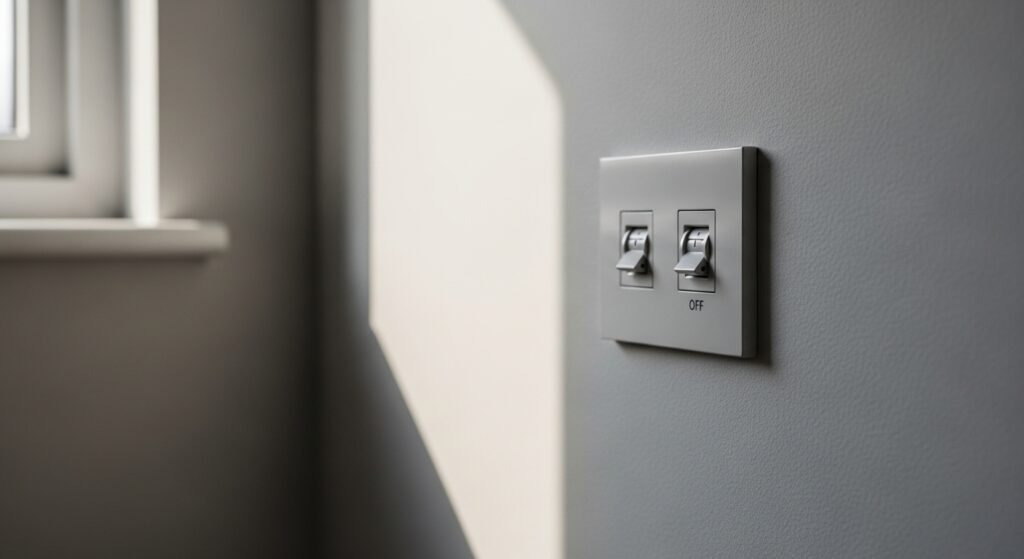
After device shutdown, turn off main sockets or circuit breakers serving gaming rooms. This final step isolates the entire setup from grid instability. Restoration becomes controlled and predictable. Gradual reactivation reduces stress on electronics and supports safe gaming system startup.