
Most Android phones contain a wide set of built in sensors beyond cameras and microphones. Many users interact with only a small portion of these components during daily use. Research from Android developer documentation shows more than ten active sensor types on common devices. This article outlines lesser known sensors and explains practical tasks where these components support daily actions without extra hardware or apps.
Barometer Sensor

The barometer measures air pressure changes. Weather apps often rely on online data, yet local pressure readings improve short term forecasts. Hikers and travelers use this sensor to detect altitude shifts during climbs. Fitness tracking apps use pressure changes to count floors climbed with higher accuracy than step tracking alone.
Ambient Light Sensor
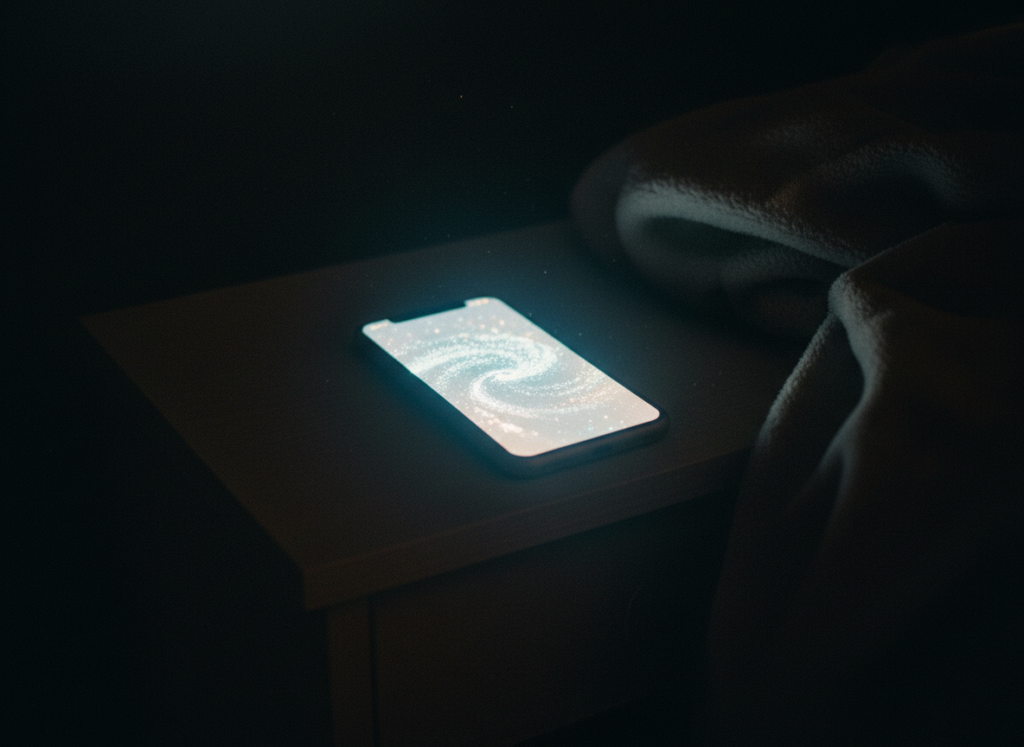
This sensor reads surrounding light levels in real time. Screen brightness adjustment depends on these readings to reduce eye strain. Battery studies show adaptive brightness based on ambient light reduces display power usage during indoor use. Smart automation tools link this sensor to trigger night mode without manual input.
Proximity Sensor

The proximity sensor detects objects close to the screen surface. Phone calls rely on this sensor to disable touch input near the face. Developers also use proximity data for pocket detection to prevent accidental taps. Gesture based controls near the screen use this sensor for touch free actions.
Accelerometer

The accelerometer tracks movement across three axes. Screen rotation relies on these measurements. Health apps use accelerometer data to estimate walking cadence and activity intensity. Motion based alarms and anti theft tools depend on sudden movement detection through this sensor.
Gyroscope

The gyroscope tracks rotational movement with higher precision than the accelerometer. Virtual reality apps rely on gyroscope data for head tracking. Camera stabilization systems use this sensor to reduce blur during handheld recording. Gaming controls also use rotational input for steering actions.
Magnetometer

This sensor measures magnetic field direction. Compass apps use magnetometer data for navigation alignment. Mapping apps combine magnetometer and GPS readings to orient maps during walking. Indoor navigation research uses magnetic field mapping for location estimates where satellite signals weaken.
Hall Effect Sensor
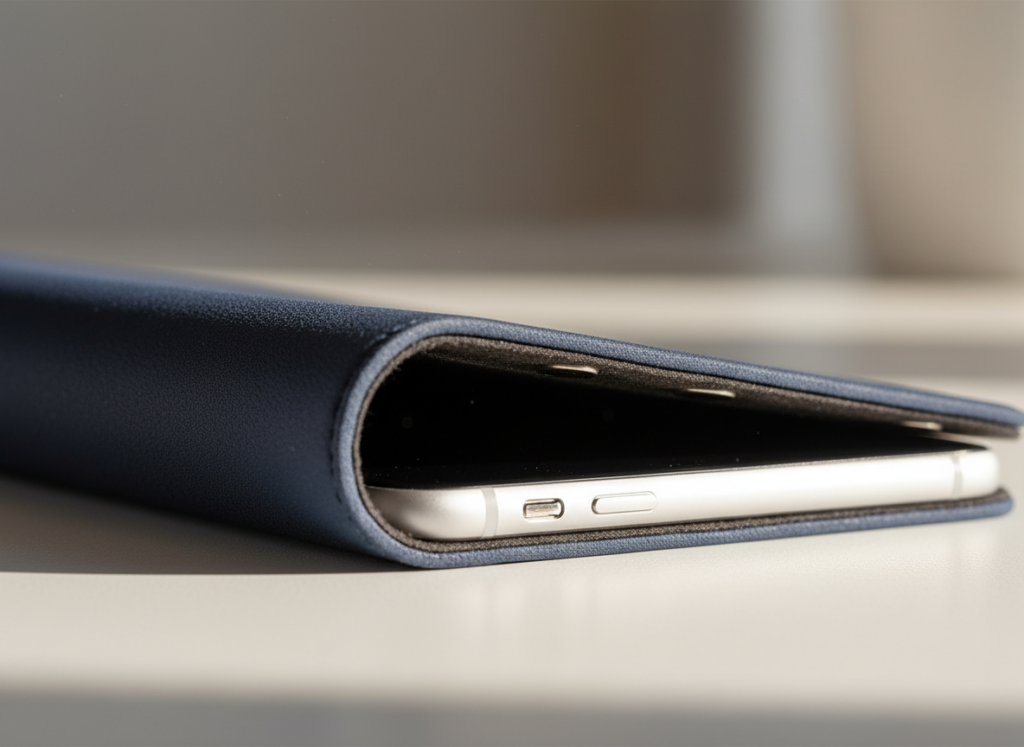
The Hall effect sensor detects magnetic presence. Phone covers with magnets trigger screen on and off behavior using this sensor. Foldable phones use similar principles to detect hinge positions. Accessory detection features rely on magnetic field changes recorded by this component.
Step Detector Sensor

This sensor counts steps using hardware level algorithms. Battery usage remains lower compared to software step tracking. Health apps rely on this sensor for daily movement goals. Data accuracy remains stable during varied walking speeds due to dedicated processing.
Heart Rate Sensor
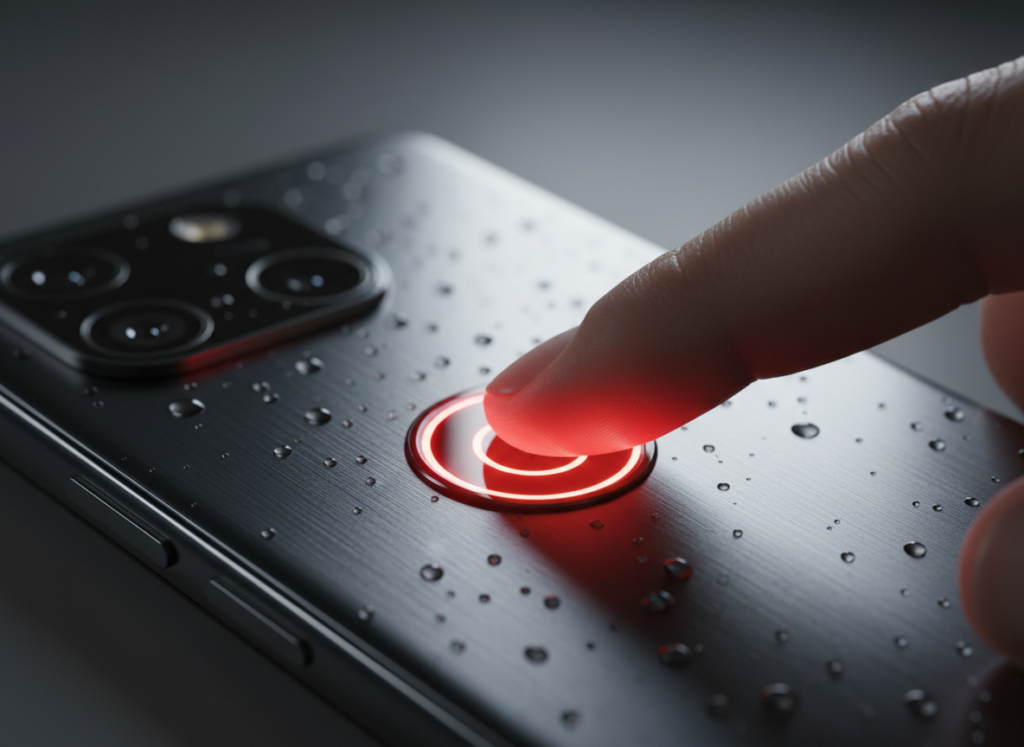
Some Android phones include optical heart rate sensors. These sensors track pulse through light reflection from skin. Health apps use readings for basic wellness monitoring. Accuracy improves during rest periods rather than high motion activity.
Fingerprint Sensor as Input
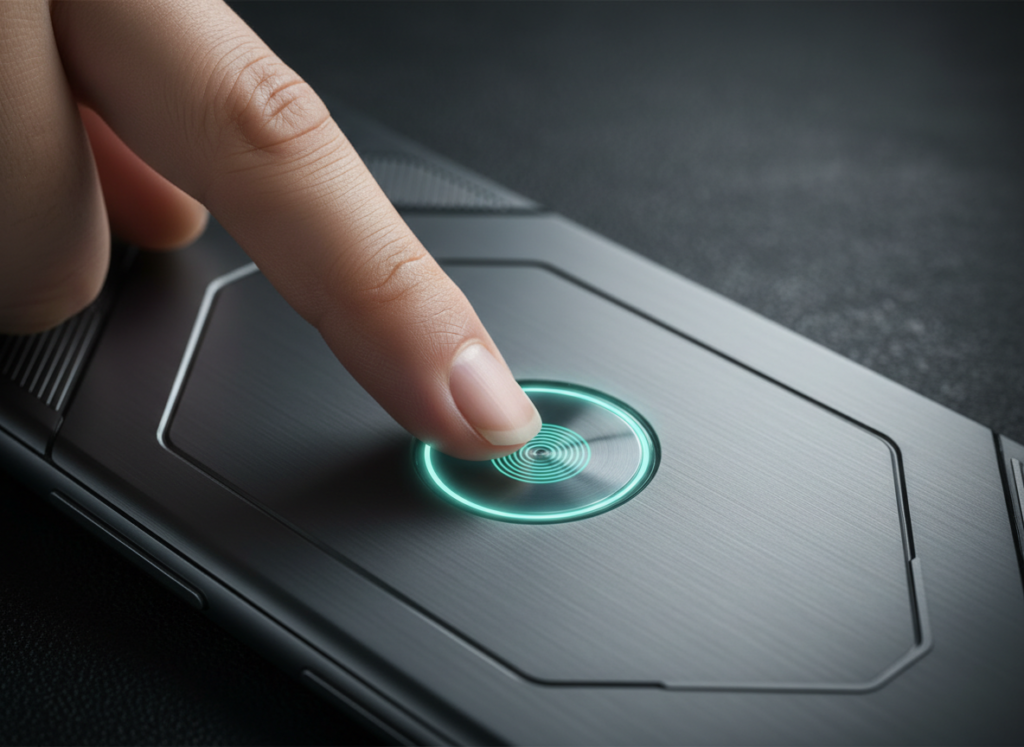
Fingerprint sensors support authentication and gesture input. Many devices allow swipe actions on the sensor for notifications or scrolling. This input method reduces screen interaction frequency. Accessibility tools use fingerprint gestures for one handed control during daily phone use.