Home routers function as the main security barrier which protects your entire digital existence according to cybersecurity specialists. The majority of people complete their internet setup process and never need to make changes except for one setting called Remote Management which should be disabled because it creates security vulnerabilities for hackers.
Update Your Router’s Firmware

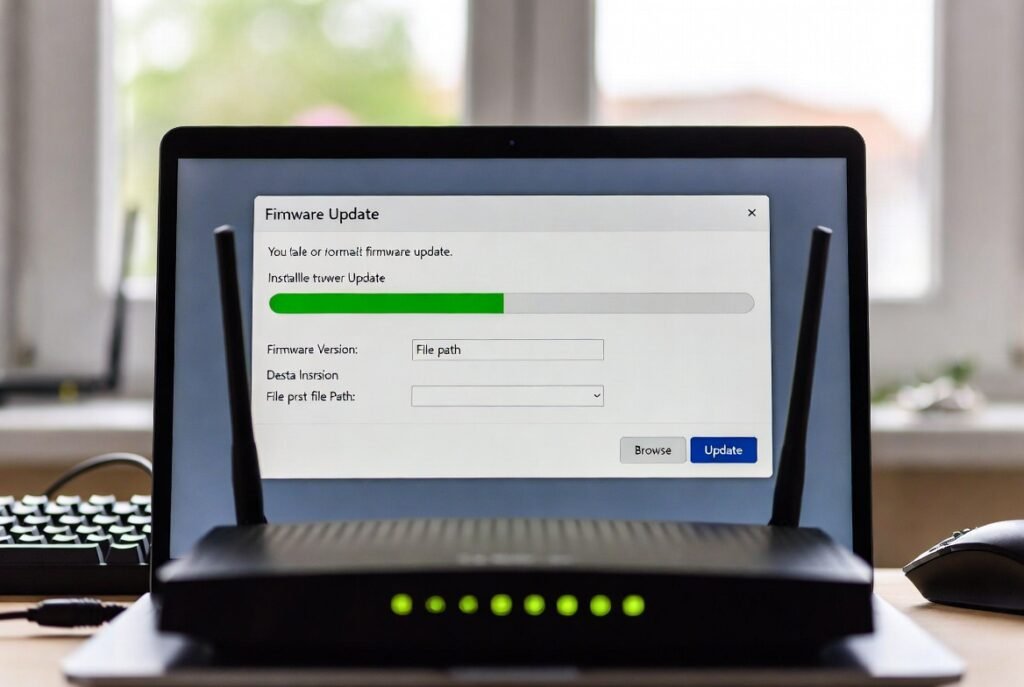
Manufacturers issue firmware updates which contain software patches that address security vulnerabilities exploited by hackers. Many routers fail to perform automatic updates unlike mobile devices and computers. If you have not checked for updates in three months then your router remains open to security threats which have been resolved in newer software versions.
Switch to WPA3 Encryption
Security standards evolve over time. Always select WPA3 as your preferred wireless security option whenever your router provides that choice. The alternative security method to use is WPA2-AES when WPA3 becomes inaccessible. The older security protocols of WEP and WPA have become so outdated that anyone with a basic laptop can break their passwords within several minutes.
Change the Default Admin Credentials
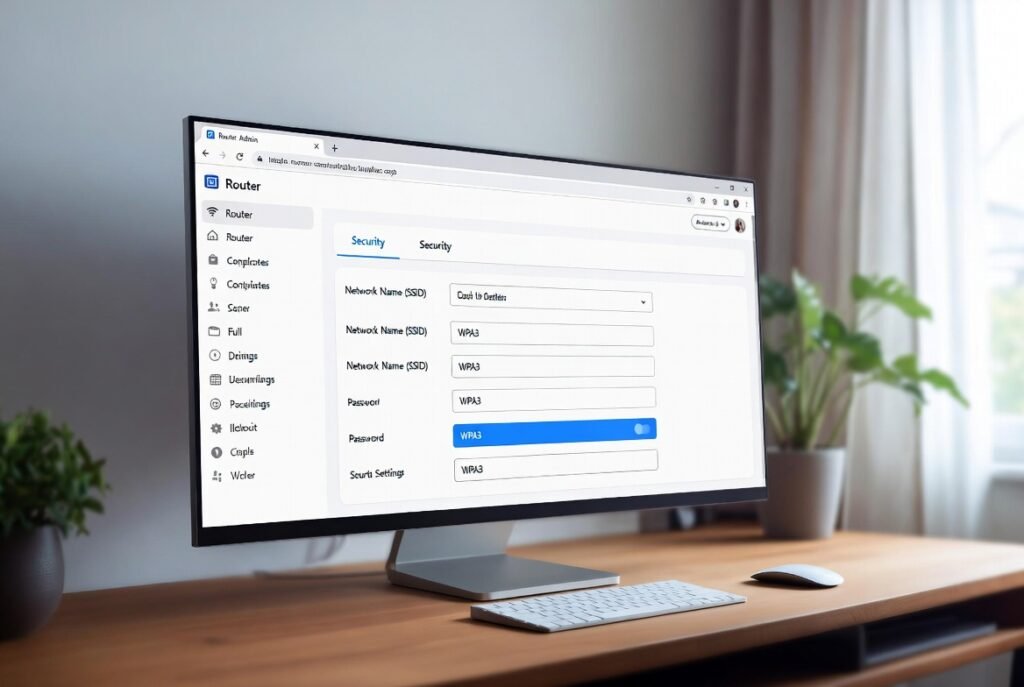
Routers ship with standard authentication credentials which include the username admin and password password. Hackers possess databases that contain default login credentials for every router manufacturer. A hacker who gains entry to your admin panel through default credentials can gain full control over your network even with your strong WiFi password.
Create a Guest Network for Smart Devices

Smart lightbulbs cameras and fridges possess weak security features. If a hacker breaks into a cheap smart bulb they can “jump” to your laptop if they are on the same network. You can secure your personal data by connecting your IoT devices to a separate network which prevents them from accessing your sensitive information.
Hide Your SSID Only if Necessary

The belief exists among certain individuals that WiFi name (SSID) hiding renders them undetectable. Hiding the network actually causes your devices to spend extra energy searching while advanced hackers remain capable of detecting hidden signals. A network name which displays itself to others combined with an extremely strong complex password provides better security.
Turn Off UPnP

Universal Plug and Play UPnP enables network devices to automatically find each other without difficulty. The system enables hackers to create security vulnerabilities through which they control network access without user knowledge. The feature provides protection against automated attacks because its deactivation creates additional defenses.
Change Your WiFi Name

Do not include your last name or home address information when creating your WiFi network name. The information reveals to hackers which specific home they should attack. Your network should receive a generic name which does not display your personal information or the specific router model you currently operate.
Disable PING Responses

Hackers use pings to test whether an IP address remains operational. The router settings typically offer an option which enables users to block all ping requests. The method creates an invisible home network which prevents automated tools from accessing it while they pursue easier targets.
Use a Strong, Unique WiFi Password

This password requirement appears obvious but remains the leading cause for security breaches. Your password needs to function as a passphrase which contains random word sequences along with numbers and symbols that you do not use for any other account.
Physically Secure Your Router

People who obtain physical access to your router equipment can use the reset button for power-off all the security features. Your router should stay out of reach from visitors while keeping signal strength at its peak because central visibility serves as the better option for router placement.