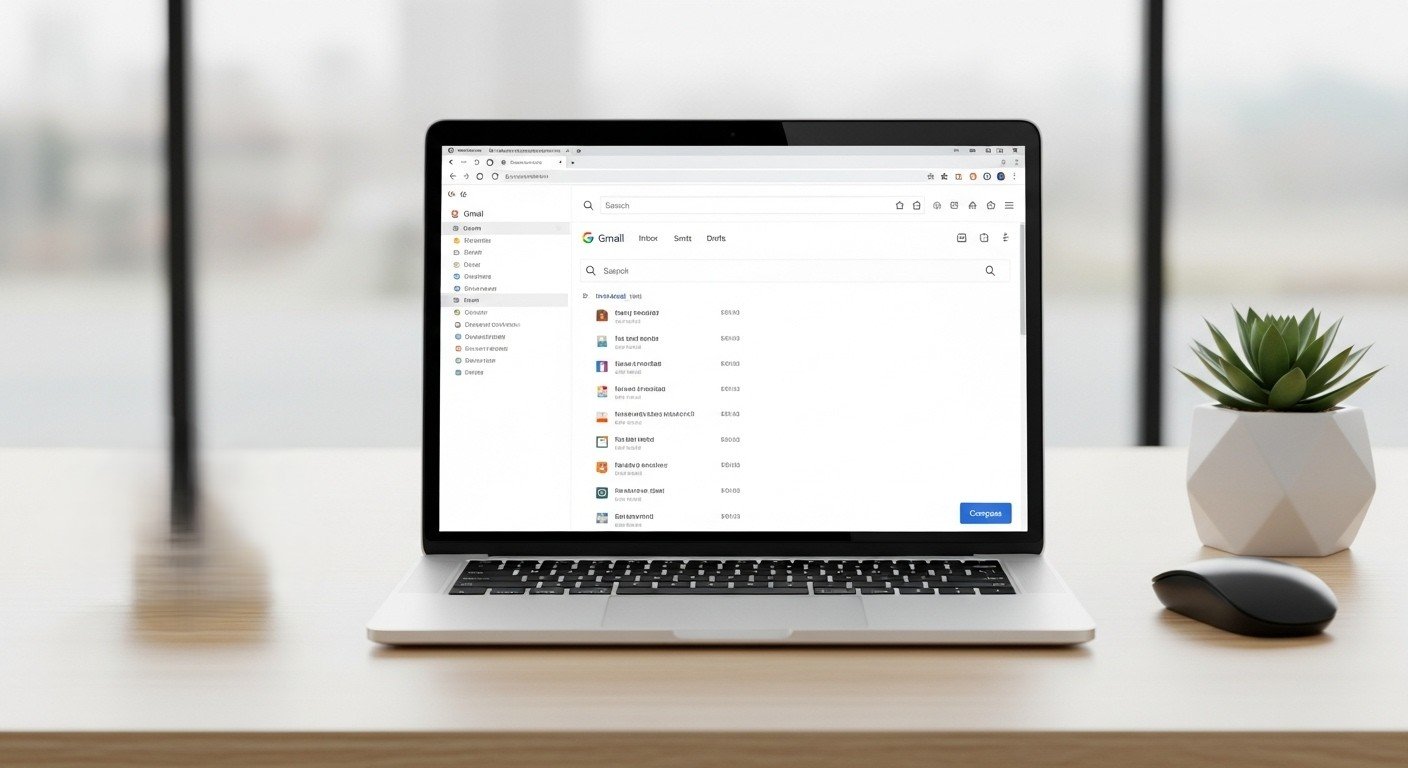
Inbox overload slows response time and breaks focus. A structured Gmail setup restores control through repeatable actions. Professional gamers rely on fast signal detection, clean interfaces, and disciplined routines. Inbox management follows similar logic. The following techniques reduce noise, speed decision making, and protect attention. Each method favors clarity, consistency, and measurable time savings.
Inbox as a Command Interface

Competitive gaming relies on a clean heads up display. Gmail works the same way. Archive older conversations and remove visual clutter. Disable unused tabs and labels. A simplified inbox reduces scan time and improves response accuracy during high volume periods.
Priority Inbox Configuration
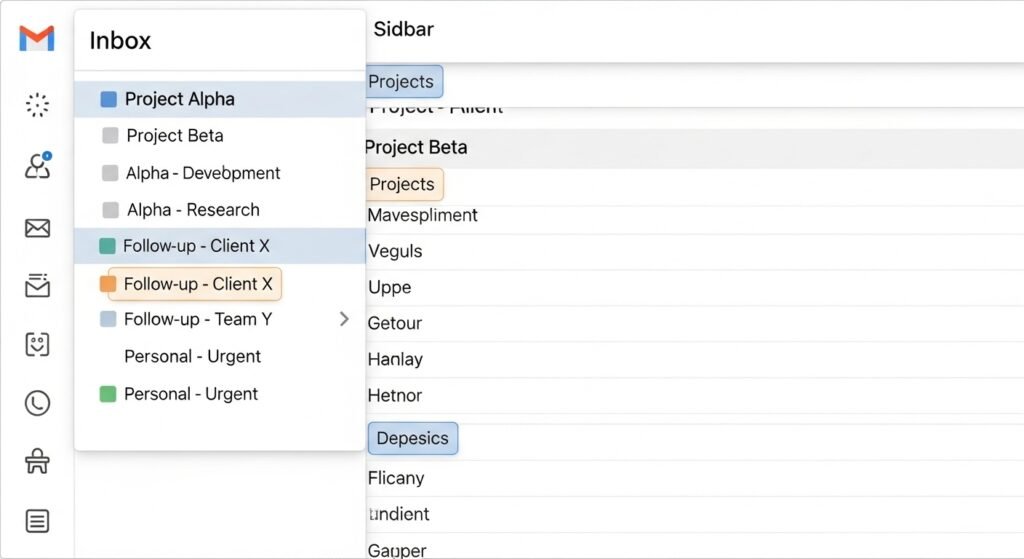
Gmail Priority Inbox separates urgent messages from low value traffic. Enable the feature and train filters through consistent use. Over time, Gmail learns which senders matter most. Response time improves because high impact emails appear first, similar to quest objectives highlighted on a game map.
Labels as Skill Trees

Labels function like skill trees in role based games. Each label assigns purpose and limits confusion. Create labels for workstreams, approvals, and follow ups. Apply color coding sparingly. Structured labeling lowers retrieval time and supports parallel task handling.
Search Operators for Fast Retrieval

Search speed decides outcomes in competitive play. Gmail search operators deliver similar advantages. Use sender, subject, date, and attachment operators to locate messages within seconds. Faster retrieval prevents duplicate work and supports rapid decision cycles.
Keyboard Shortcuts for Speed

Keyboard shortcuts shorten execution time. Enable shortcuts in Gmail settings. Actions like archive, reply, and search complete without mouse movement. Studies on interface efficiency show keyboard driven workflows reduce task time by double digit percentages.
Scheduled Send for Time Control
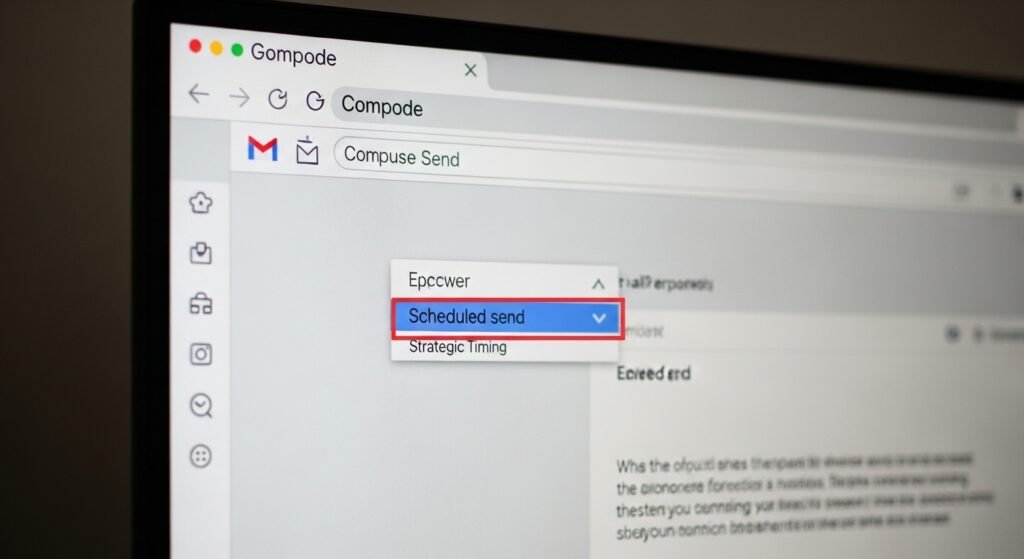
Timing affects outcomes in multiplayer games. Email timing shapes response rates. Use scheduled send to deliver messages during working hours across time zones. Predictable delivery improves open rates and reduces follow up traffic.
Conversation Muting for Focus

Background noise disrupts gameplay focus. Email threads create similar distractions. Mute low priority conversations once required action ends. Gmail removes muted threads from the inbox. Focus stays on active objectives.
Task Integration for Mission Tracking
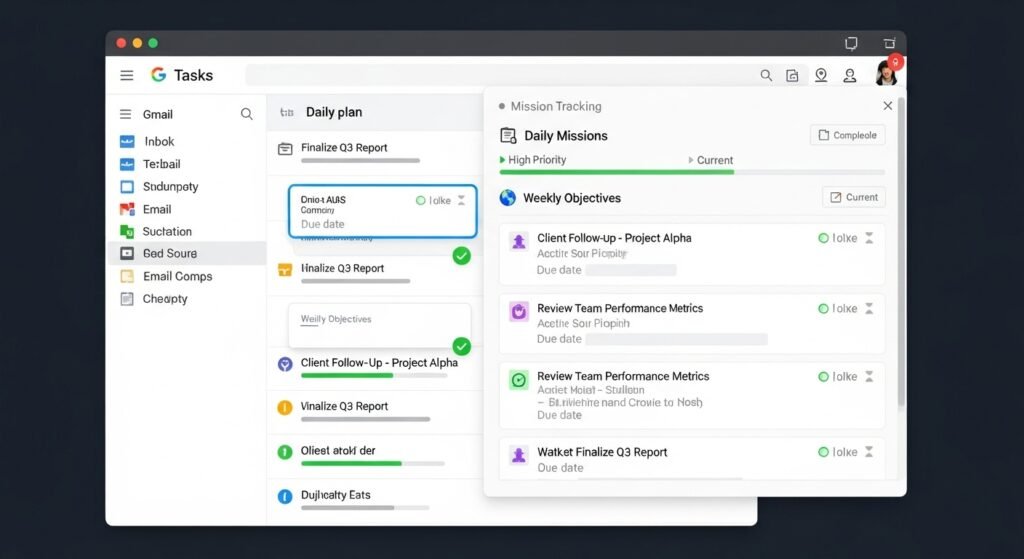
Gamers track objectives through mission logs. Gmail integrates with Tasks for similar control. Convert emails into tasks with deadlines. This prevents inbox hoarding and builds a clear action list aligned with daily goals.
Daily Reset Routine
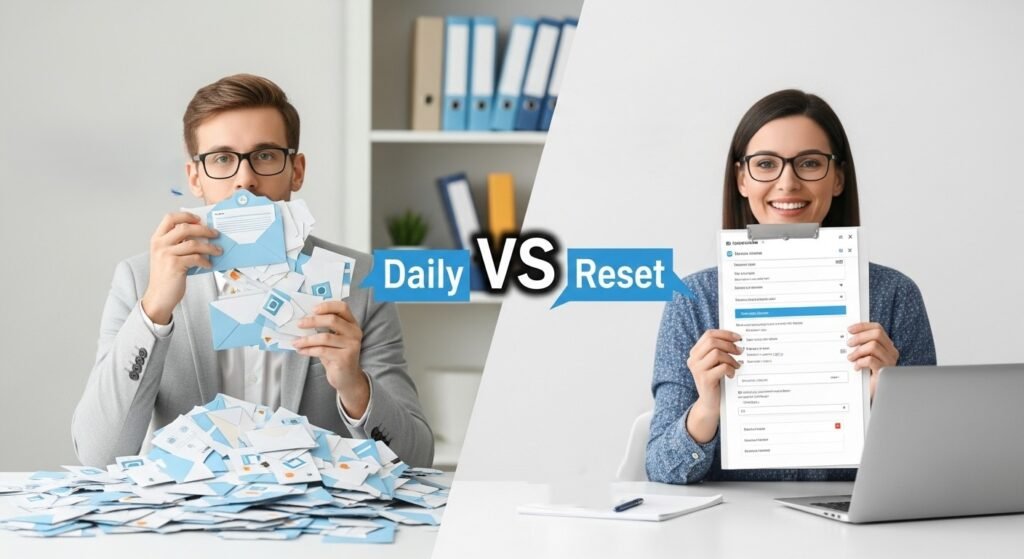
Top players reset loadouts before each session. Apply a daily inbox reset. Clear unread clutter, process new messages, and close open loops. A consistent routine keeps inbox size stable and prevents backlog growth.