Modern game studios manage complex pipelines across design, art, engineering, audio, testing, and live operations. Clear task tracking and shared knowledge directly affect sprint velocity and release quality. Jira and Confluence support these needs through distinct roles. One platform focuses on execution tracking, while the other centralizes documentation. Understanding functional separation and integration helps game teams reduce friction during production cycles, live updates, and post launch support.
Jira primary purpose in game projects

Jira supports task tracking across sprints, backlogs, and releases. Game producers assign work for level design, bug fixing, and balance updates with defined priorities. Status transitions support daily standups. Burndown charts expose sprint health using measurable data, which helps studios maintain delivery targets during feature heavy milestones.
Confluence primary purpose in game projects

Confluence serves as a shared knowledge base for design documents, technical standards, and live ops playbooks. Game designers store feature specs, while engineers document engine guidelines. Searchable pages reduce repeated questions. Version history preserves change context across long development timelines common in multiplayer and live service titles.
Differences in structure and workflow
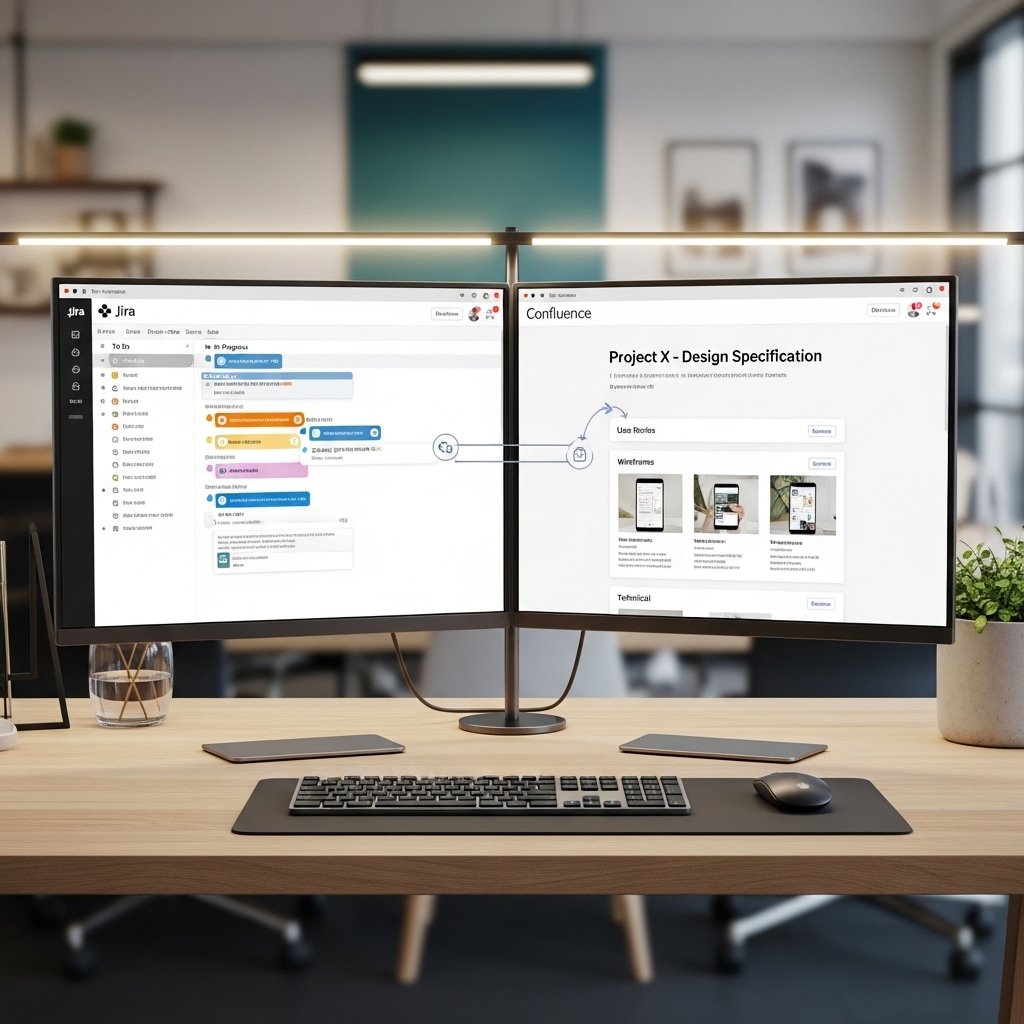
Jira organizes work through issues, workflows, and boards. Confluence organizes information through pages and spaces. One tool tracks execution progress, while the other preserves decisions and references. Treating both as interchangeable often leads to clutter. Clear separation improves focus during sprint planning and production reviews.
How Jira supports agile game development

Agile methods dominate modern game production. Jira supports Scrum and Kanban boards tailored for sprint based delivery. Teams track story points for gameplay features and technical debt. Velocity metrics support forecasting for seasonal events and downloadable content. These data driven views support informed scope decisions.
How Confluence supports design alignment

Design alignment often breaks during fast iteration. Confluence pages store game vision, mechanics breakdowns, and UI flows. Comment threads centralize feedback from art, QA, and publishing teams. Structured templates standardize documentation across projects, which reduces onboarding time for new team members.
Use cases during live game operations

Live games require rapid response. Jira tracks incidents, hotfix tasks, and player reported bugs. Confluence stores incident runbooks, patch notes, and support workflows. Linking both platforms supports faster triage and consistent communication across operations, community, and engineering teams.
Collaboration across distributed studios

Many studios operate across regions. Jira supports asynchronous progress tracking through clear ownership and deadlines. Confluence supports shared understanding through centralized documentation. Combined usage supports distributed collaboration without constant meetings, which suits remote art outsourcing and global QA teams.
Common mistakes game teams make

Some teams overload Jira with long form documentation. Others treat Confluence as a task tracker. Both patterns reduce clarity. Effective teams assign action tracking to Jira and reference material to Confluence. Clear usage rules improve adoption and reduce tool fatigue.
Choosing roles for each platform

Jira works best for producers, engineers, and QA managing execution. Confluence works best for designers, technical leads, and operations teams managing knowledge. When roles remain clear, integration delivers value. Studios achieve smoother sprints, clearer decisions, and fewer blockers across development cycles.