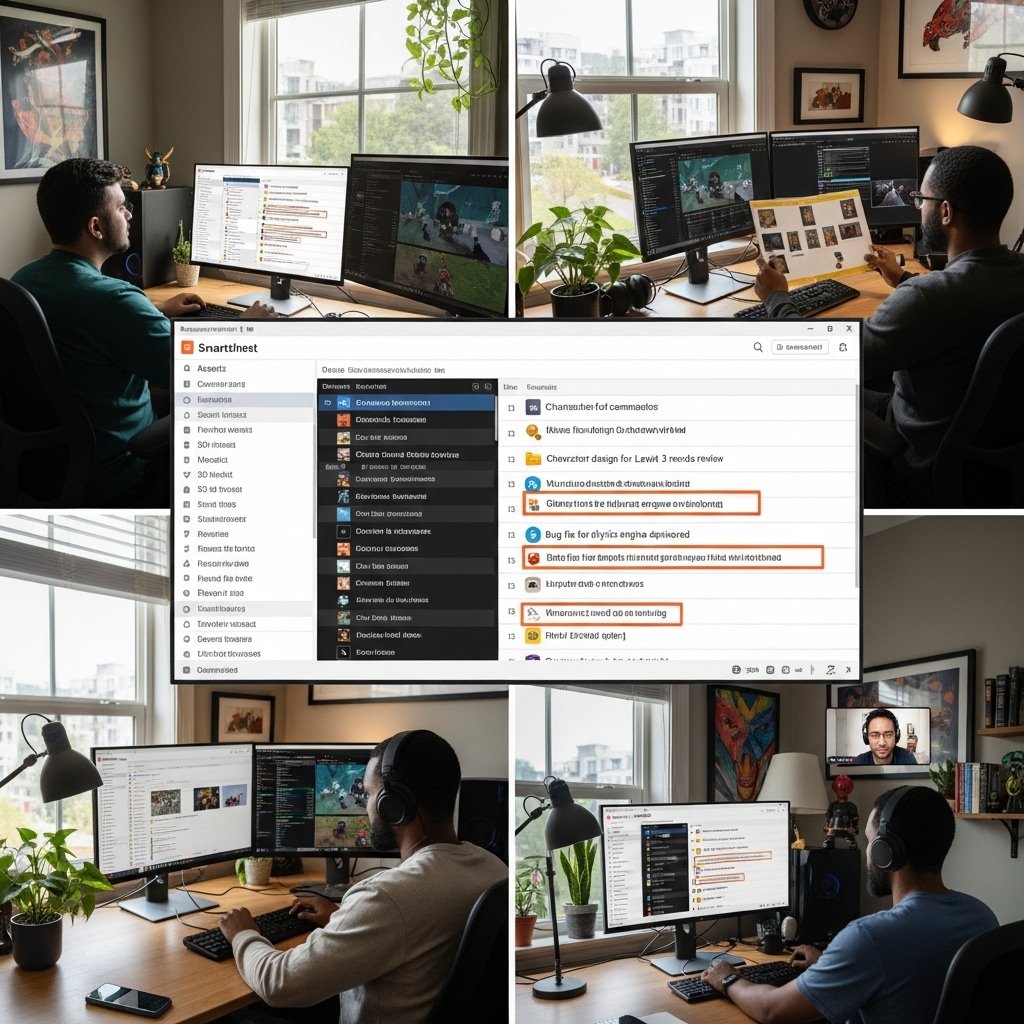
The game development teams have to deal with rigid timelines, a variety of assets and ongoing design, art, engineering and testing coordination. Smartsheet is a tool that does not introduce friction to day-to-day work but helps in structured project management. The platform assists the teams in organising work, monitoring the progress, and reporting the results with familiar spreadsheet logic. This article provides a description of how Smartsheet can be used in practice to support planning and reporting gaming projects that have visibility, timing, and accountability as the key drivers of quality delivery.
Centralizing Game Project Scope and Assets

Smartsheet contains a list of tasks, feature backlogs, and inventory of assets in shared sheets. Gameplay features, art assets, and milestones are listed by the producers at a single location. Well defined fields of ownership minimise confusion when executing sprints. Teams use a single source in their daily standups, which saves time that would be used to reconcile across several trackers.
Structuring Milestones for Game Development Cycles
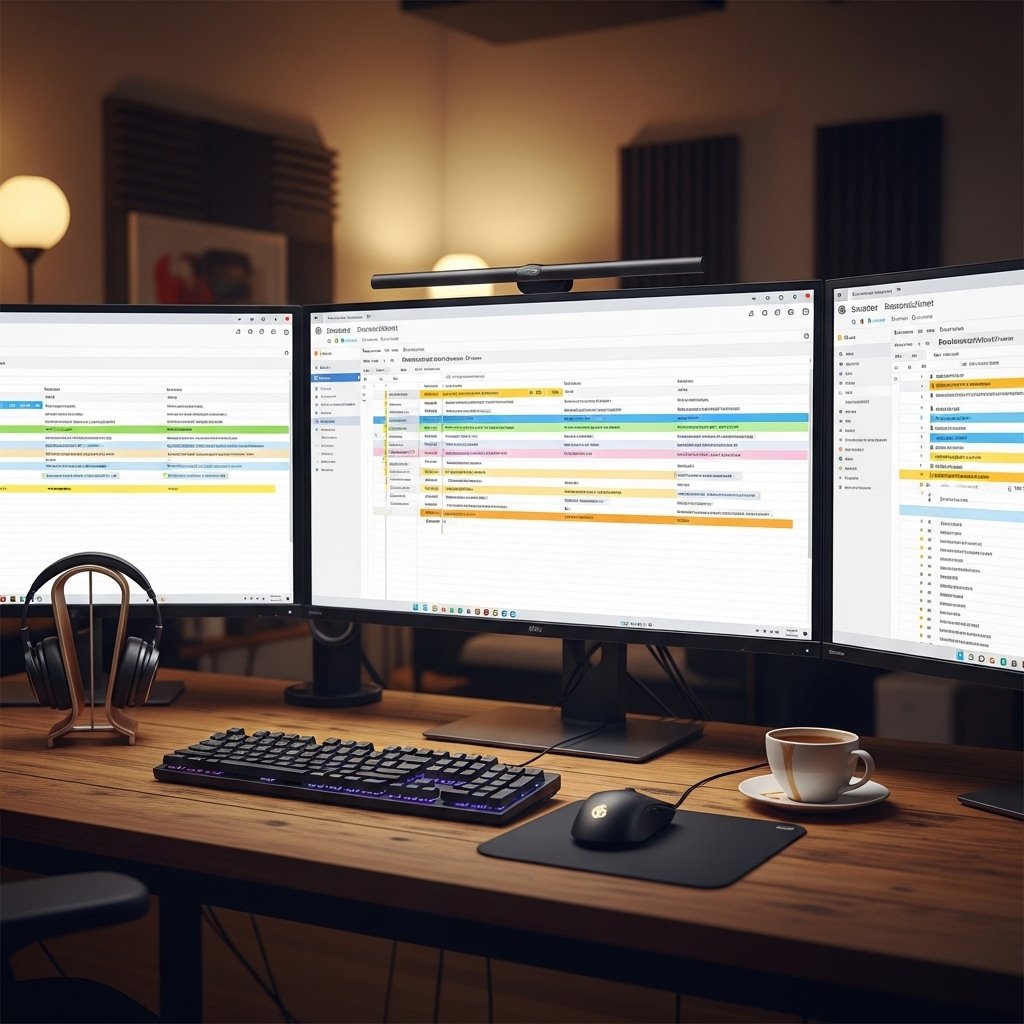
There are specific stages through which game projects run including pre production, vertical slice, alpha and beta stages as well as release. Smartsheet timelines help to match the tasks with every stage of the work with the assistance of date columns and dependencies. Producers imagine slowdowns in the early stages of animation, level creation, or testing. Changes are made in advance before downstream work is damaged.
Sprint Planning for Live Game Teams
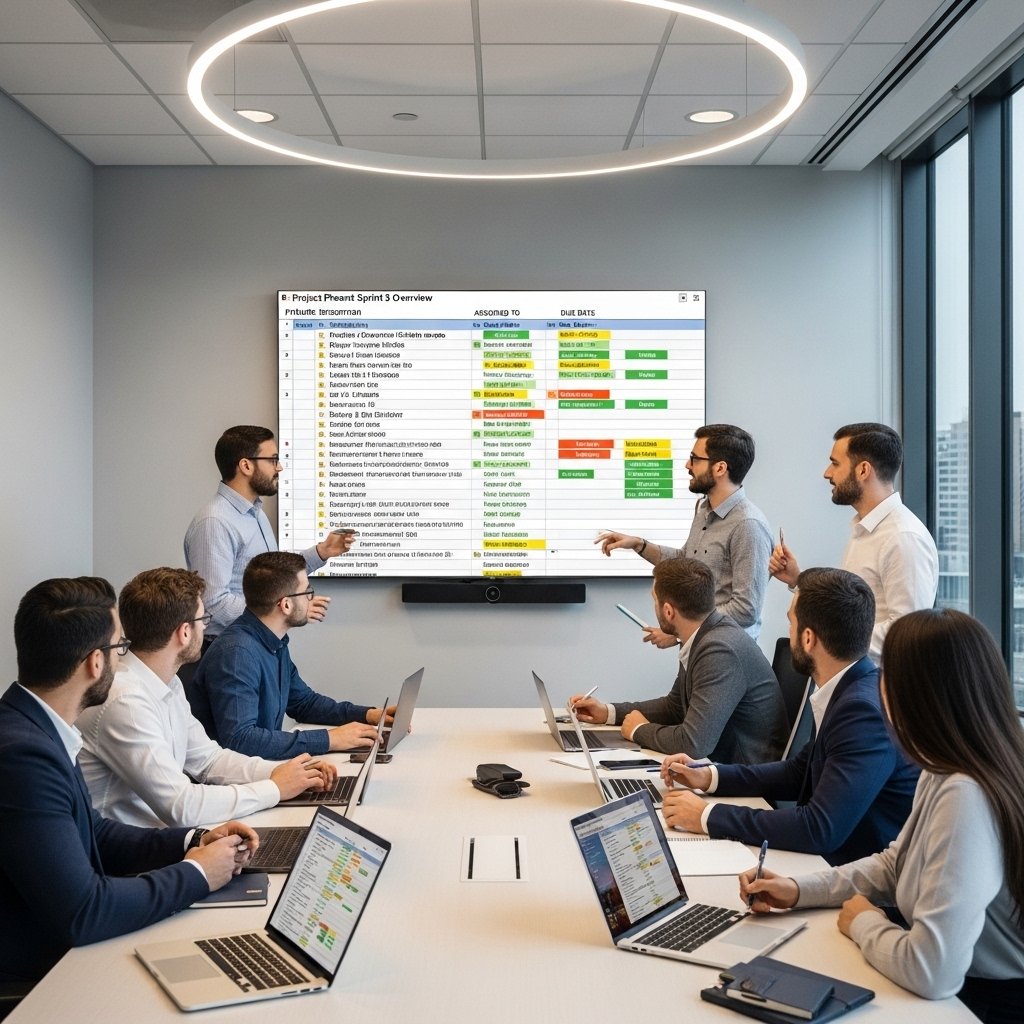
Live service things need the regular updates and patch. Smartsheet helps in planning in sprints with help of a row that is allocated to engineers and designers. Work balance is directed by effort estimates and due dates. Sprint-to-sprint velocity tracking helps to emphasize the consistency of the delivery and helps to make realistic future planning.
Tracking Cross Team Dependencies

Game projects rely on handoffs between art, code, audio, and QA. Smartsheet dependency settings link related tasks across teams. When a character model slips, animation and testing dates shift automatically. This visibility reduces last minute surprises during builds and submission windows.
Automating Status Updates for Producers
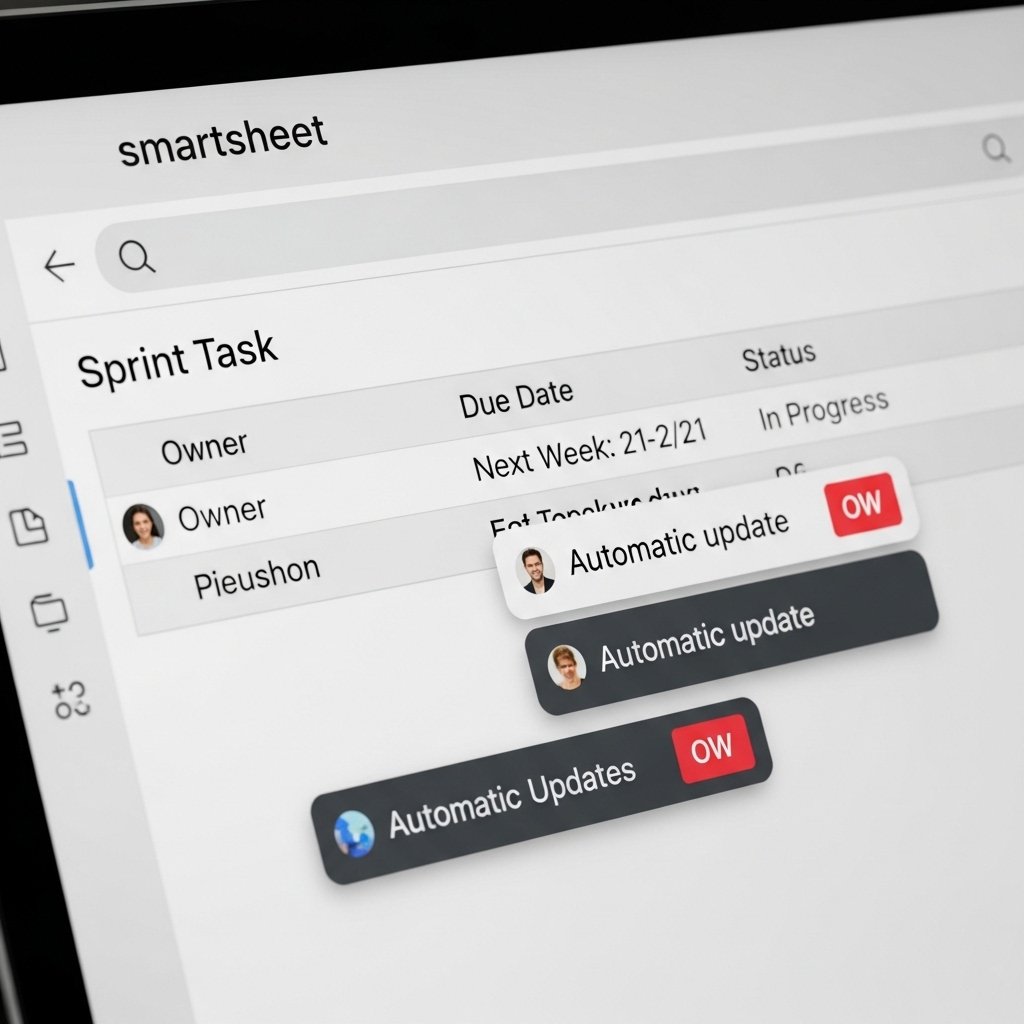
Manual status chasing consumes producer time. Smartsheet automation sends update requests before sprint reviews. Contributors submit progress through forms without editing core sheets. Producers receive consistent updates aligned with reporting needs, supporting faster decision making during development cycles.
Reporting Progress to Studio Leadership

Studio leadership requires concise progress views without operational noise. Smartsheet dashboards summarize milestone completion, risk items, and workload distribution. Charts pull data directly from project sheets. Leaders review delivery health during reviews without requesting custom reports from teams.
Managing QA and Bug Tracking

Quality assurance generates high task volume during late development stages. Smartsheet tracks bugs with severity, status, and owner fields. Filters isolate blocking issues before release candidates. Historical data highlights recurring defect patterns across builds and platforms.
Supporting Remote Game Teams

Distributed game teams operate across time zones. Smartsheet supports asynchronous coordination through shared visibility. Comment threads attach to specific tasks or assets. Team members review context without meetings, supporting steady progress during overlapping work hours.
Budget and Resource Oversight
Game budgets involve contractors, outsourcing, and tool licensing. Smartsheet tracks costs against planned budgets using numeric columns. Resource allocation views highlight over assignment risks. Finance and production teams share aligned data during monthly reviews.
Improving Post Release Reporting

After launch, studios analyze delivery performance. Smartsheet stores schedule accuracy, sprint completion rates, and defect trends. Producers reference historical sheets during post release reviews. Insights guide scope control and timeline planning for future titles without rebuilding reporting frameworks.