Gaming systems require communication, recording, performance tracking, and planning tools. Numerous paid applications are said to be efficient, but the free versions are more reliable and have more features. These apps are used by gamers of PC and console ecosystems in their everyday playing. All the options provided below are substitutes of a paid alternative and enable competitive play and creation of content, as well as long session stability at no additional cost.
OBS Studio
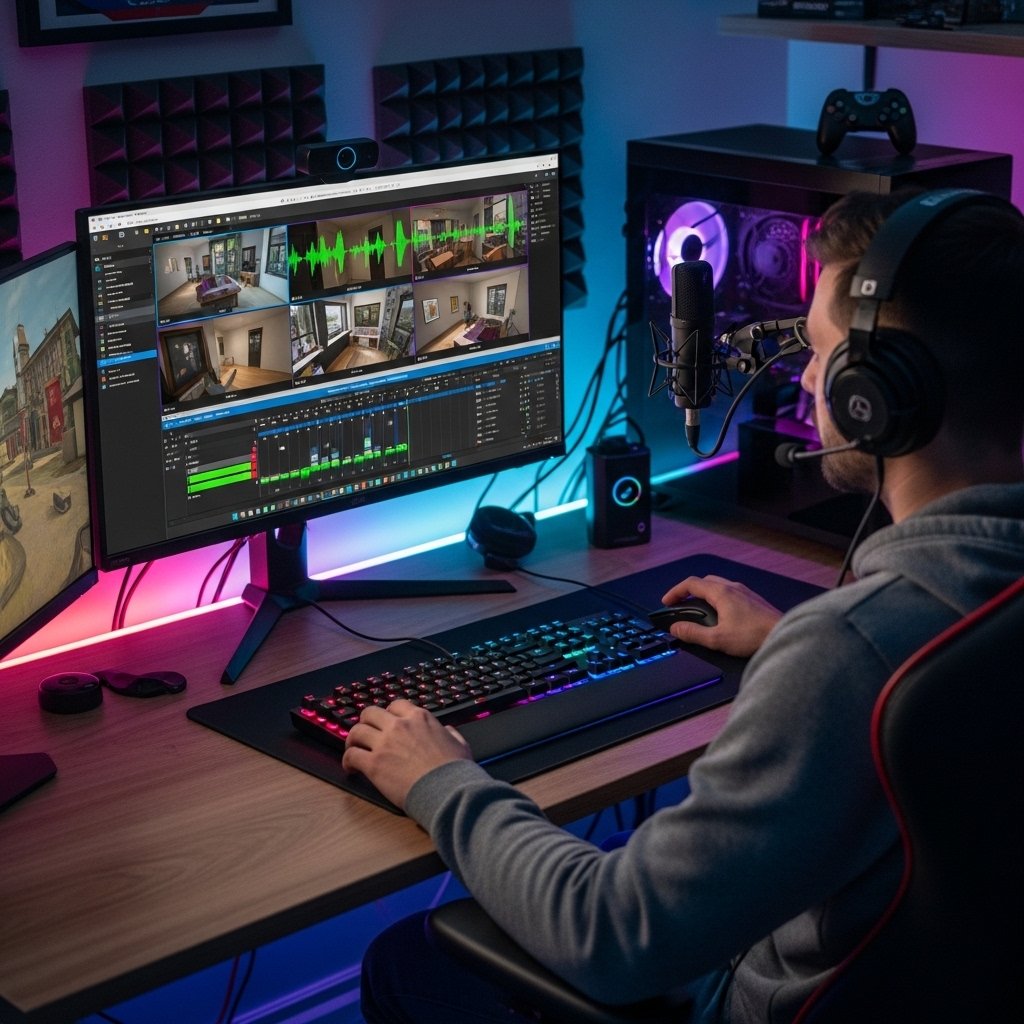
OBS Studio is compatible with the recording of high quality games and live streaming. The streamers control scenes, sound levels and overlays without limitation. Paid capture software tends to restrict resolution or length of session. Extended gameplay sessions are managed by OBS Studio and this facilitates regular streaming programs.
Discord
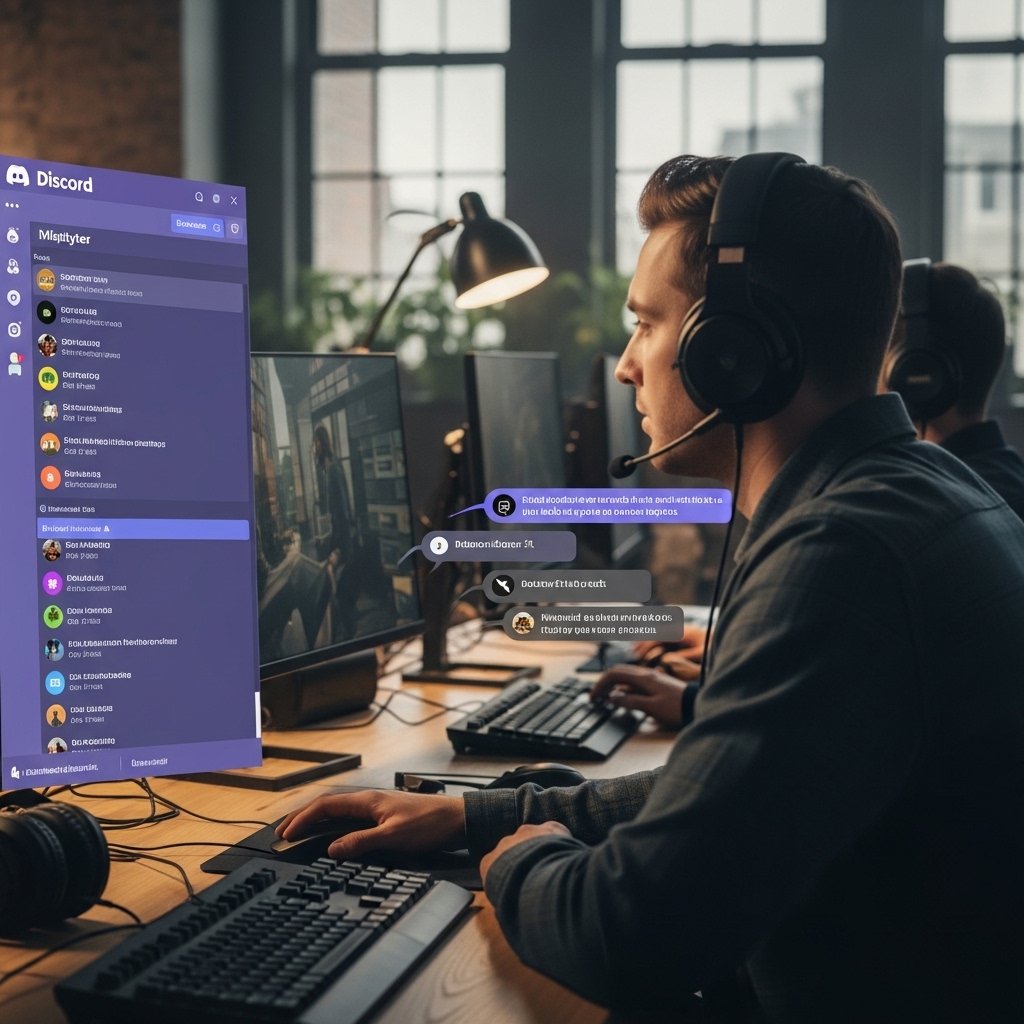
Discord manages an audio chat, text messages, and coordination in multiplayer games. Retail communication channels limit the number of participants. Discord has consistent features of low latency audio and screen sharing. Professional teams and informal groups of people use Discord to plan their matches and manage themselves within the community.
GIMP
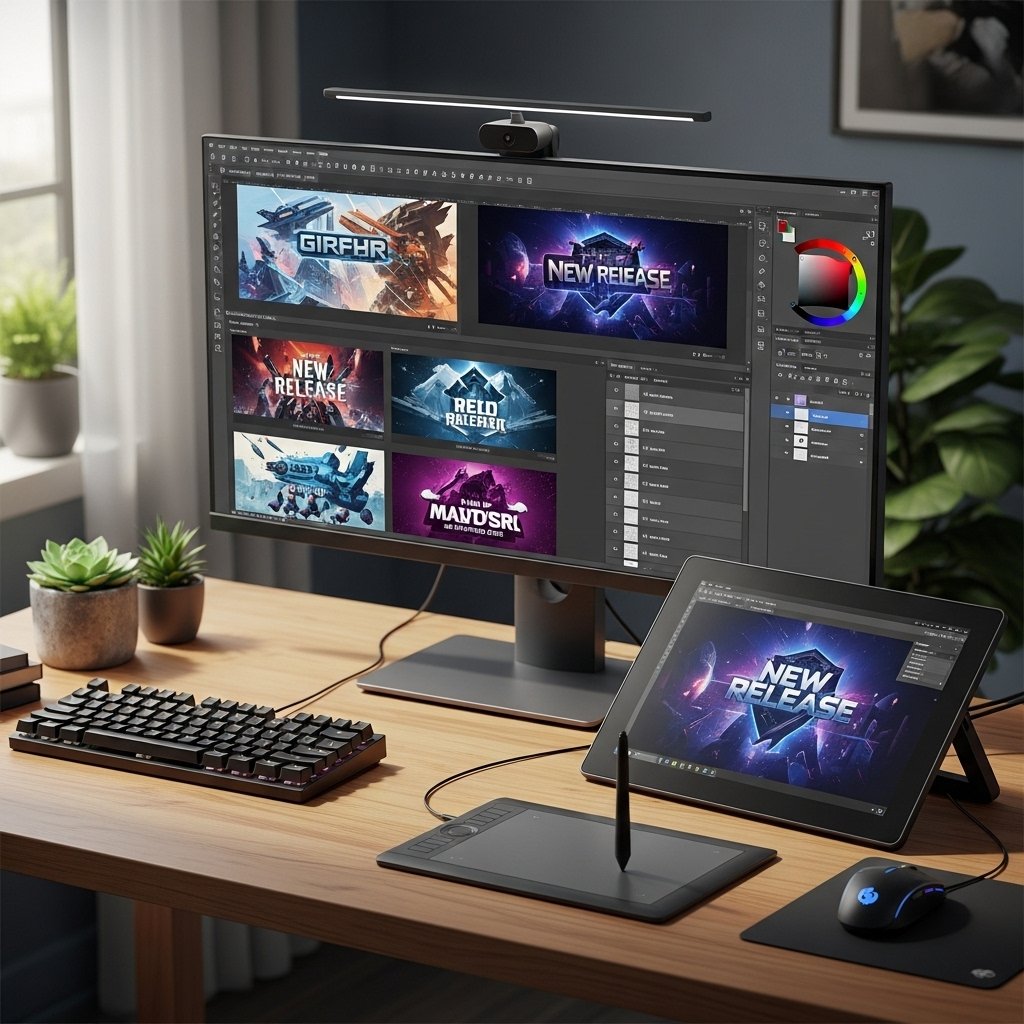
Gimp assists in editing images regarding game thumbnails, overlays and banners. Design tools of subscription restrict the quality of exports. Gimp has layers, brushes and sophisticated filters. Stream asset and social visual designers create content without among others license fees or locked features.
DaVinci Resolve
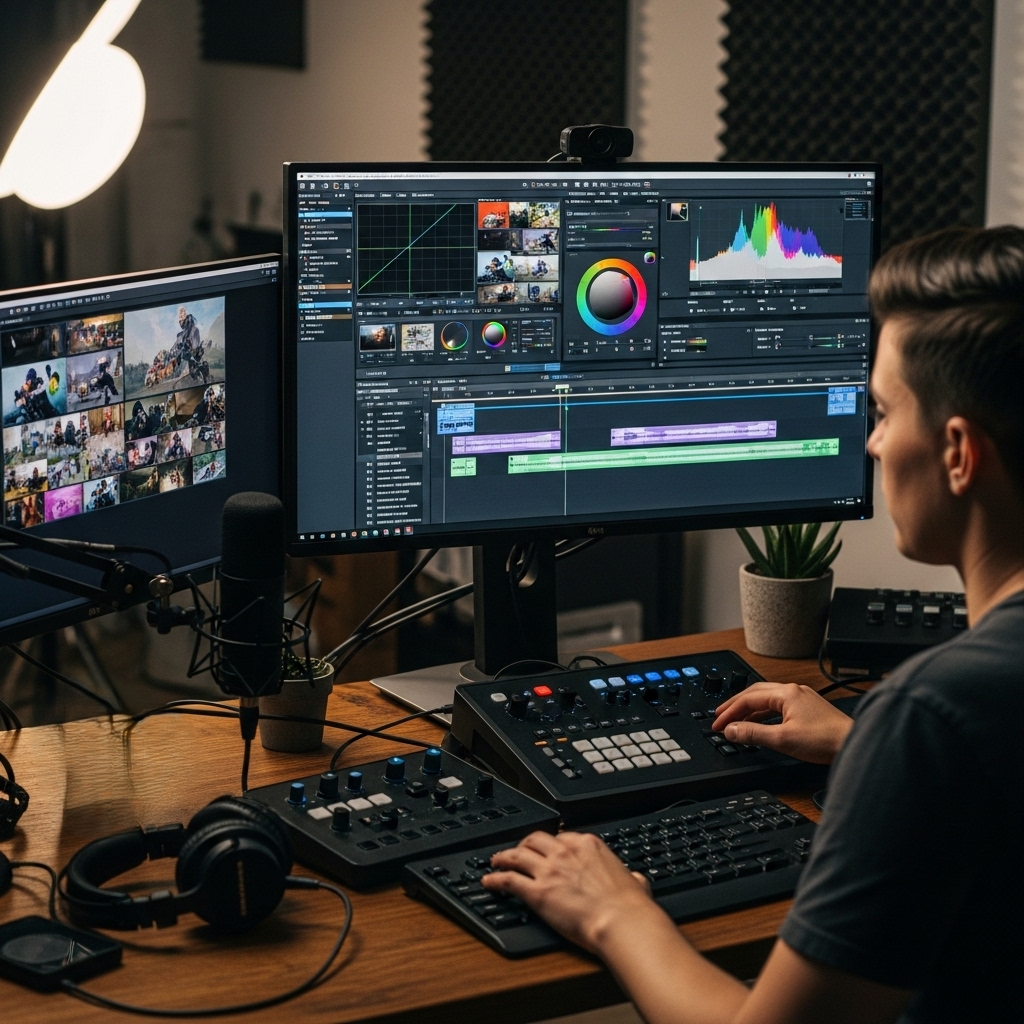
DaVinci Resolve provides professional quality video editing of gameplay videos. Export formats are limited by many paid editors. Resolve assists in editing of timelines, coloring, and audio. The creators of gaming publish highlight reels and tutorials without output limitations by using the free version.
Steam
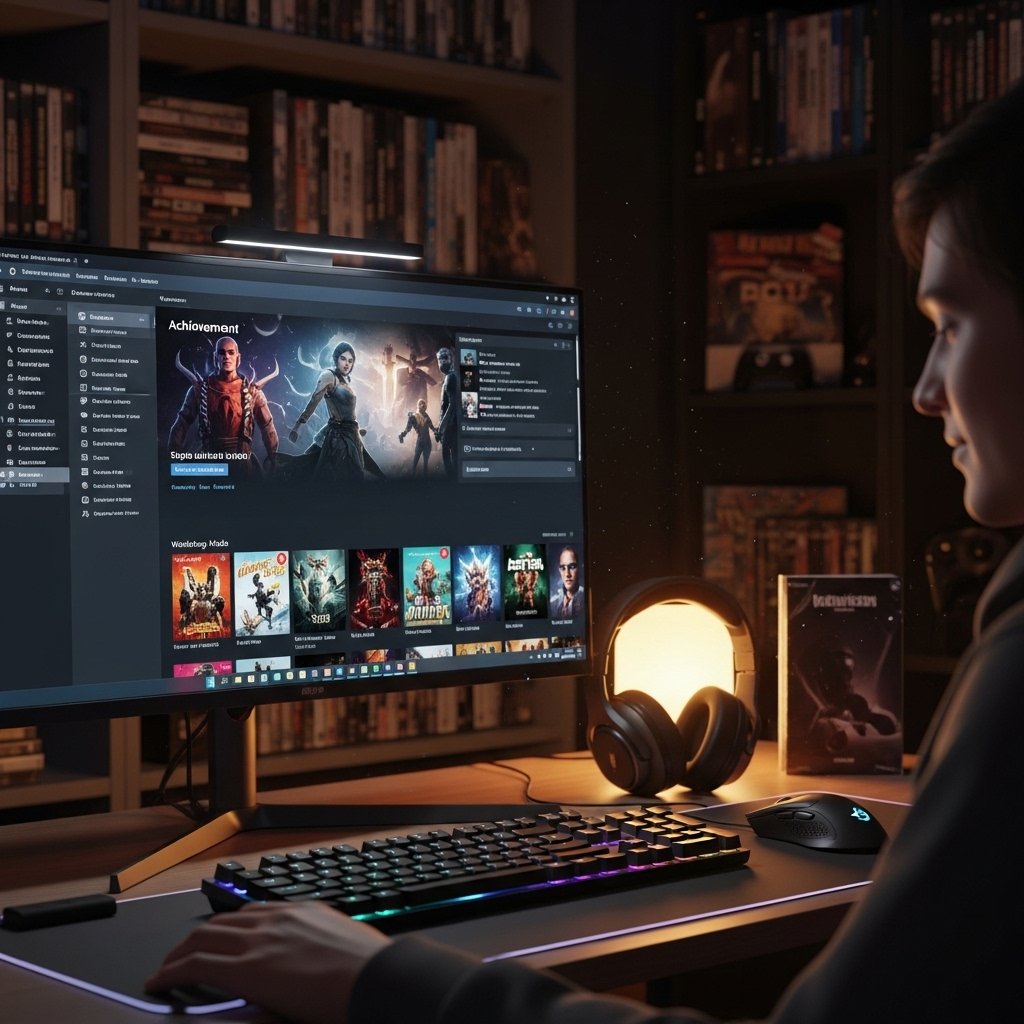
Steam is a platform that handles game collections, patches, and community applications. Paid launchers restrict customization and social functionality. Achievements, cloud saves, and workshop are also present in Steam. One platform allows players to keep track of playtime, install mods, and developer updates.
MSI Afterburner
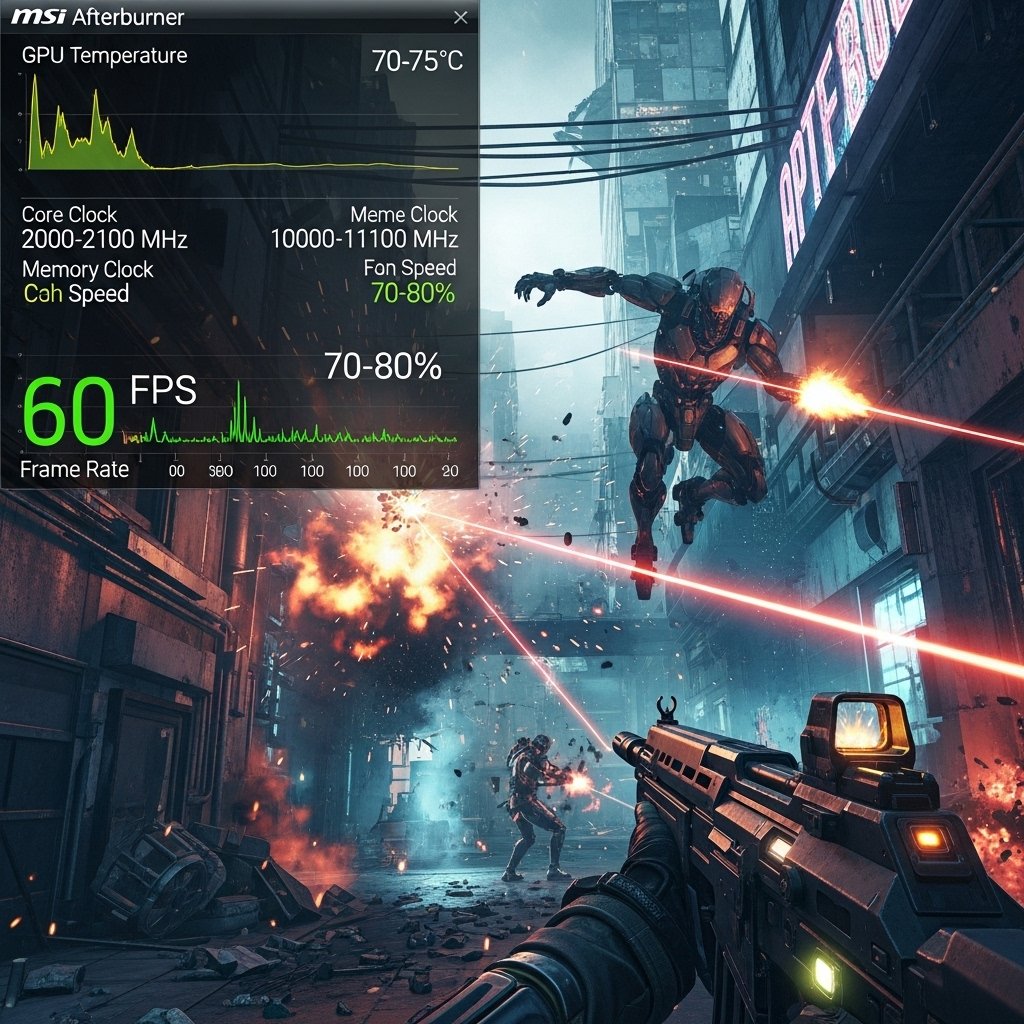
MSI Afterburner is used to monitor the performance of the GPUs during the gameplay. Paid monitoring software limits hardware measurements. Afterburner monitors frame rate, temperature and activity in real time. During high-stress titles, players make settings to allow consistent performance.
ShareX
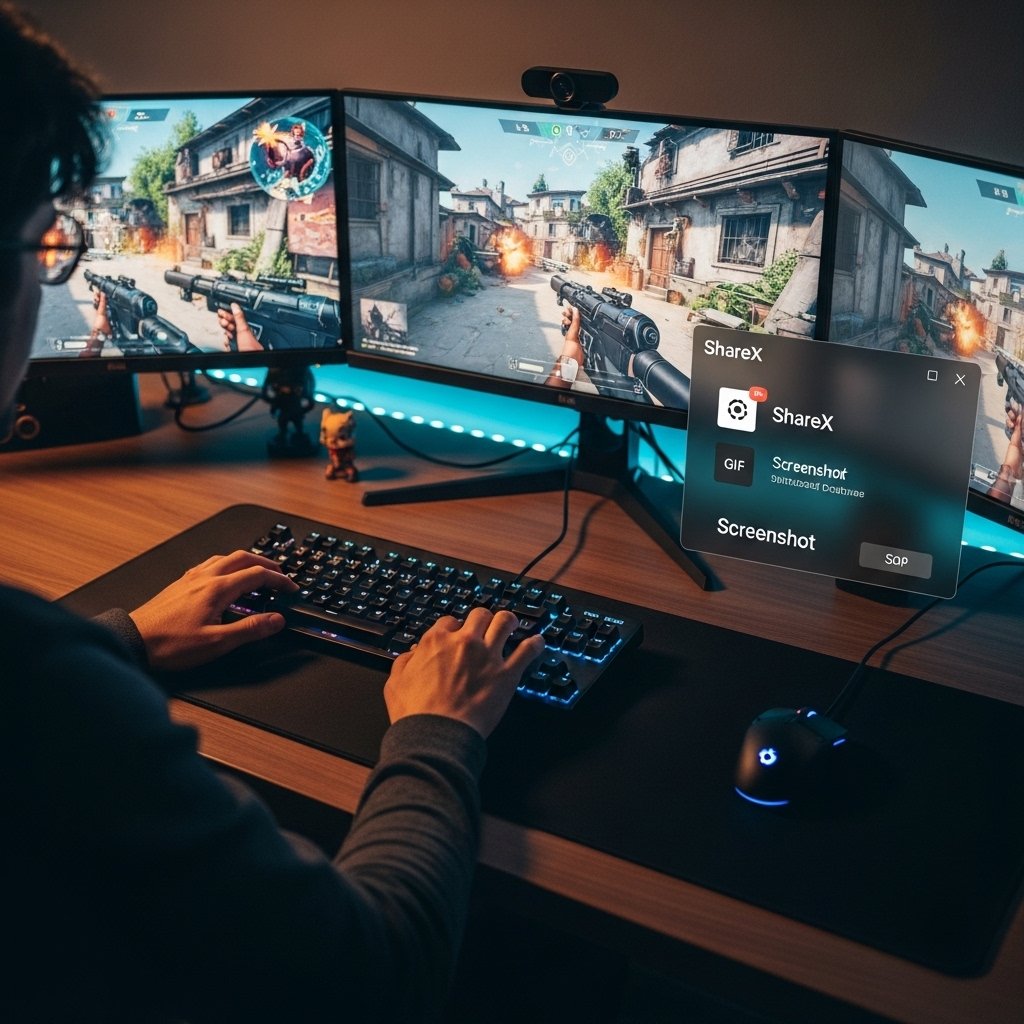
ShareX takes screenshots, videos, and moving GIFs. Capture applications are paid with branding or file restrictions. ShareX is compatible with hotkeys, annotations and automatic uploads. Gamers post highlights instantly in forums and chat systems.
VLC Media Player
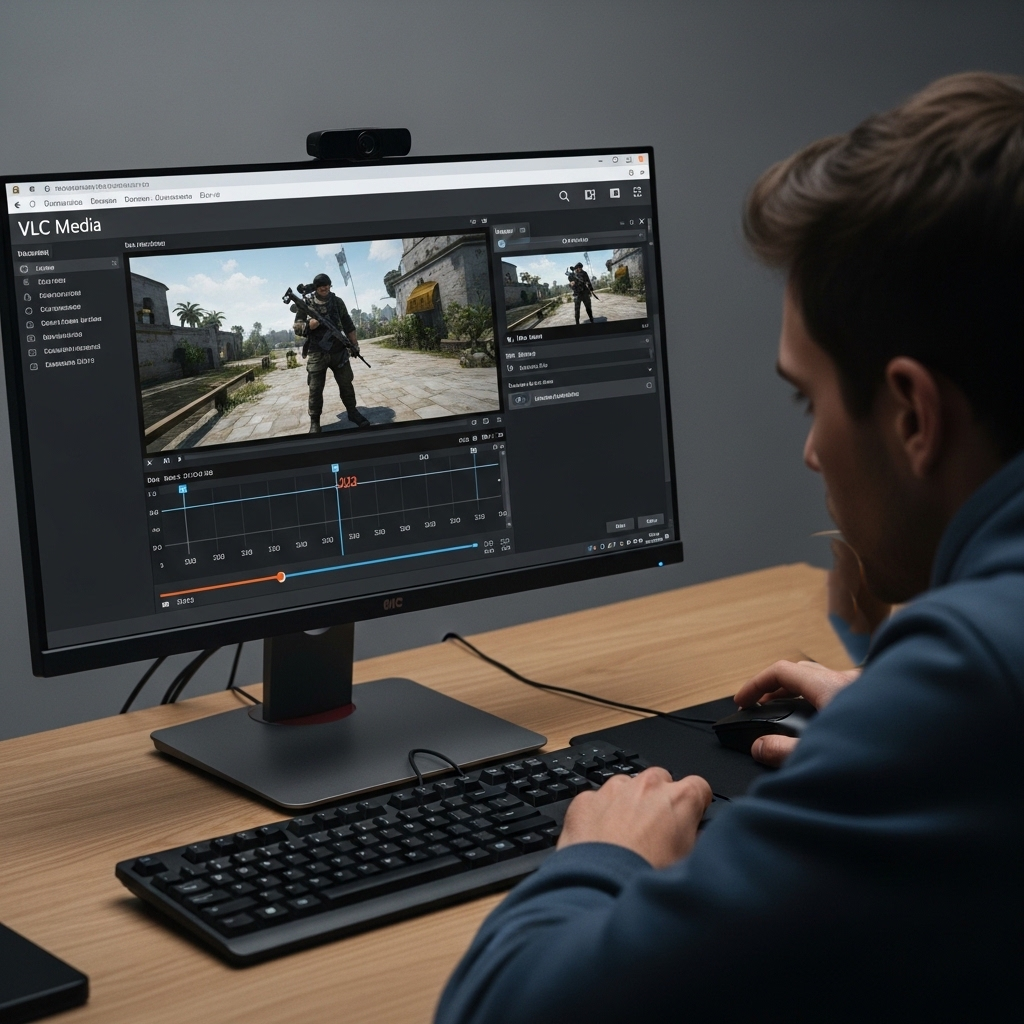
VLC Media Player can be used to play and convert gameplay recordings. Codec support is restricted by paid media players. The VLC can support most of the video formats without plugins. Gamers watch games, examine statistics and transcribe incompatible files.
Notion
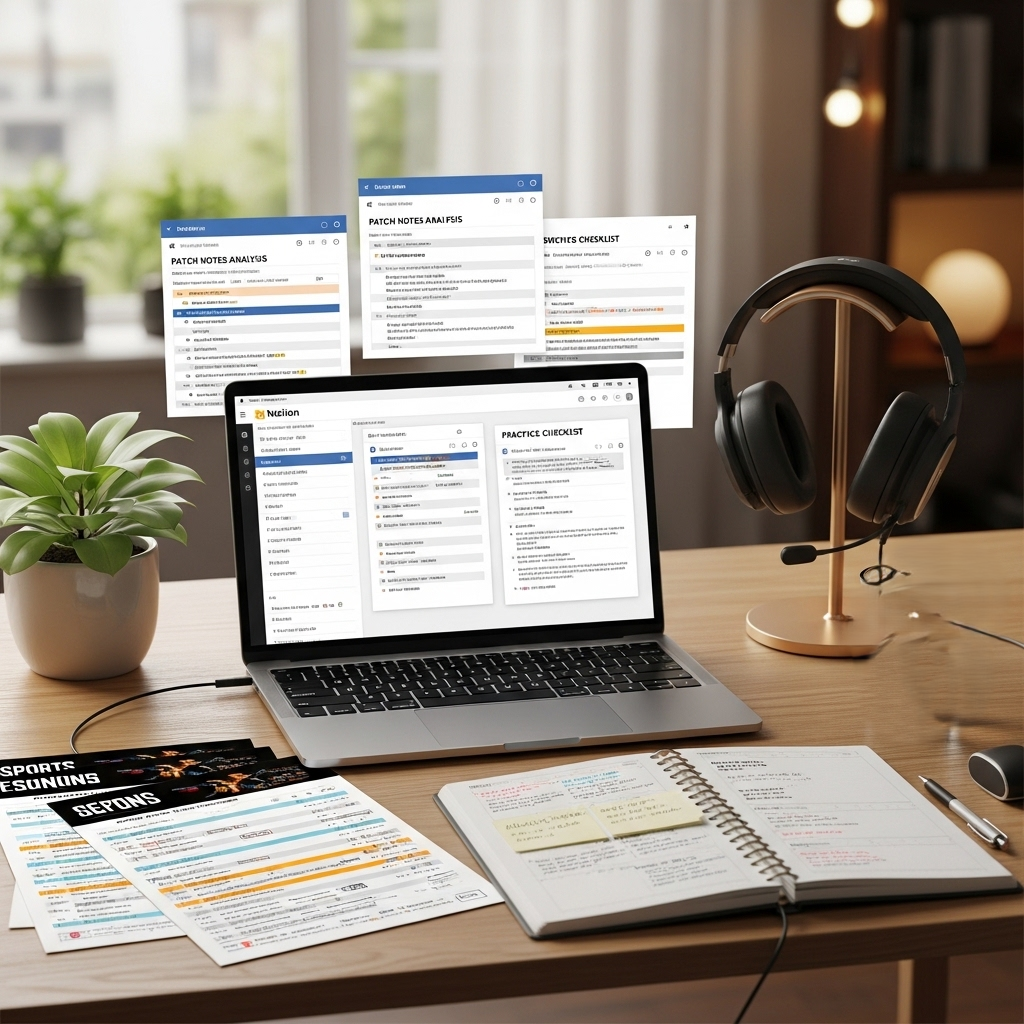
Notion manages the schedules, patch notes, and strategies of the game. Paid productivity applications limit teamwork. Notion has databases, checklists and workspaces. One system supports teams and solo players in their tracks, practice goals, and update logs.
Audacity
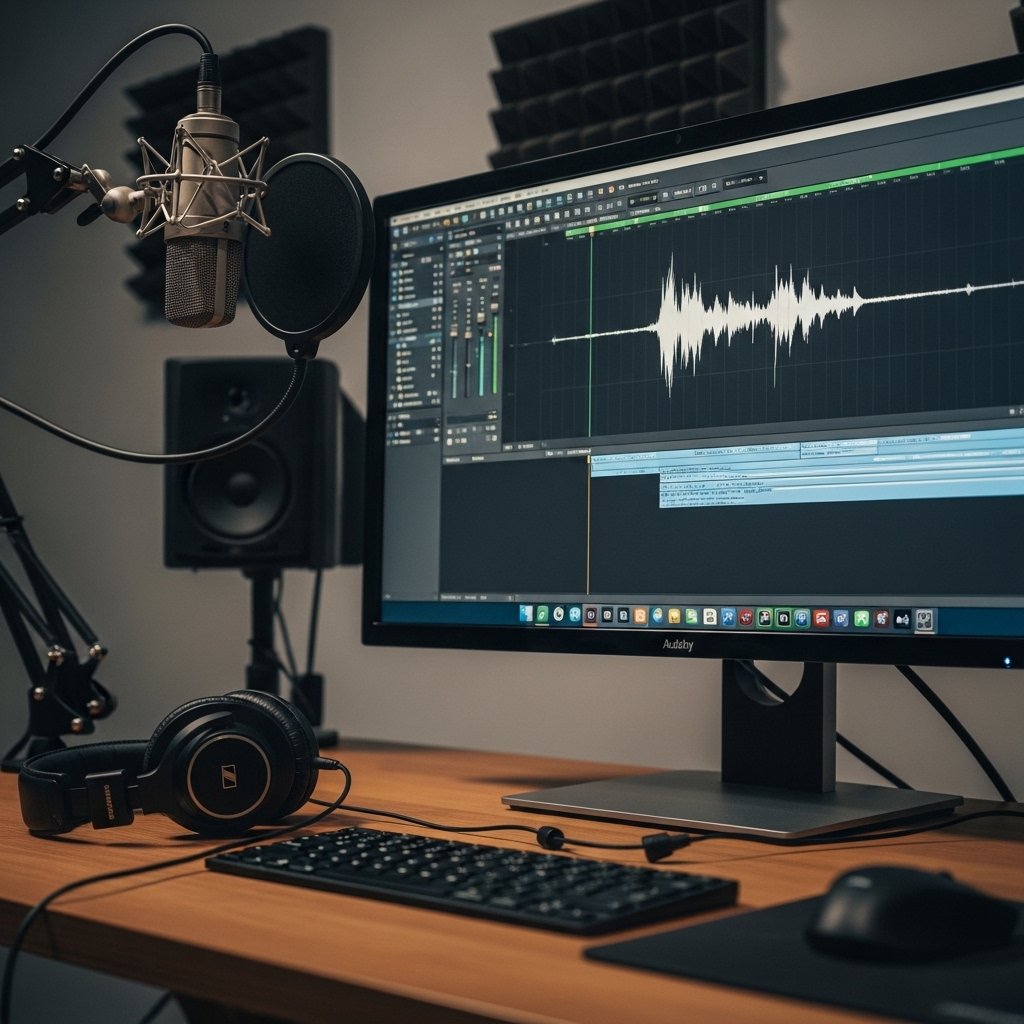
Audacity edits voice recordings for streams and tutorials. Paid audio editors limit export quality. Audacity offers noise reduction and multi track editing. Streamers improve microphone clarity and prepare commentary tracks without subscription costs.