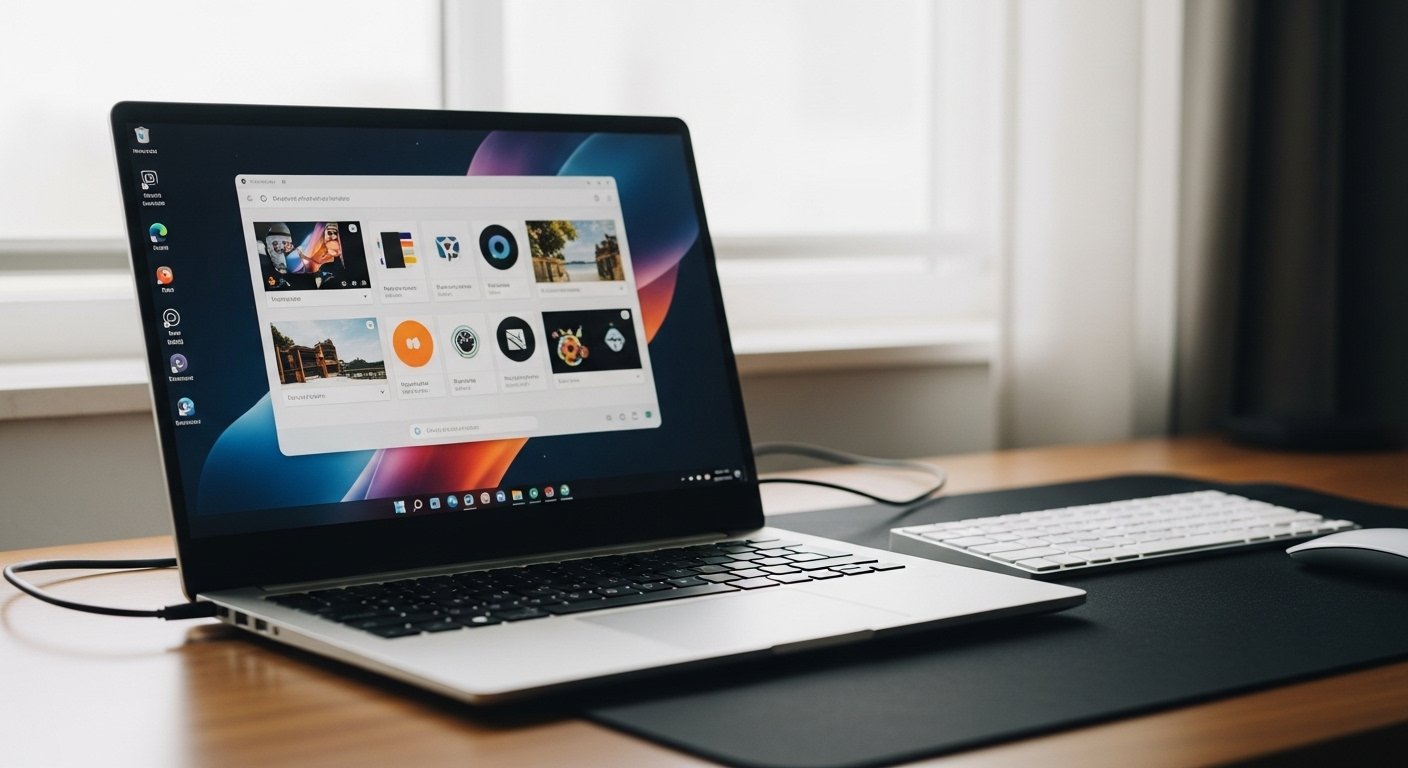
Android 17 introduces a solution that finally establishes Android devices as proper productivity tools instead of the oversized smartphone design that has persisted since 2017. Google has achieved functional Android laptops by mandating that its operating system must function like standard computer systems.
The Death of “Portrait-Only” Apps
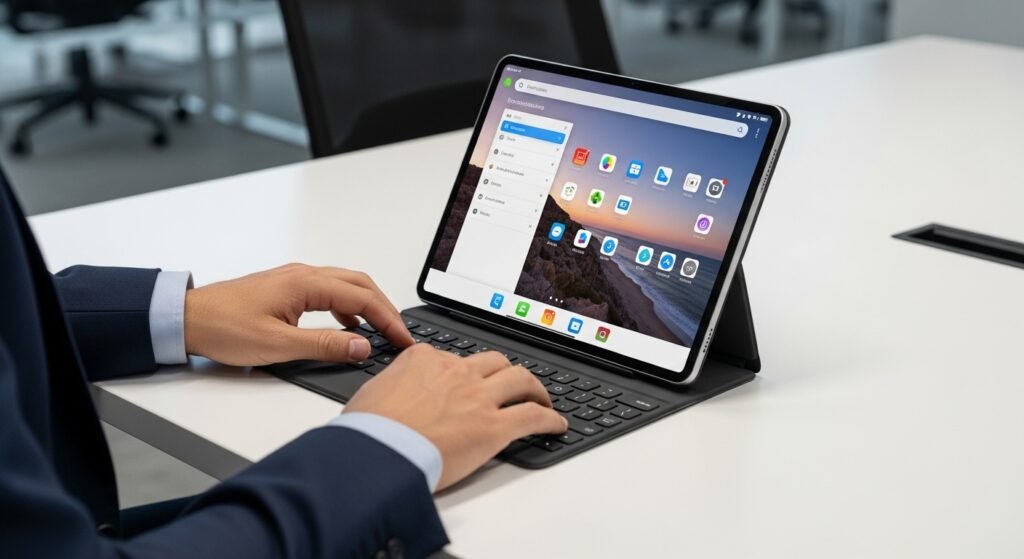
Tablets and foldable devices suffered from their most significant usability problems because certain applications refused to rotate functionality, thus requiring users to operate them in their vertical phone orientation. Android 17 creates a new rule that developers must implement orientation support in their applications since they can no longer choose to disable this feature. All applications must now support landscape mode operation because this functionality serves as the basic requirement for laptop screen usage.
Mandatory Window Resizing
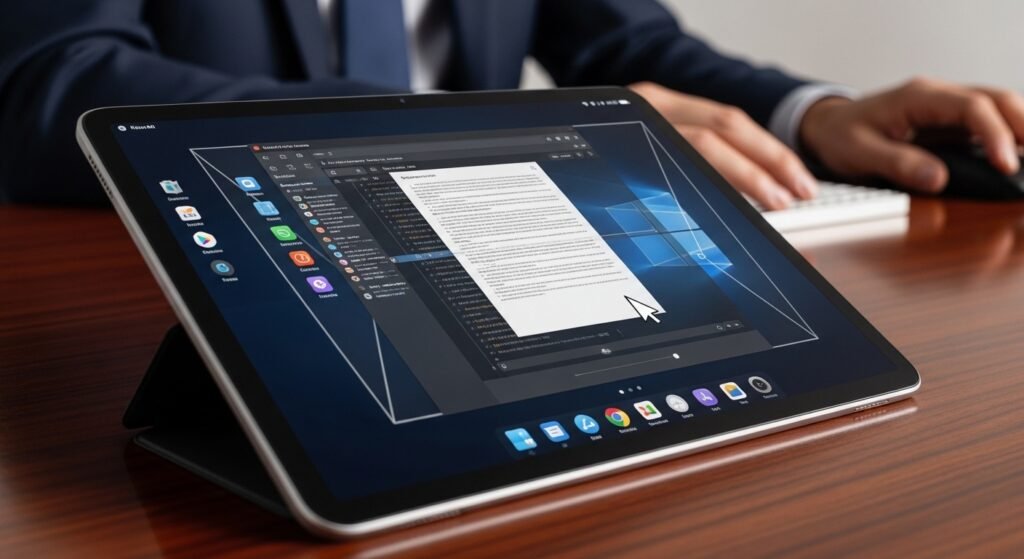
Most applications used to become unusable when users attempted to modify their dimensions. The Android 17 system requires all applications to enable users to adjust their display size. Users can control application windows using PC windowing functions which let them expand the window to full display size or decrease it to screen edge position.
A Permanent, Desktop-Style Taskbar
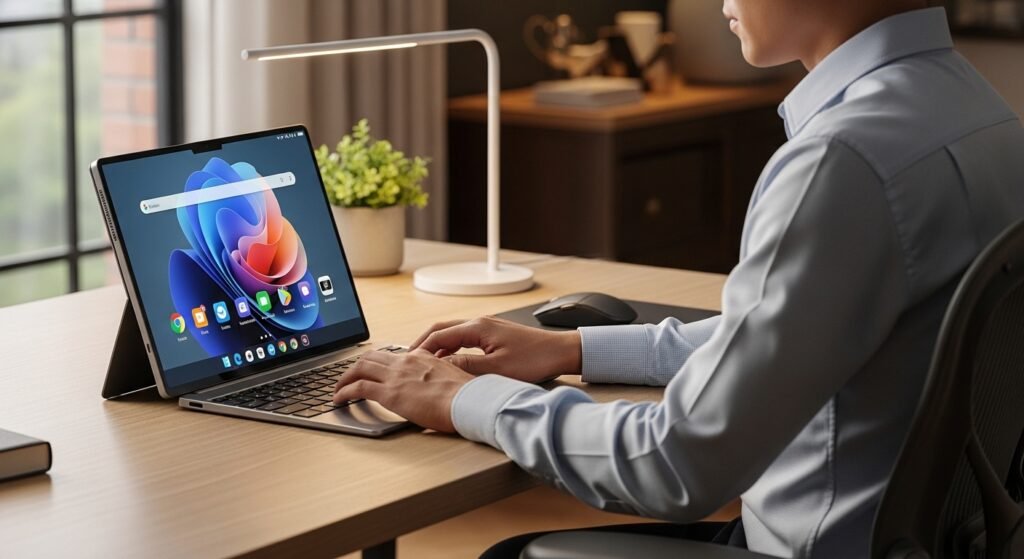
The latest update adds a taskbar which remains fixed at the screen bottom, providing users with a Windows or macOS taskbar experience. The system lets users view all their active applications while enabling them to save their preferred applications for immediate access through a typical Windows taskbar.
Advanced Window Decoration
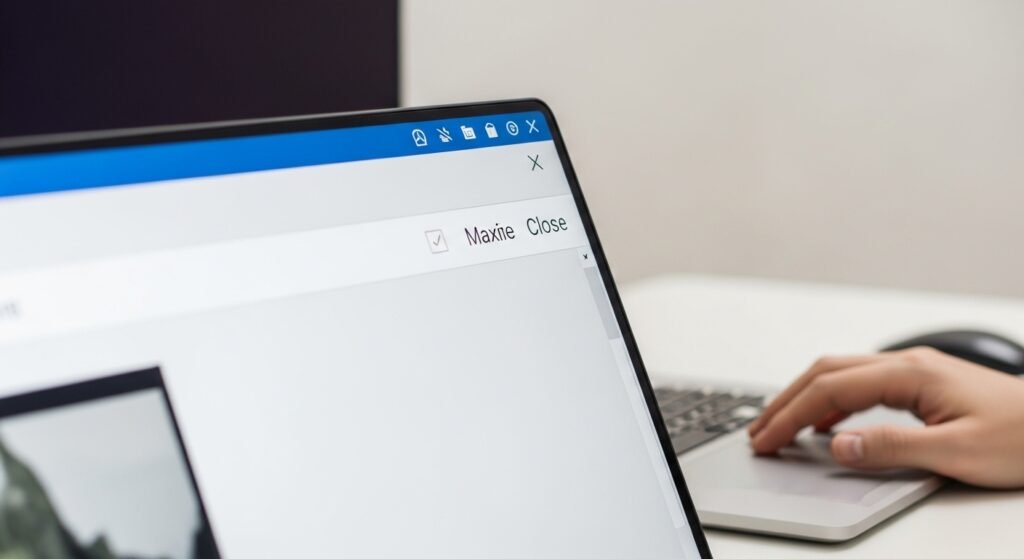
Every application window in Android 17 now comes with a “header bar” that includes standard controls for minimizing, maximizing, and closing. The new design element enables users to handle multiple applications using trackpad or mouse interfaces.
True Multi-Window Multitasking
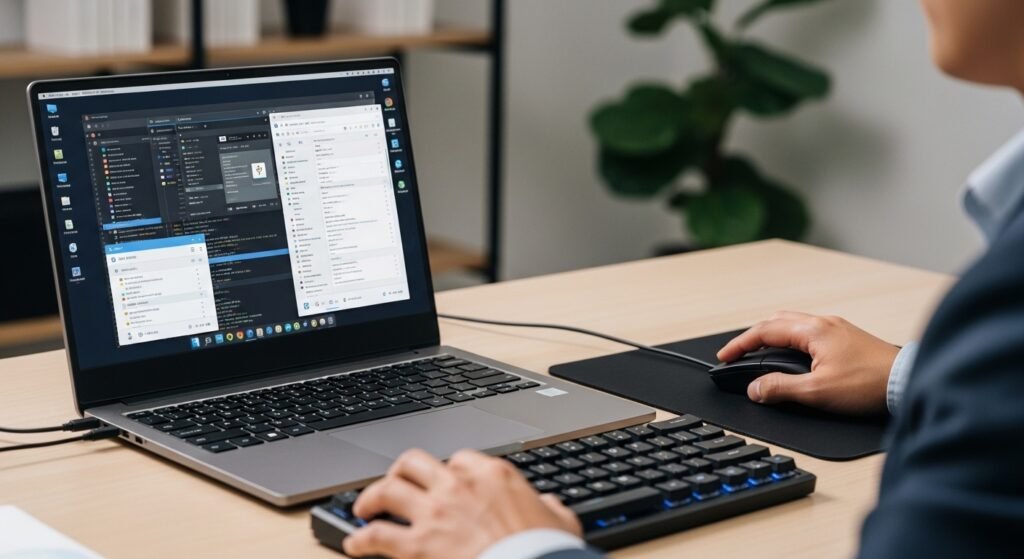
Previous Android versions supported split-screen viewing while Android 17 now enables users to create freeform window layouts. Users have the ability to operate multiple applications which will be displayed as floating windows that cross each other on the screen in the same way that applications function on standard laptop computers.
Improved Mouse and Trackpad Support
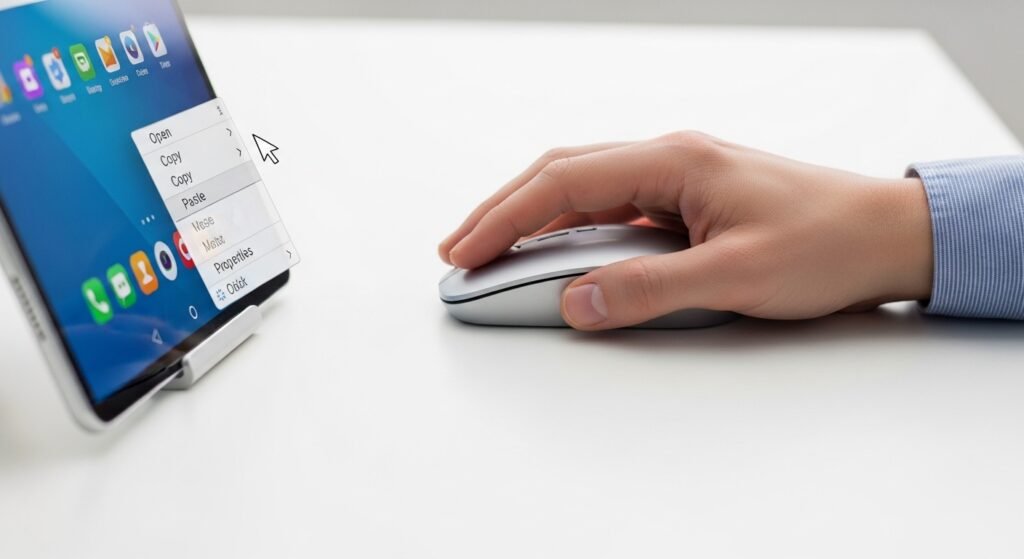
The Android 17 system introduces “professional-grade” cursor capabilities. The system offers enhanced right-click menu functions together with smooth scrolling performance and “action corners,” which activate particular functions when users move their mouse pointer to a display corner.
Desktop-Class Web Browsing
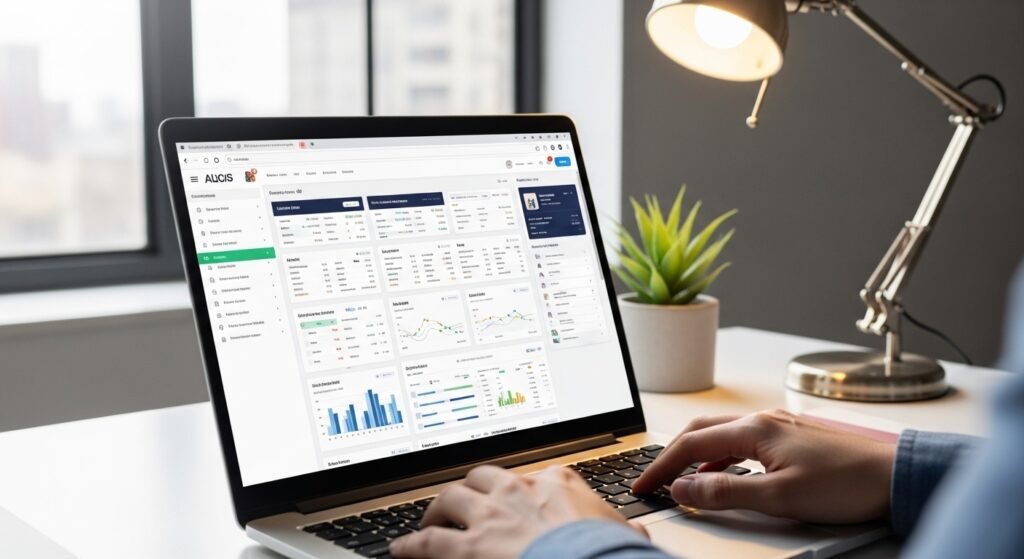
The design modifications enable Chrome browsers to display websites using their desktop interface as the standard mode for every visited site. The system provides complete capabilities for complex websites like Google Docs and banking portals because it prevents users from accessing simplified mobile versions.
Drag-and-Drop Excellence
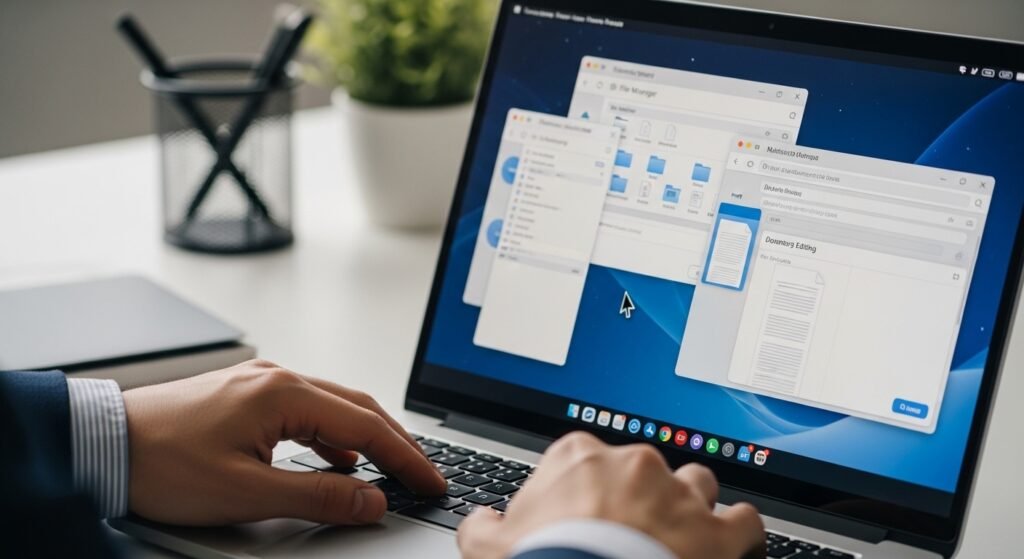
The update simplifies the process for users to transfer text, images, and files between two active windows. The standard feature which enables applications to communicate between each other (inter-app) has achieved its final enhancement through development for Android systems.
Persistent Desktop State

The earlier software versions caused all your open windows to disappear when you turned off your tablet or disconnected your external monitor. Android 17 can remember your closed window dimensions and active locations so that your workspace will display precisely as you left it when you return to it.
Universal Keyboard Shortcuts

The Android 17 system now includes updated keyboard shortcut options which enable users to access all existing shortcuts. The system allows users to execute system functions through key combinations that utilize both the “Command” and “Windows” keys together with letter inputs, which particularly suits users transitioning from Mac or PC systems.