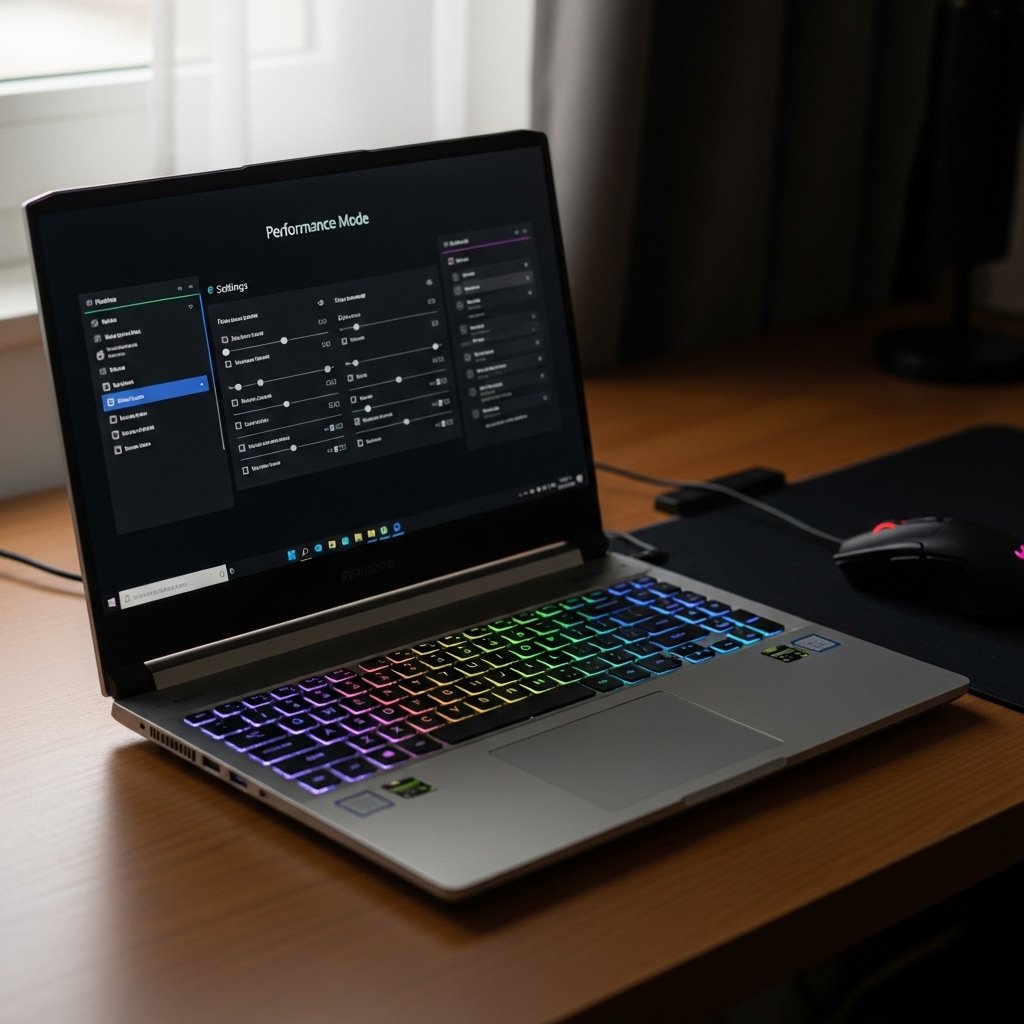
Most modern computers, especially laptops, come with a setting called “Performance Mode” or “High Performance” and the feature functions as a turbo button for your PC, yet its actual operation involves more complicated procedures. The mode commands your computer to use all available resources for maximum processing speed and power output, which includes both battery life and noise and temperature management.
Your system enables maximum clock speed unlocking.

The computer processor runs at reduced speed during standard operation because it needs to conserve energy. Performance Mode removes these speed limits which restrict processor operation to its maximum clock speed. Users experience improved response times when their system launches applications and performs task switching.
Increased Power Consumption
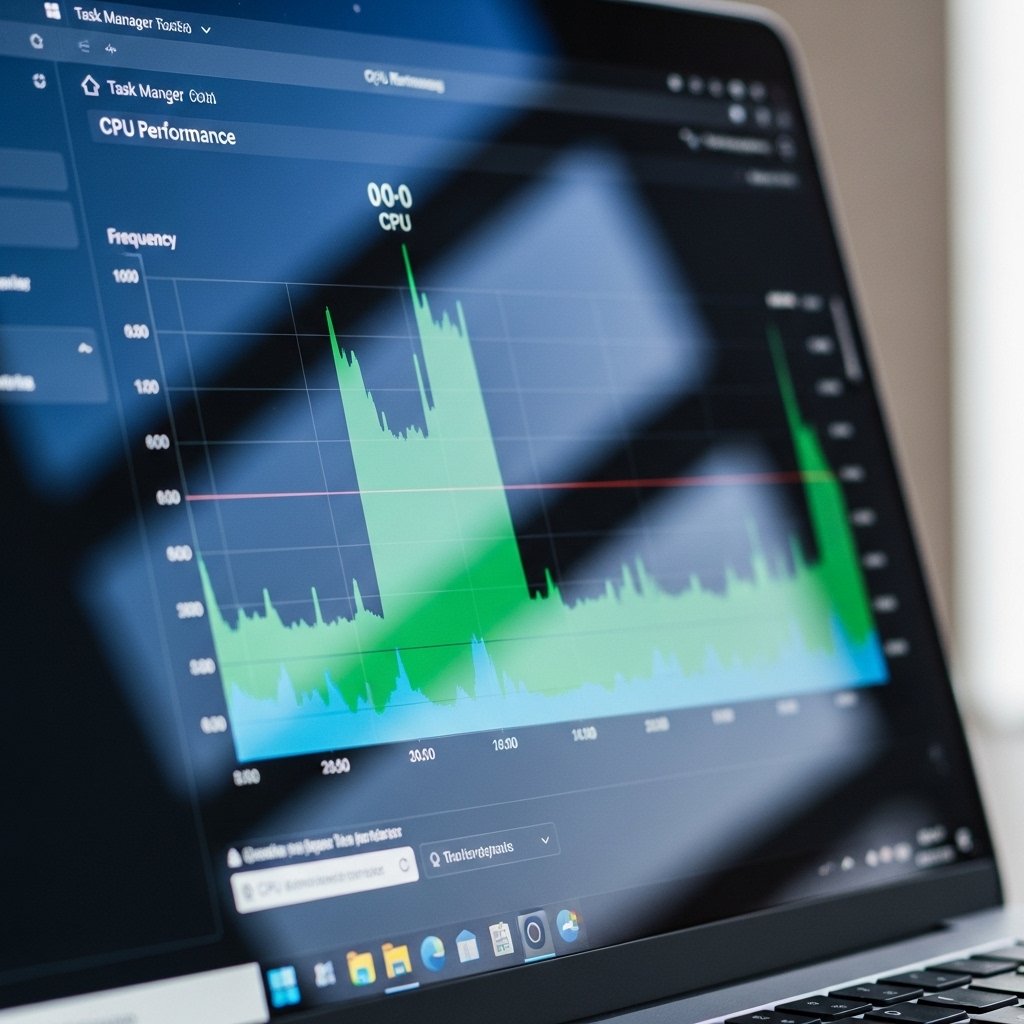
The most immediate cost of Performance Mode is a massive drain on your battery. The laptop battery life drops to three or four hours when users operate at maximum speed because the components consume additional power. The mode creates problems when you lack connection to an electrical outlet.
Reduced “Throttling”
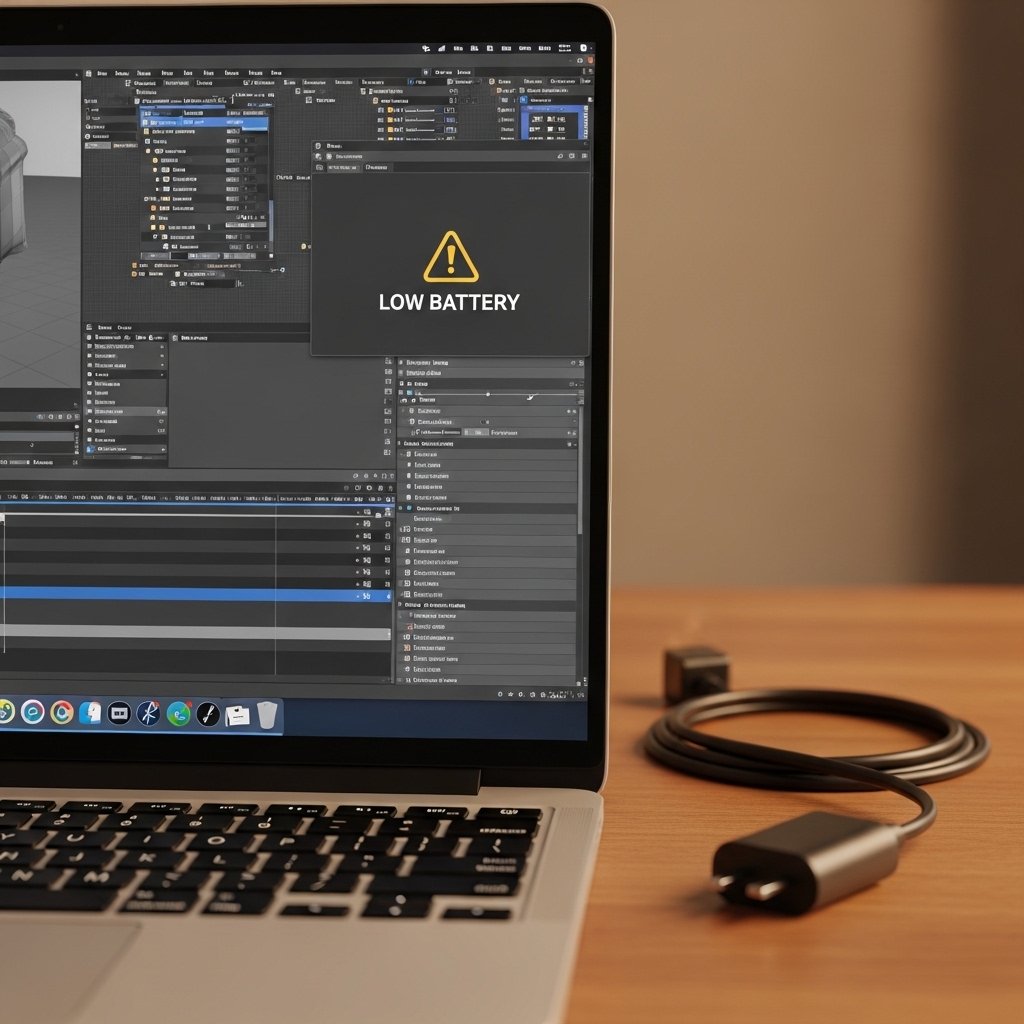
The computer system decreases its speed when approaching dangerous temperature levels to protect its internal components. Performance Mode raises the threshold for when this happens. Users require this function during extended gaming sessions and video rendering operations because it maintains constant speed for over one hour.
Games Achieve Higher Frame Rates

Performance Mode creates a smoother gameplay experience for gamers who want to play without interruptions and the system supplies complete power capacity to the graphics processing unit, which results in higher frame rates and decreased input delay.
Faster Video and Photo Exporting
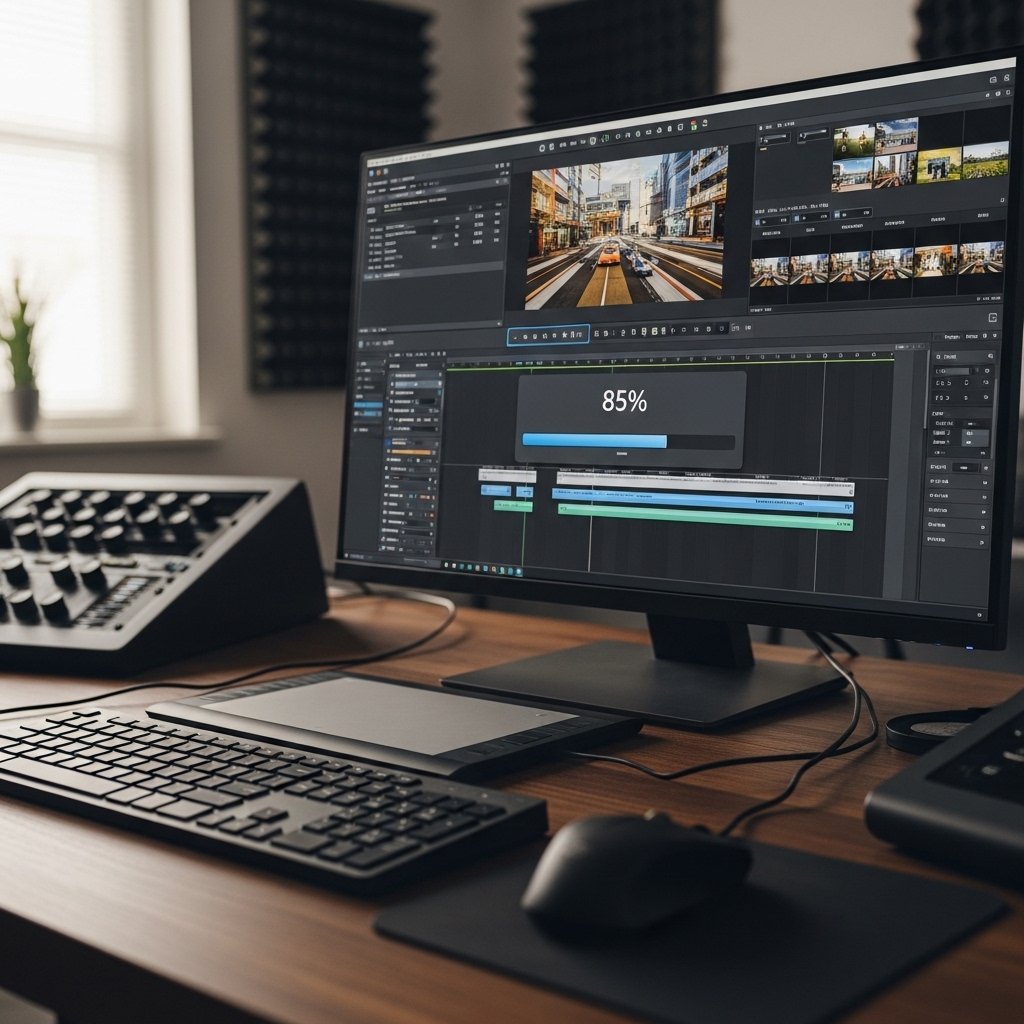
The Process of Exporting Videos and Photos Now Occurs at an Accelerated Rate. The content creator benefits from using Performance Mode during their entire export process. Rendering 4K video and processing many high-resolution photos require extreme system resources. The mode can reduce total processing time by several minutes or multiple hours.
Hardware Longevity and Its Operational Impact
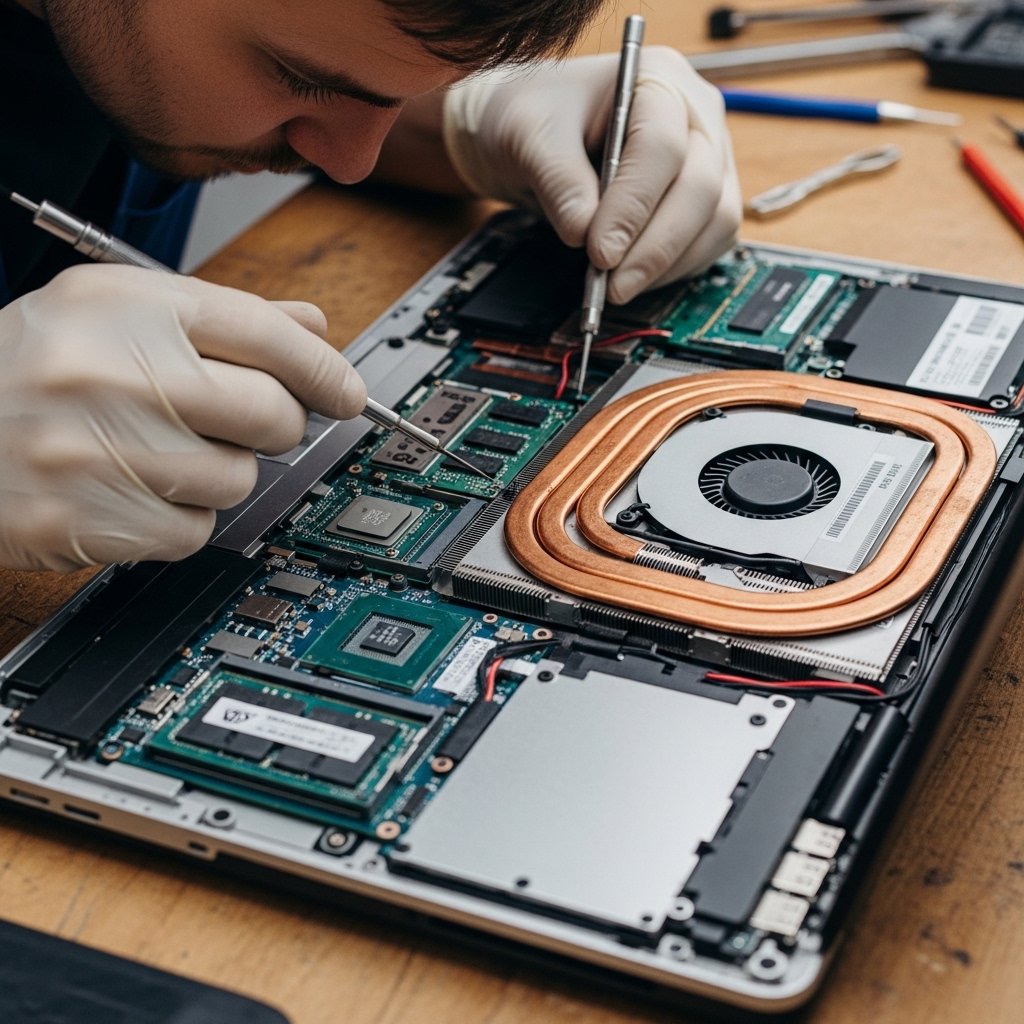
Continuous operation at maximum capacity results in greater equipment damage throughout extended periods. The laptop chips operate under high-temperature conditions which can cause battery and internal component performance loss at a faster rate than when using Balanced mode settings.
The “Plugged-In” Rule
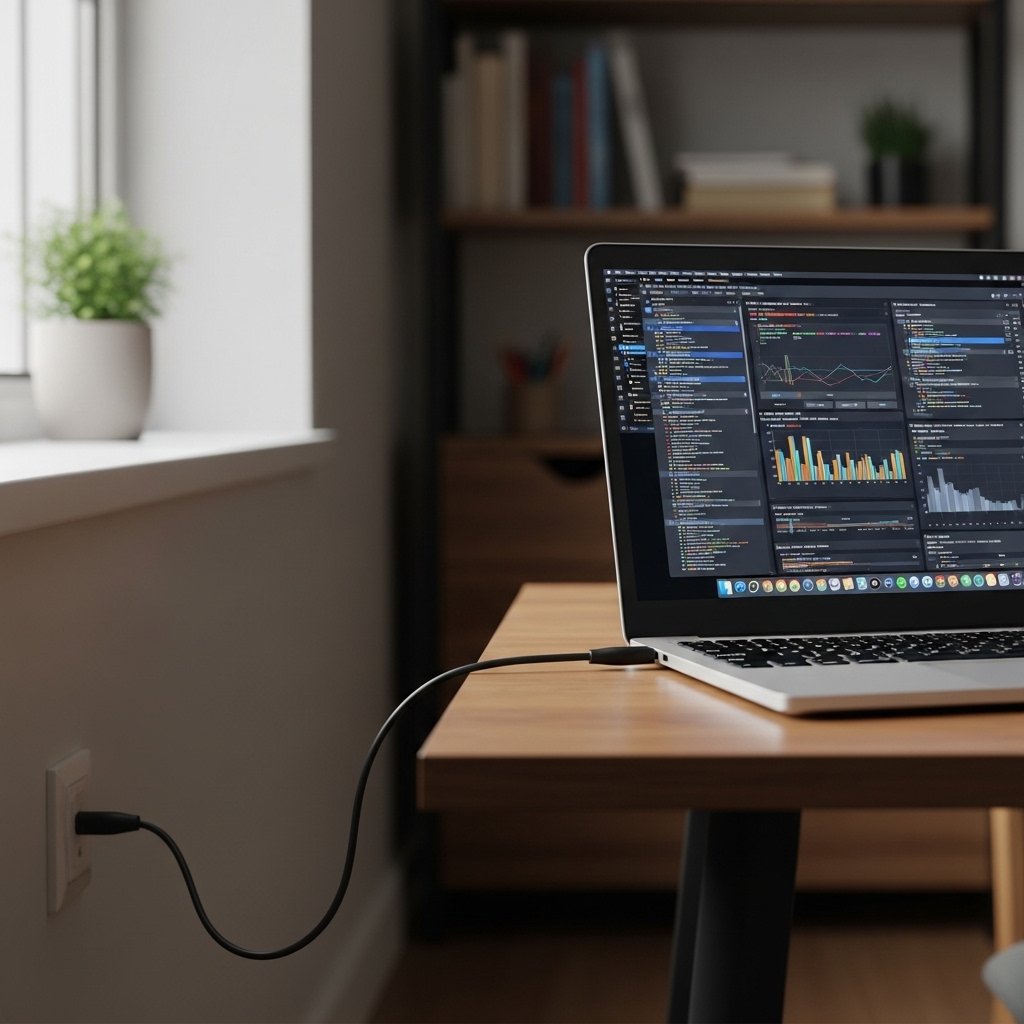
Most experts believe that Performance Mode needs to operate only when the user connects their laptop to a wall power outlet. The charger activates the Best Performance mode on Windows PCs because their batteries cannot supply sufficient power to maintain maximum operational performance.
The Increase of Background Processes
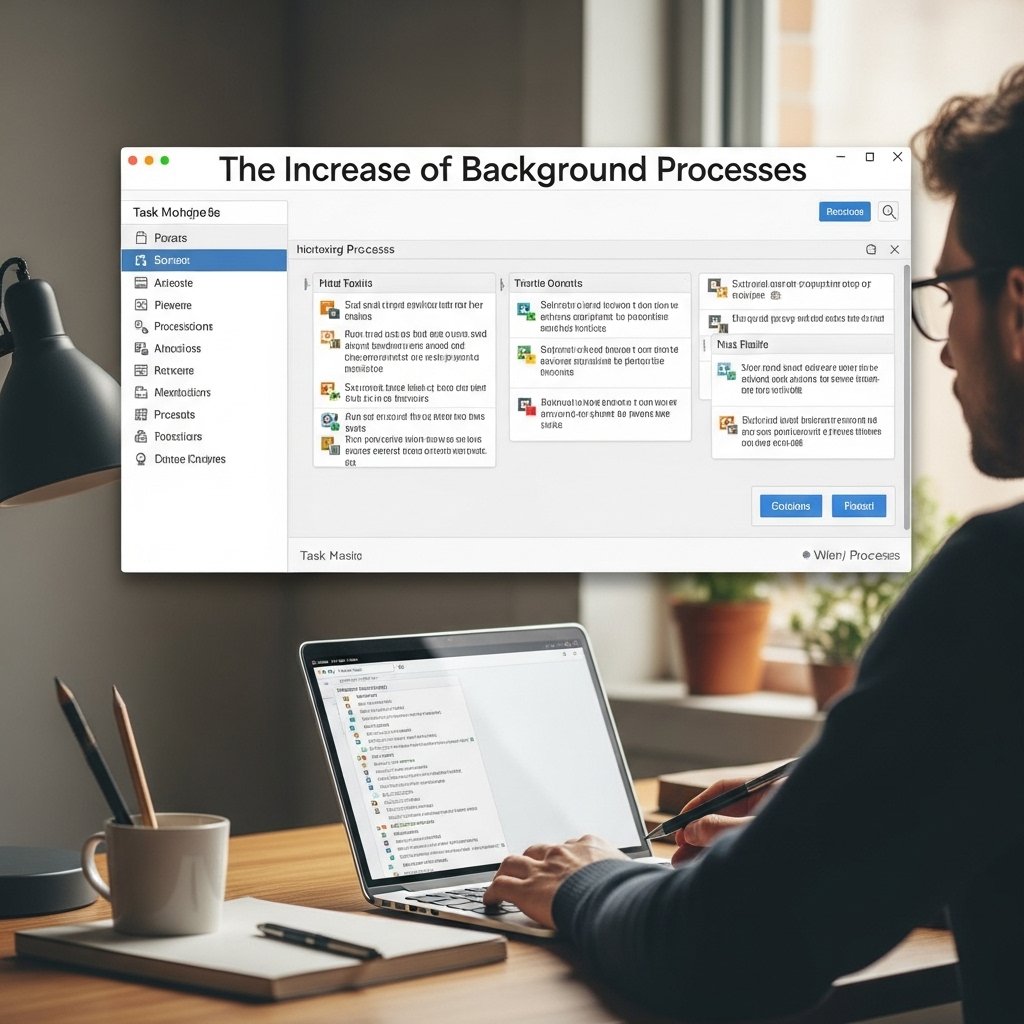
Performance Mode prevents Windows and macOS from suspending background processes. Your computer performs additional tasks, which include update checks and file indexing, as it carries out its primary responsibilities. The system keeps everything prepared for operation, but it achieves this through resource-intensive processes.
The Process of Audio Latency Reduction
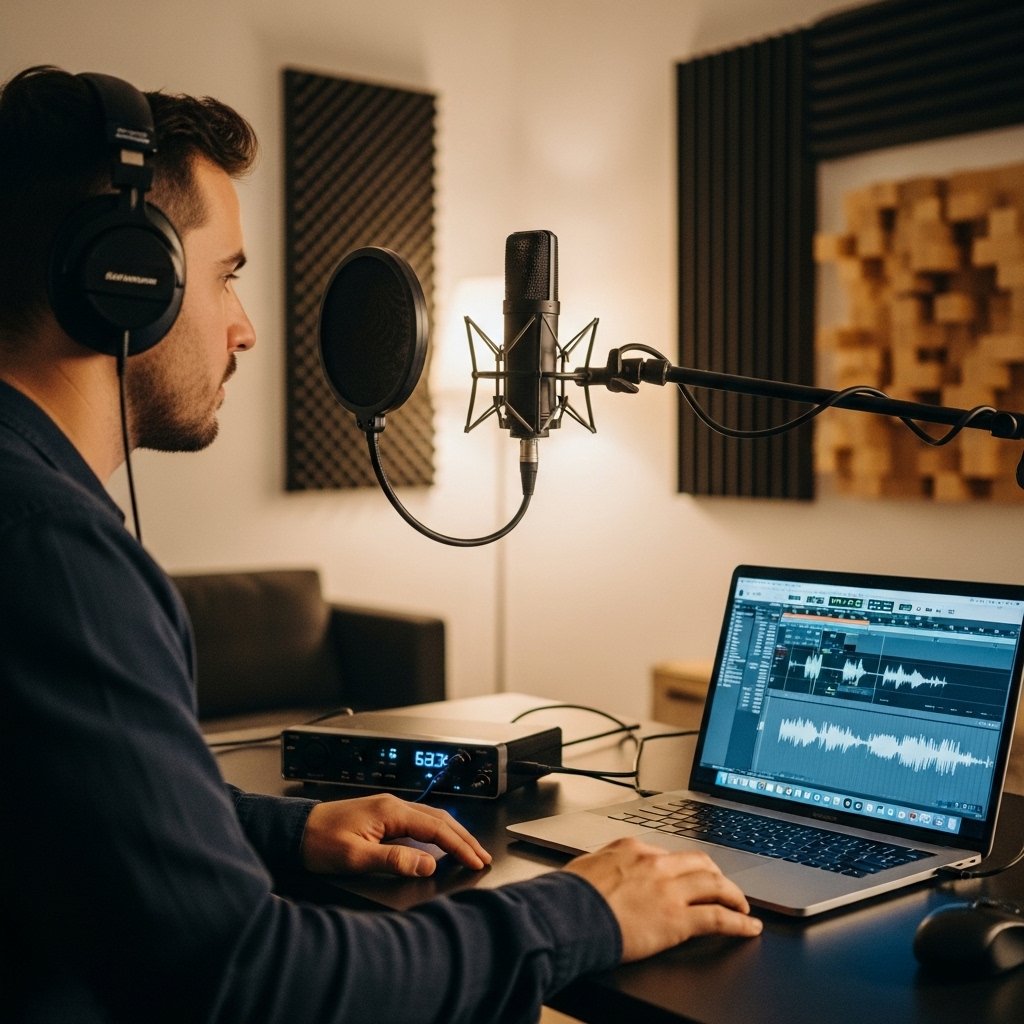
Musicians and podcasters use Performance Mode to eliminate delays between audio playback and recording. The processor speed breaks down when musicians make a sound because their sound will arrive into their headphones at a delayed time. The system processes audio signals at maximum speed through High Performance mode.
The Process to Identify Balanced Operation
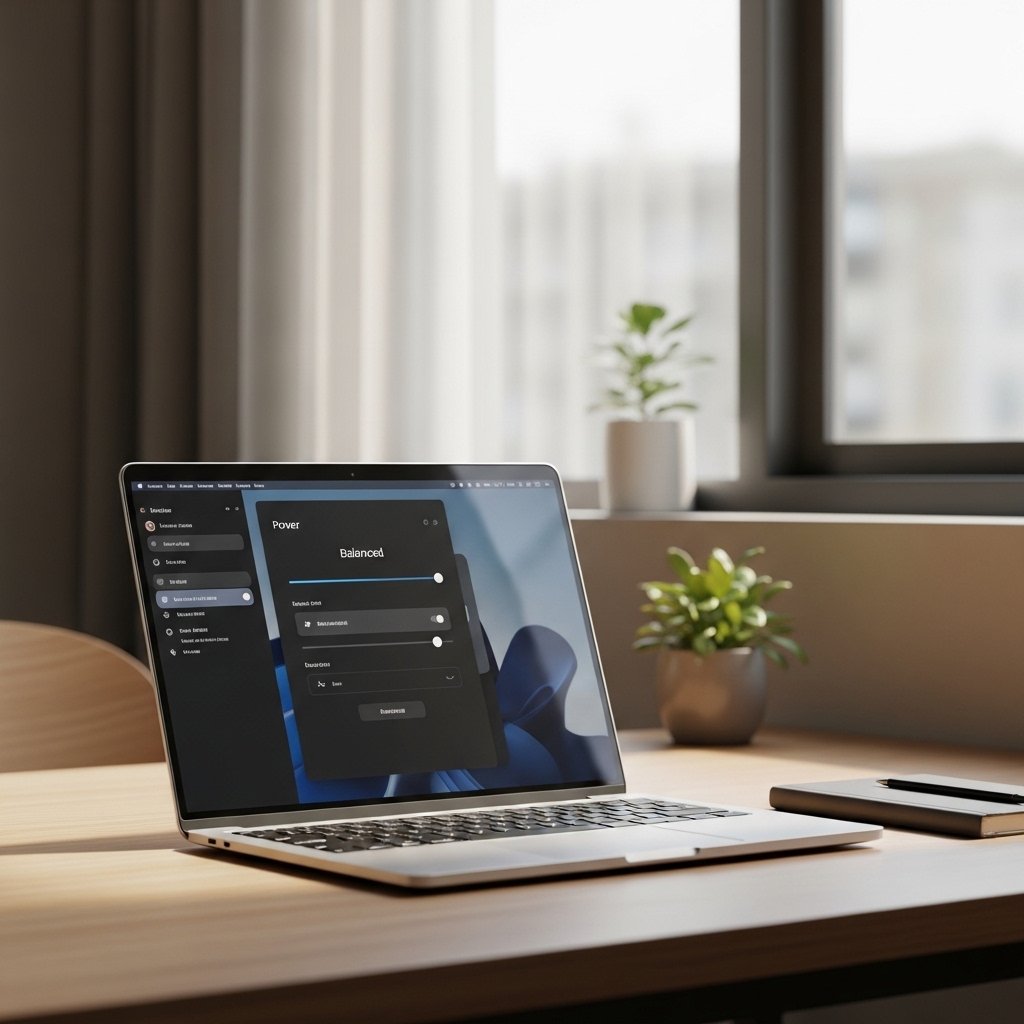
The “Balanced” mode functions as the optimal choice for 90% of all users. The system activates maximum performance levels when users start games or work on video editing tasks while it automatically lowers power usage during PDF document reading.