Your monthly internet plan payment should cover its required performance. The process of transferring data from your wall cable to your display screen requires the application of multiple scientific principles together with radio wave transmission and hidden device limitations. The slow connection problems we experience stem from home network configuration issues instead of any fault with our internet service provider.
Speed is Actually “Capacity”

When a provider sells you 500 Mbps, they aren’t selling you a faster car; they are giving you a wider highway. The definition of speed in internet usage pertains to bandwidth which establishes the maximum data transfer rate for simultaneous transmission. A higher number allows ten people to stream movies at the same time while single email transfers remain unchanged.
Your Body is a Signal Blocker

Wi-Fi signals transmit through radio waves which water can easily absorb. The human body contains approximately 75% water, so you function as a walking Wi-Fi shield. The signal strength between your router and laptop will experience a severe decrease when you sit directly between these two devices.
The “Doughnut” Signal Shape

Most routers don’t send signals out in a perfect sphere and the energy travels in a shape that resembles a massive doughnut. Your router spreads half its signal power into the earth when it stands on the ground. The optimal signal strength occurs when you place the router at head level or higher.
Upload Speed is the “Silent” Factor

People tend to check their download speed, yet upload speed plays a vital role for video calls and gaming. The fastest download plan cannot prevent your video from freezing and voice from lagging when your upload speed falls below the required level.
The “Weakest Link” Rule

Your internet speed depends on your oldest device in your network. Your new fiber connection cannot deliver its full potential when you use your laptop from ten years ago. The network automatically reduces its communication speed to match the capabilities of that older device.
Microwaves and Baby Monitors
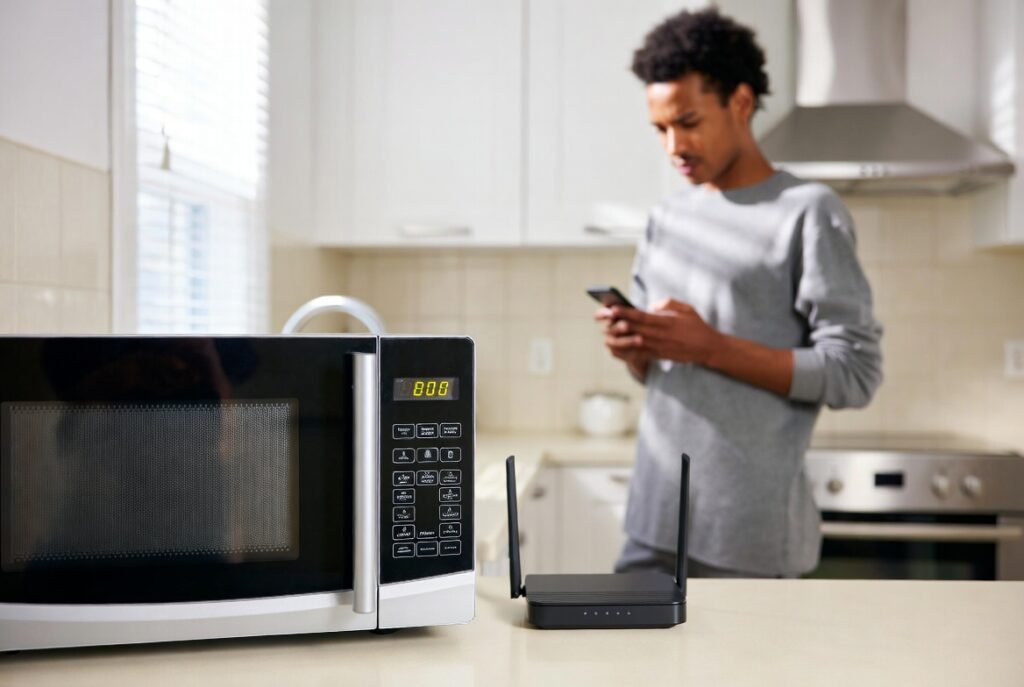
The 2.4 GHz frequency serves as the operating frequency for various household electronics which also uses the same frequency range as older Wi-Fi. The microwave and cordless phone create noise that interferes with your internet connection which results in random disconnections and buffering problems when you use them near your router.
Peak Hour “Contention”

Your neighborhood shares its internet bandwidth as a common resource. The local infrastructure experiences maximum usage during peak hours between 7 PM and 11 PM because all users connect at once. Your performance will decrease temporarily because of neighborhood traffic which continues to operate even when you possess an excellent plan.
Wired is Always King
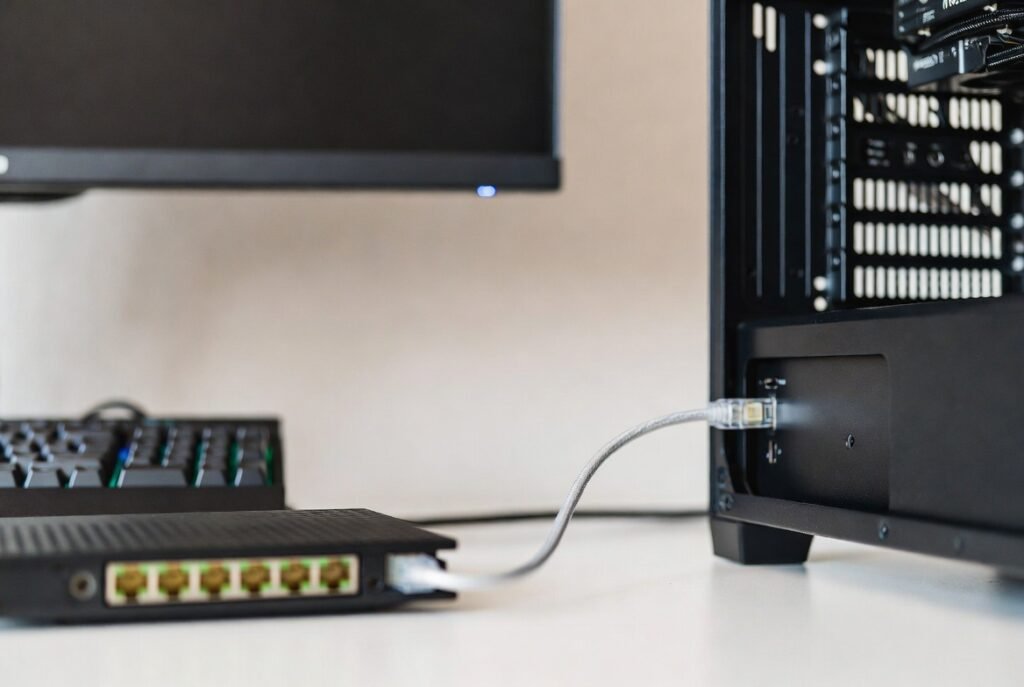
Wi-Fi will always fall short of providing the same speed and stability which physical Ethernet cables deliver. A wired connection delivers the best performance for professional work and competitive gaming because it prevents interference while maintaining the lowest possible latency.
Routers Need “Naps”
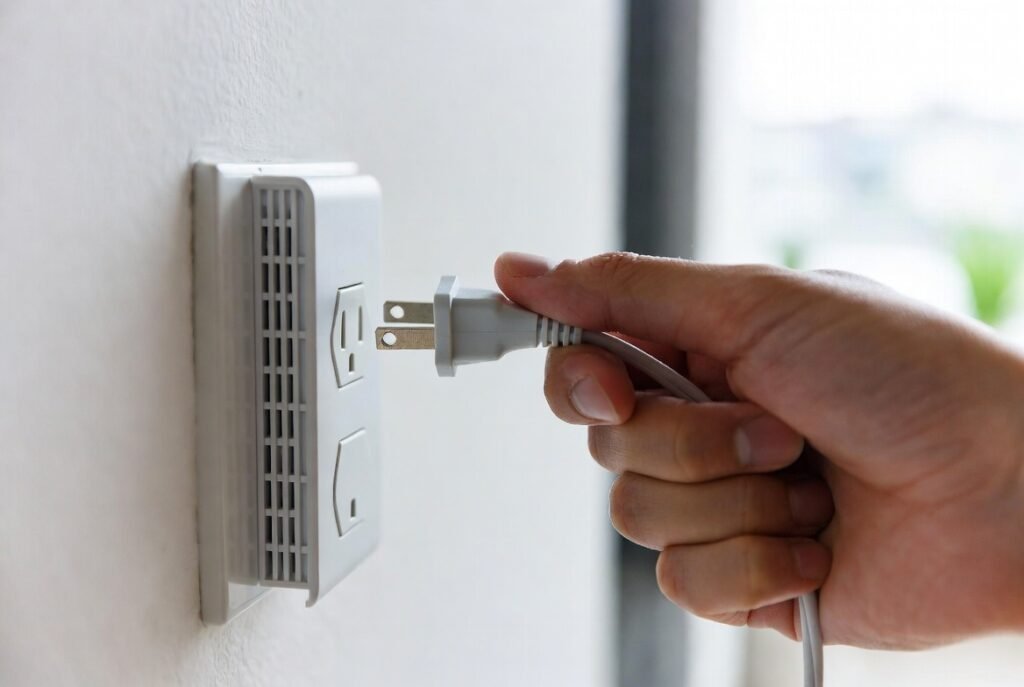
The computer functions as a router which makes it susceptible to memory leaks and software glitches that develop over time. You can boost your internet speed by unplugging your router for 30 seconds because this action deletes temporary memory storage while enabling the device to select a less busy wireless channel.
The Distance to the Server

The internet operates through a physical network of cables which eliminates its magical qualities. The data path from New York to Tokyo needs to travel across the entire globe. Your home internet speed remains powerless against light-speed limitations which restrict data transmission between your location and its destination.