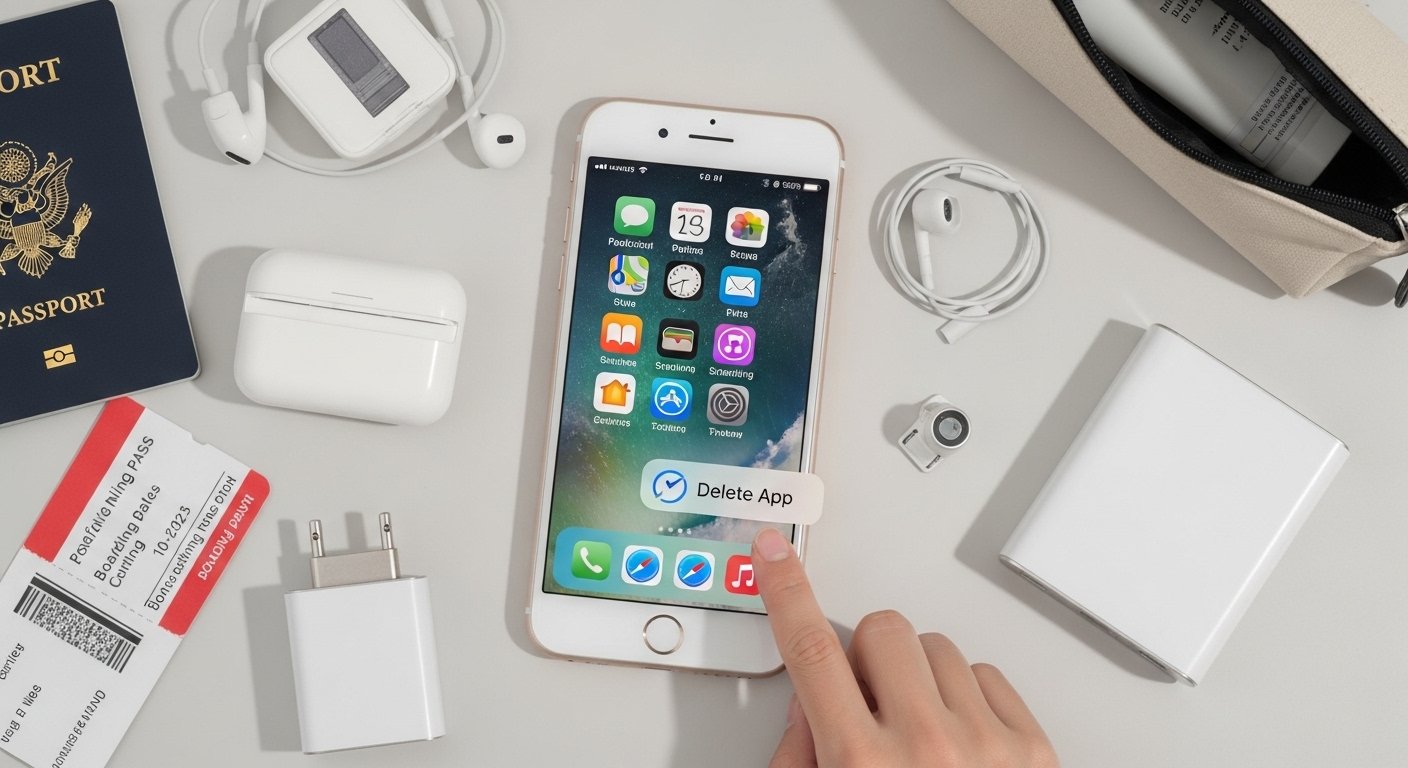
Before you board a flight, it’s smart to do a quick privacy and security sweep on your iPhone. Airports, planes, and public Wi-Fi increase the risk of someone glancing at your screen, shoulder-surfing, or (in rare cases) accessing your device if it’s lost or stolen. Deleting or hiding certain items takes only a few minutes and gives you peace of mind during travel. Here are the 10 most important things to delete or remove from your iPhone before your next flight.
Screenshots of Boarding Passes & Tickets

Boarding passes contain your full name, flight number, seat, barcode, and sometimes passport/ID details. Once you’re through security, delete the screenshots or email confirmations. If you need them later, airlines can resend them.
Photos of Passports, Visas, Driver’s Licenses, and IDs

Many people take photos of their passport/ID for convenience. These images are a goldmine if your phone is lost or accessed. Delete them after check-in or store them in a secure, encrypted app instead.
Sensitive Financial Screenshots
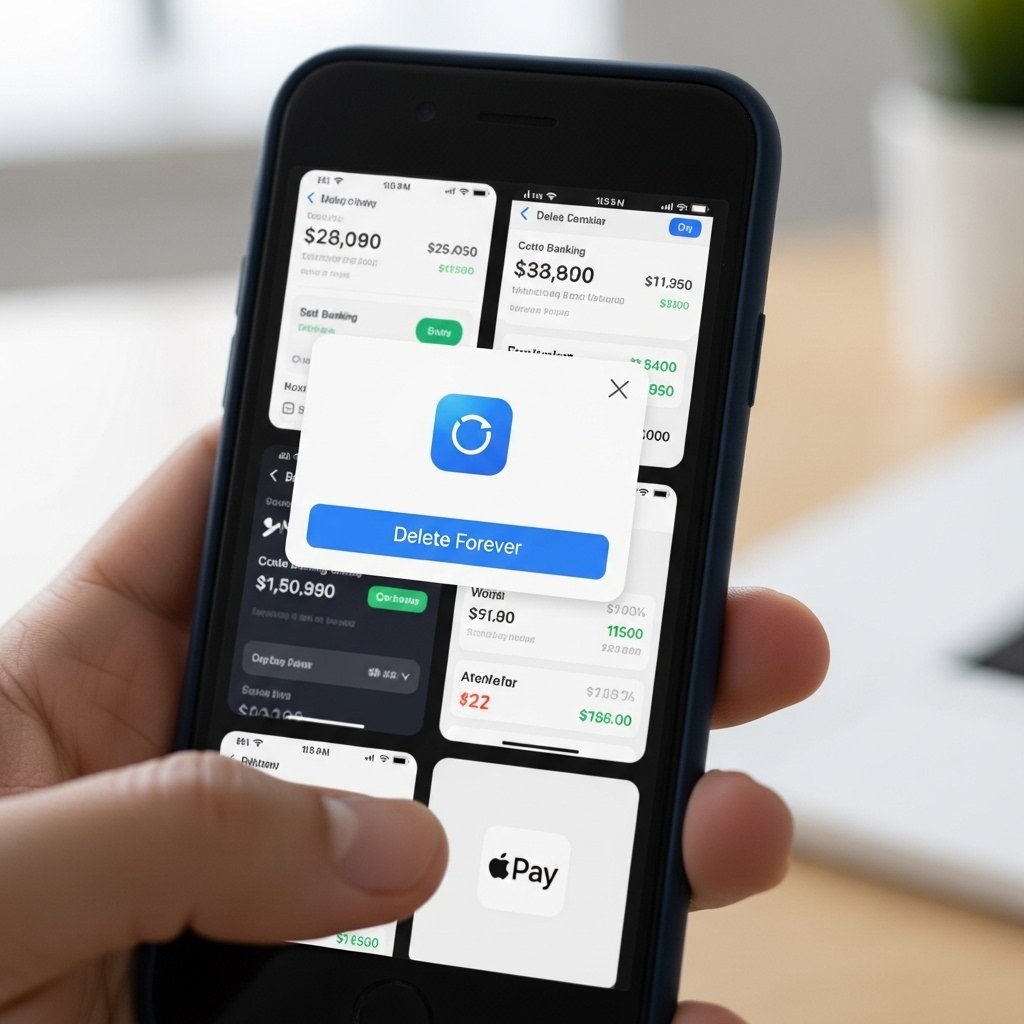
Delete screenshots of bank statements, credit card numbers, PayPal balances, Venmo transactions, investment apps, or crypto wallets. Even locked apps can sometimes be previewed in the Photos app or recent items.
Private Messages & Screenshots of Conversations
Delete screenshots of personal texts, DMs, WhatsApp chats, iMessage threads, or emails that contain private information (addresses, travel plans, passwords, intimate photos, etc.). Also consider deleting or archiving very sensitive chat threads.
Travel Itineraries with Exact Addresses

Hotel bookings, Airbnb confirmations, rental car details, and private home addresses are risky to keep visible. Delete screenshots or PDFs after you arrive at your destination. Use the hotel/airbnb app directly instead.
Work-Related Confidential Information

Screenshots of company dashboards, internal emails, Slack threads, payroll info, client data, or proprietary documents should be removed before travel. If you need them, store in a secure work-approved encrypted app or cloud service.
Passwords & 2FA Codes in Notes or Screenshots
Never keep passwords, recovery codes, or 2FA backup codes in plain Notes, Photos, or Messages. Delete any screenshots or notes containing login credentials. Use a reputable password manager instead.
Photos of Credit/Debit Cards (Front & Back)
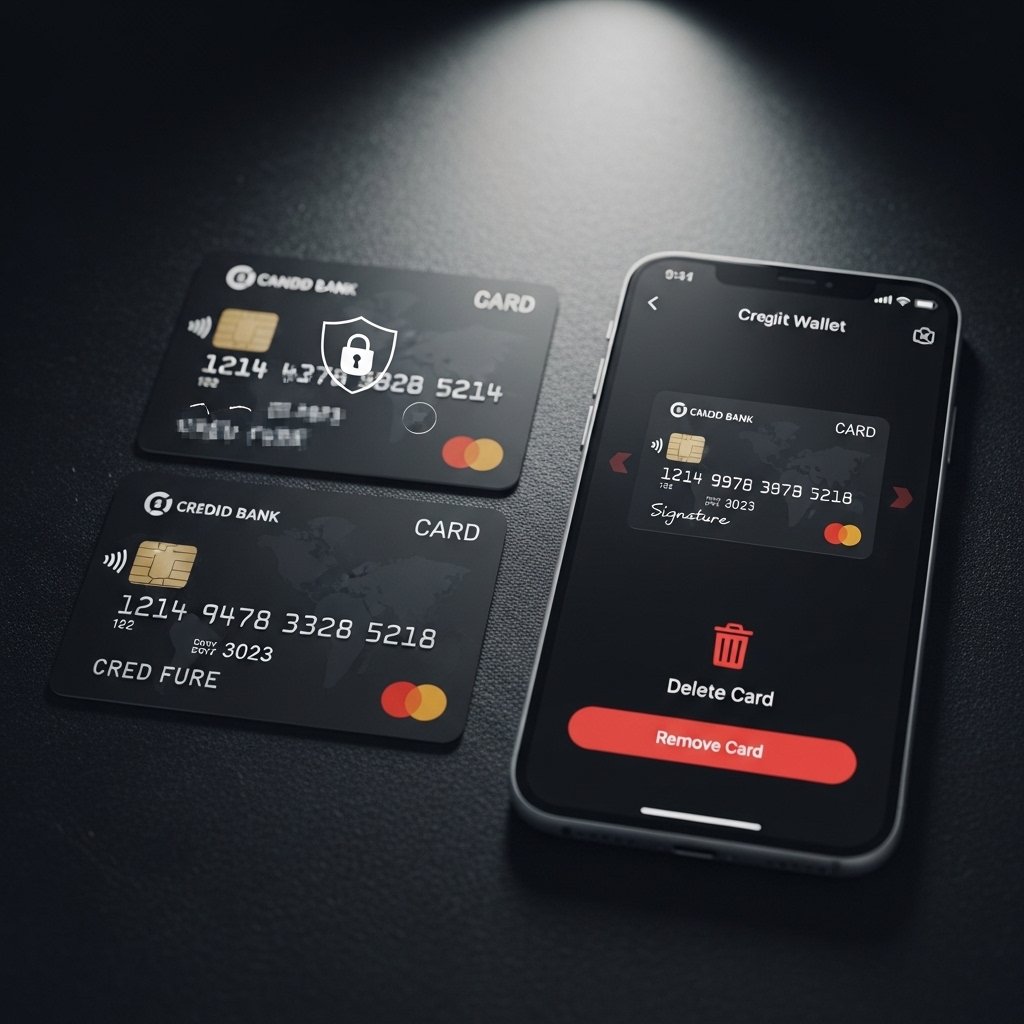
Many people photograph both sides of cards “just in case.” Delete these immediately after adding the card to Apple Wallet or a secure app. Physical cards should also be kept in a safe place during travel.
Location-Specific Sensitive Photos

Photos of your home interior, safe location, hidden valuables, or anything that shows where you live or store valuables. Delete them before leaving to avoid accidental sharing or exposure if your phone is lost.
Full-Resolution Copies of Sensitive Documents
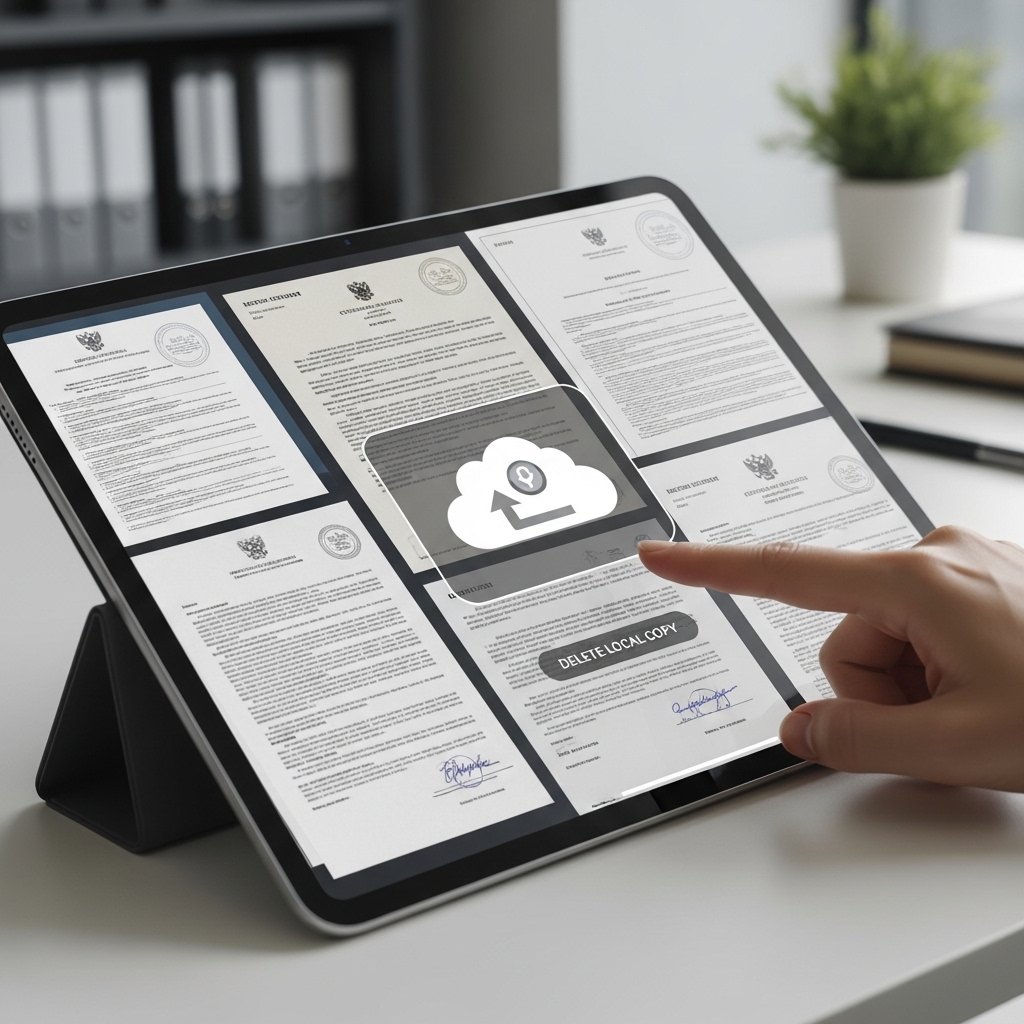
Birth certificates, marriage certificates, medical records, insurance cards, or any official documents in high resolution. Delete them after uploading to a secure cloud service or keeping encrypted copies.