Most forget their home shows up online for anyone searching. Not too long ago, plugging in a address would pull up your place fast – meant for exploring towns or spots abroad. Yet here it sits, viewable by neighbors, relatives, even strangers scrolling through maps. A tool built by Google takes steps when asked quietly. The steps? Way easier to understand now, way simpler than those fancy ads make it seem!
Step One: Find Your Property on Street View
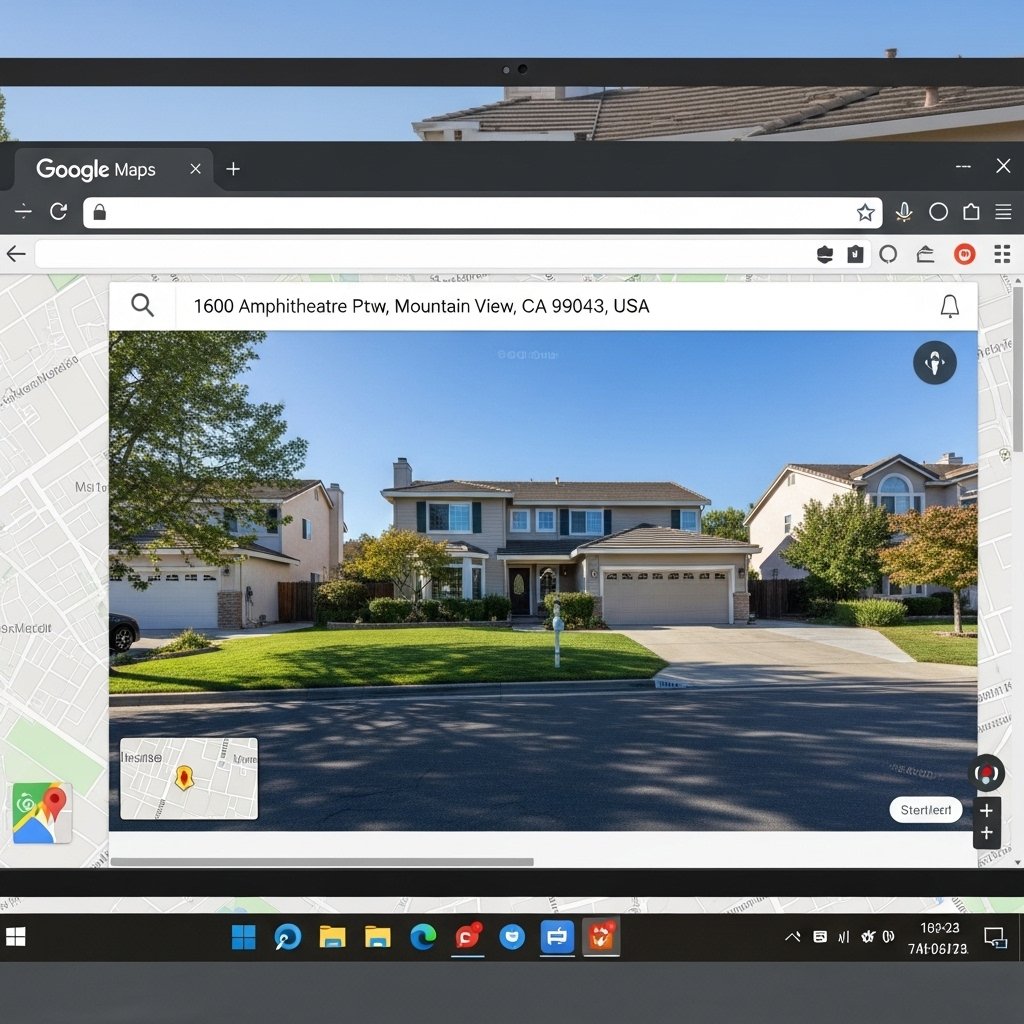
Begin by launching Google Maps inside your web browser, then type in the full address of your home. After the map appears, change the view to Street View – either pull the yellow Pegman figure along your street or tap the small preview picture if available. Ensure your house stands out in the screen’s window before stepping ahead.
Step Two: Use the “Report a Problem” Option
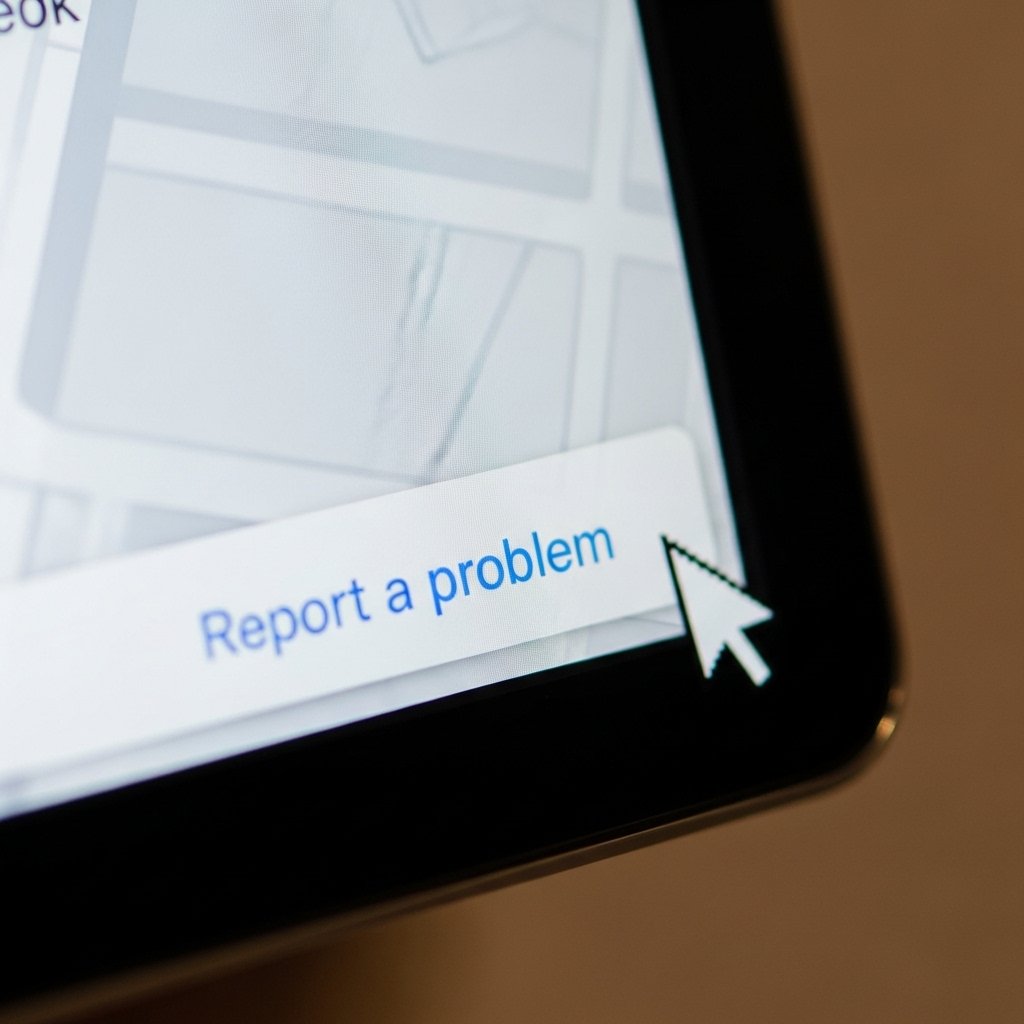
Down in the lower right section of the screen, that’s where you’ll find it – a tiny link saying “Report a problem.” It opens up a form where you can explain what’s going on with your house showing up online. If you want parts of your home hidden, like through blurring, this is where you’d ask for that change.
Step Three: Adjust the Blur Request Carefully
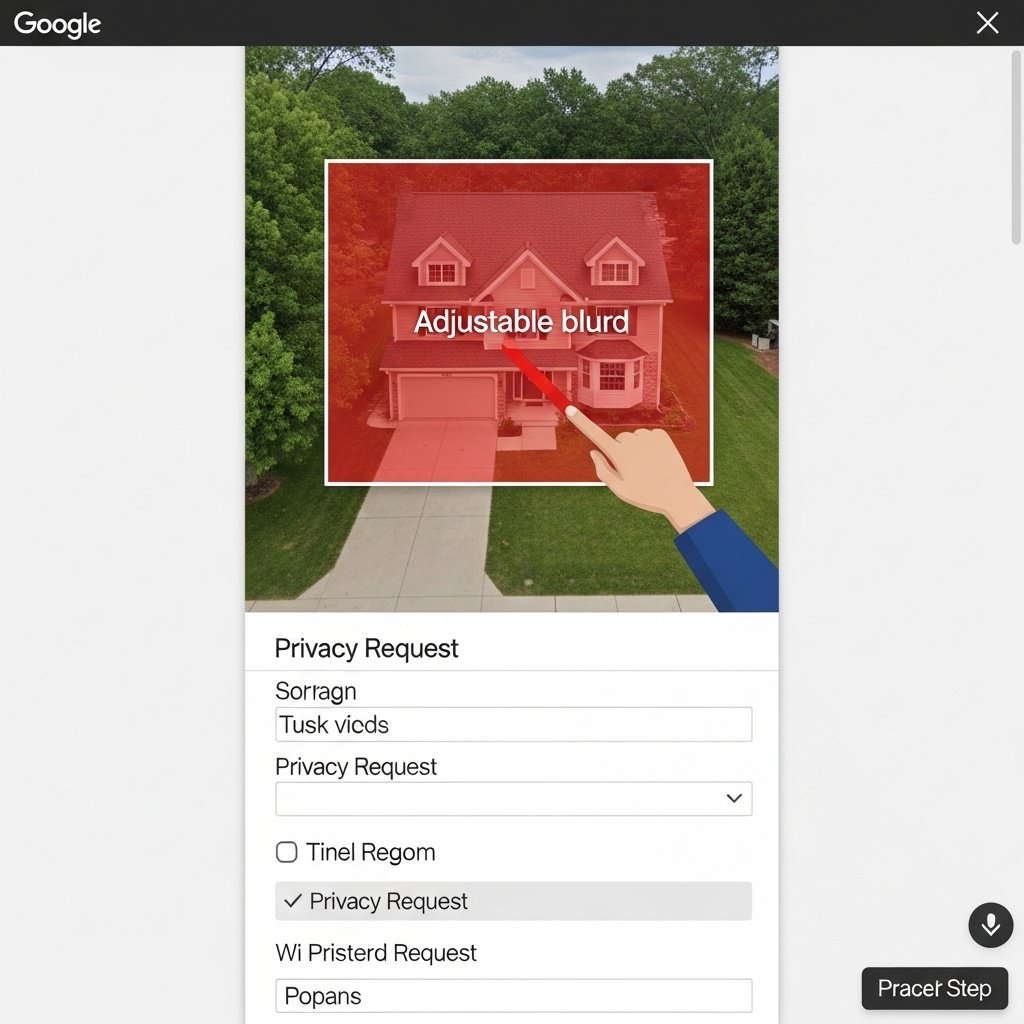
Now showing the Google Street View scene once more – this version includes a red adjustable box. Shift the size and place it covering your entire home completely. Under the picture, pick the choice showing you need privacy blurs on your house. Your email goes in next followed by finishing up the check process after which you send it through.
Important: The Blur Is Permanent

Before you send it, know that after Google gives its okay and adds the blur, there’s no taking it back. That alteration sticks around, no matter when Street View gets an update. Still, that rule works just for Street View shots – satellite or overhead photos could easily reveal where your property is.
Why Many Homeowners Choose to Blur

What often matters most is how private someone feels. Even if Google Maps shows static views – sometimes months behind – they might still show where doors are, which windows face outward, how trees are shaped, or what kind of cameras sit on roofs. Not having those spots seen at all adds a sense of security. That shift in visibility helps some feel better.
Digital Footprint and Peace of Mind
When details about yourself are out there for everyone to see, tiny acts of privacy might actually matter more. Hiding your home address never deletes what’s already posted online – yet it gives you a handle on something people notice every day.
A Simple Step Toward Greater Privacy

Even though Google Maps still helps a lot, people feel differently about sharing their home location. A short form, filled out soon after, often finishes the task – just moments of time. Still, many find that quiet sense of safety worth it, especially now when so much connects so fast.