
Gmail plays a central role for millions of players who link accounts, receive login alerts, and store purchase receipts. Recent privacy discussions focus on two lesser known Gmail settings tied to data access and message scanning. Security researchers and digital rights groups highlight risks linked to these options. The guidance targets users who rely on Gmail for gaming platforms, cloud saves, and in game purchases. Account exposure often starts with overlooked defaults rather than direct breaches.
Background on the Privacy Concerns
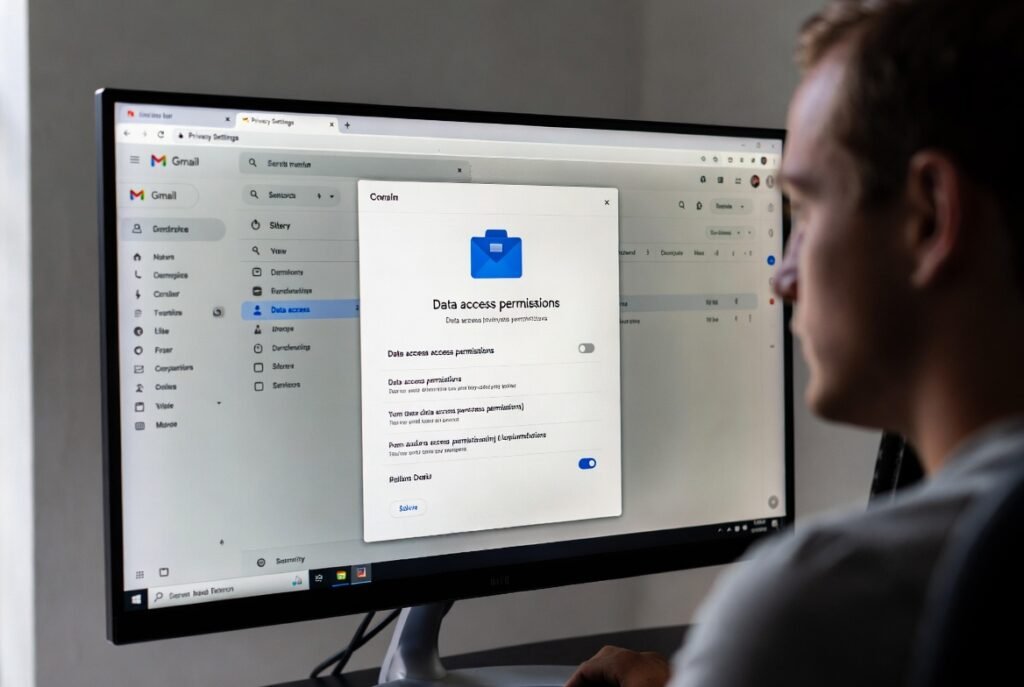
Privacy analysts point toward Gmail settings linked to third party access and smart features. These tools process message content for automation and organization. Such processing increases data visibility across connected services. For gaming users, linked emails often include account recovery codes, transaction details, and platform identifiers. Wider data exposure raises risk during credential leaks.
Hidden Setting One Third Party App Access
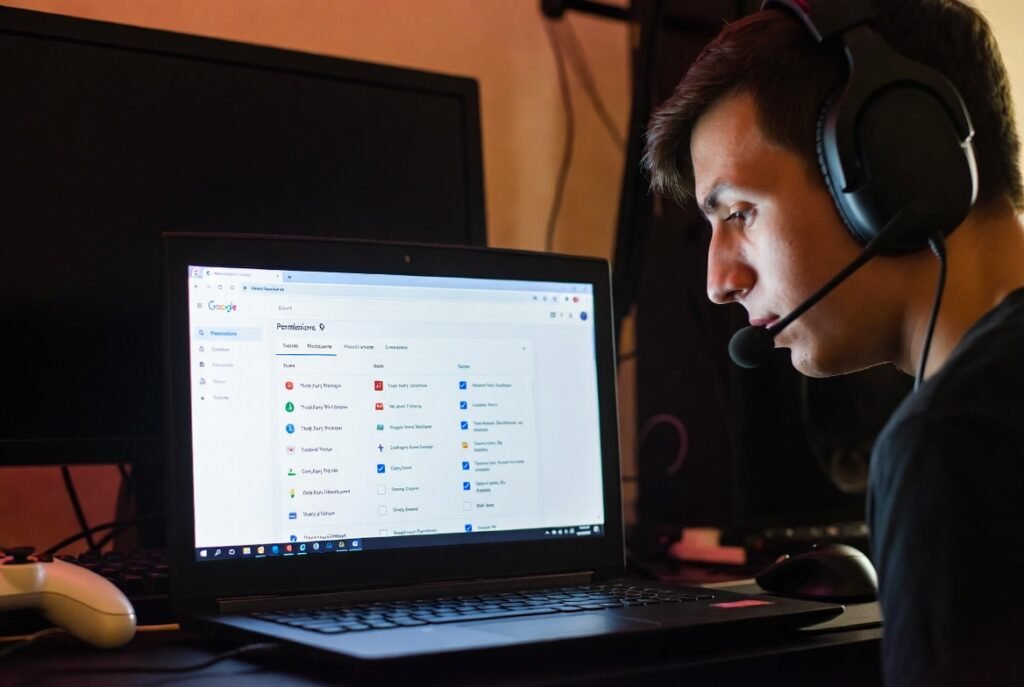
Gmail allows external apps to access inbox data through account permissions. Many users approve access during quick sign ups. Over time, unused apps retain reading privileges. Security audits show several popular tools request broad email scopes. Gamers often link overlays, stat trackers, or forum tools through Gmail, which expands the attack surface.
Hidden Setting Two Smart Features and Personalization
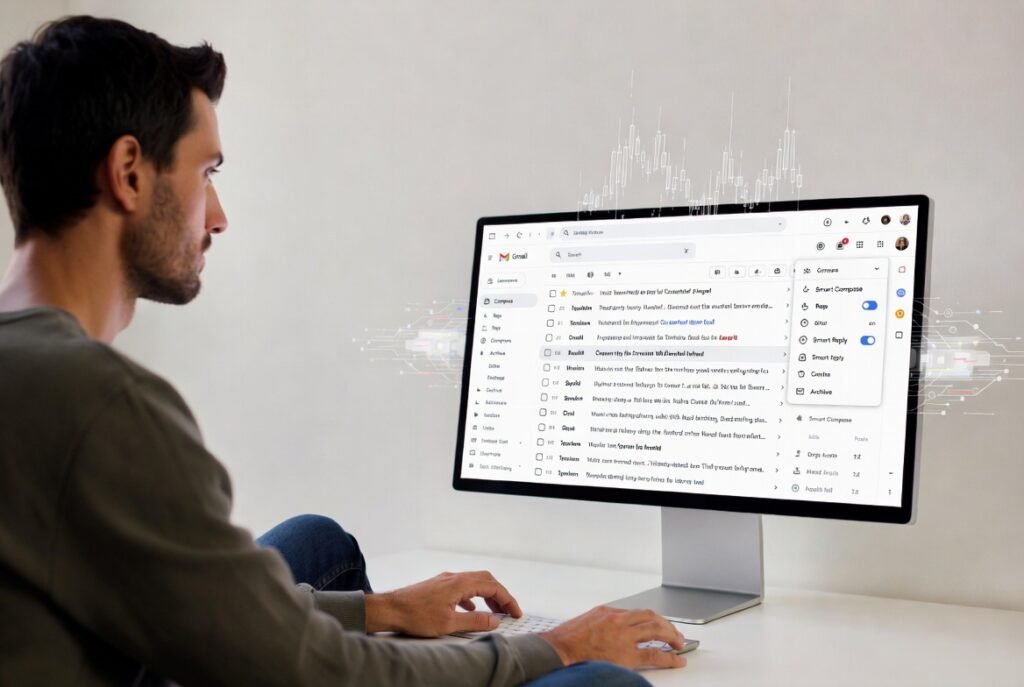
Smart features group emails, suggest replies, and track activity across Google services. These functions rely on ongoing message analysis. Purchase confirmations, friend invites, and beta access emails feed profiling systems. Privacy advocates warn about cross service data flow. Gaming accounts tied to spending history draw extra attention from malicious actors.
Why Gamers Face Higher Exposure

Gaming accounts attract resale value due to rare items and stored credits. Email control often leads to account takeover across platforms. Password resets usually route through Gmail. A single exposed inbox places multiple gaming profiles at risk. Competitive players and streamers face added risk due to public visibility and frequent account links.
How Account Takeovers Often Begin

Attack patterns show phishing emails target gaming communities during major releases. Once inbox access occurs, attackers search for keywords like reset, purchase, or verification. Two Gmail settings increase success rates by widening access paths. Data from security firms shows email based compromises precede most gaming account losses.
Steps to Disable Third Party Access
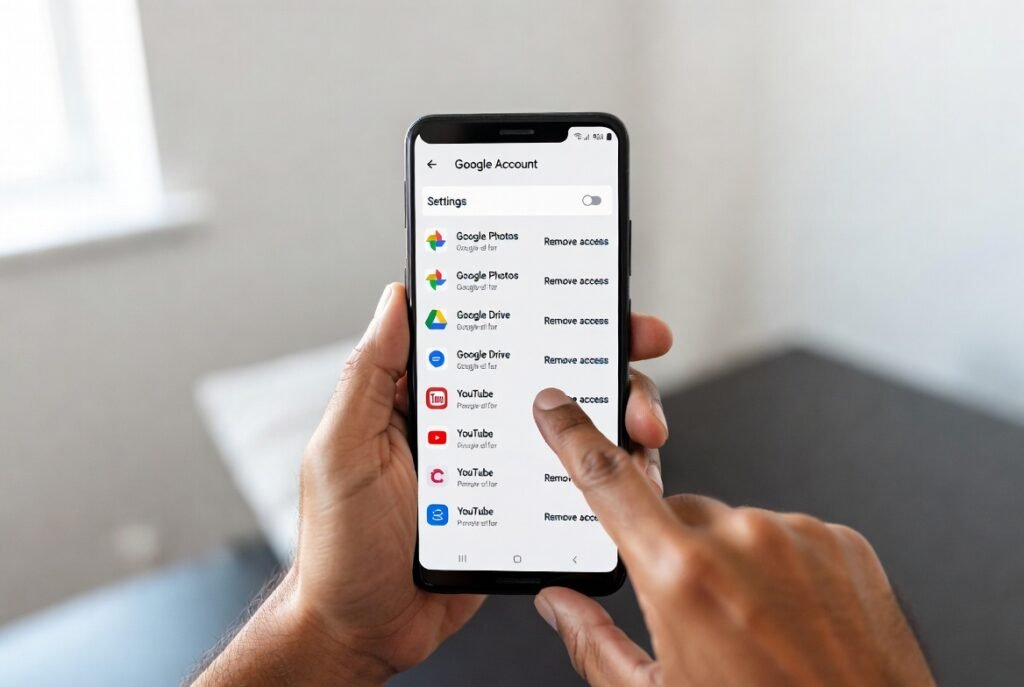
Users should open Google Account settings and review connected apps. Removal of unused or unknown services reduces exposure. Priority should go to apps without recent activity. Gaming related tools deserve extra scrutiny due to frequent permission requests. Manual reviews every three months align with standard security practice.
Steps to Disable Smart Features
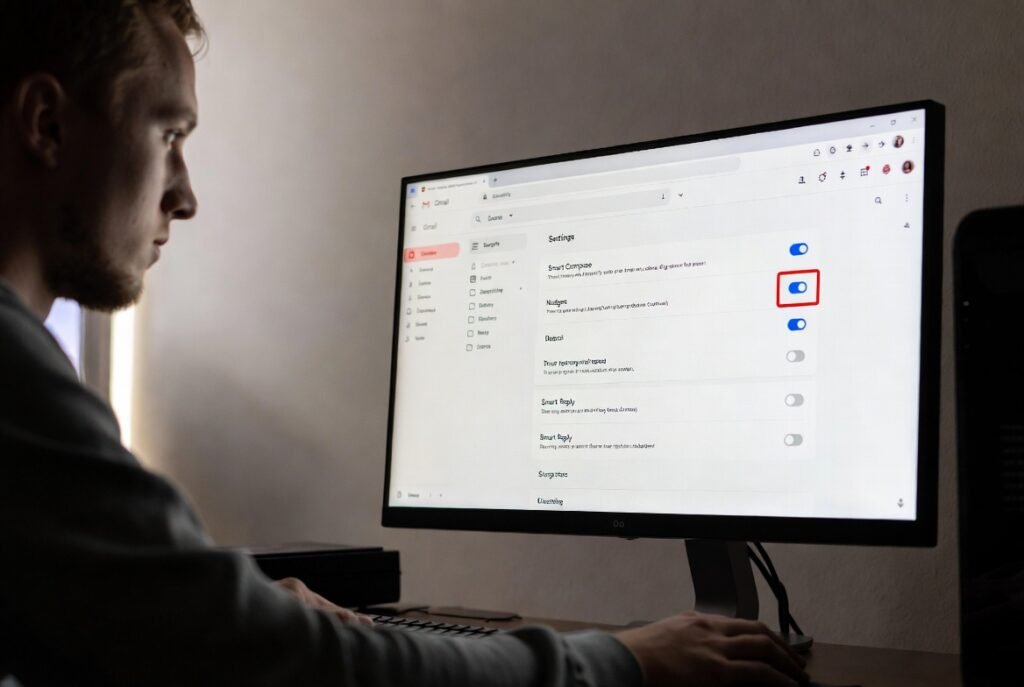
Smart features controls appear under Gmail settings within the General tab. Turning off personalization limits message processing across services. This step reduces data sharing beyond the inbox. Gaming receipts and alerts stay accessible without analysis for suggestions. Privacy groups recommend this setting for accounts tied to payments.
Additional Security Practices for Players
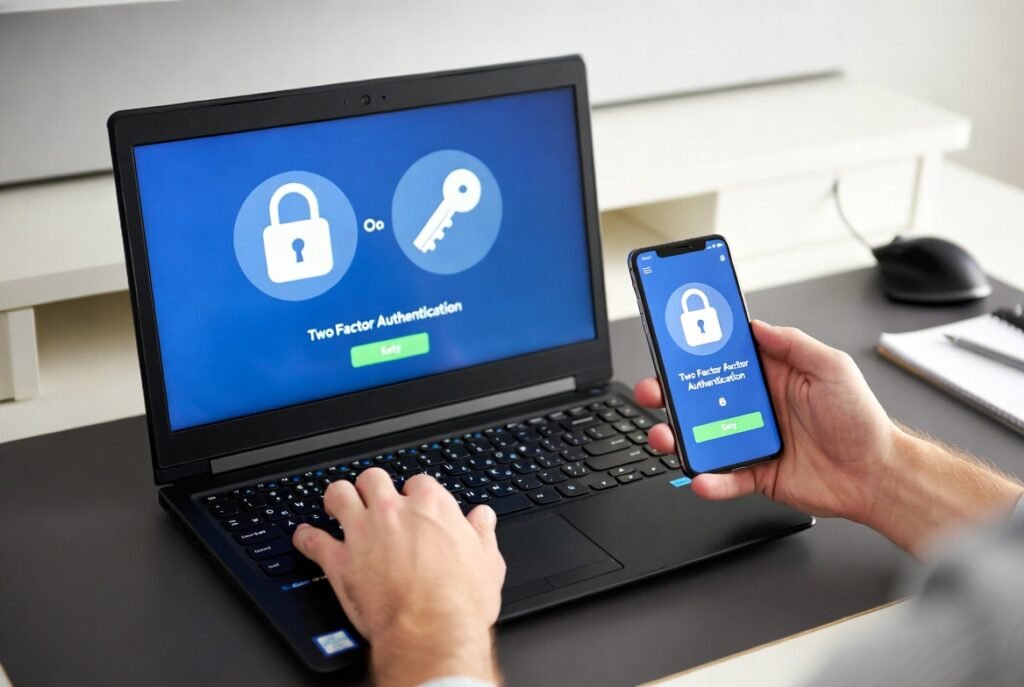
Email protection works best alongside strong authentication. Unique passwords across gaming platforms reduce cascade risk. Two factor authentication using hardware keys offers added defense. Backup email addresses should stay separate from gaming use. Regular inbox searches for security alerts help spot early warning signs.
Why Awareness Matters for Gaming Communities

Gaming ecosystems rely on fast account recovery and frequent email communication. Privacy gaps undermine trust and platform stability. Streamers, esports teams, and casual players share similar exposure paths. Community guides and forum posts spread effective practices faster than official notices. Simple setting changes deliver measurable risk reduction.