Gaming on a MacBook often depends on speed, accuracy, and focus. Keyboard shortcuts reduce time spent on menus and trackpads. Skilled players rely on fast system control to manage games, streams, and background tasks. This guide presents ten MacBook keyboard shortcuts every gamer should learn first. Each shortcut supports smoother gameplay, faster reactions, and cleaner multitasking during long gaming sessions without distraction.
Command plus Space for Instant Search
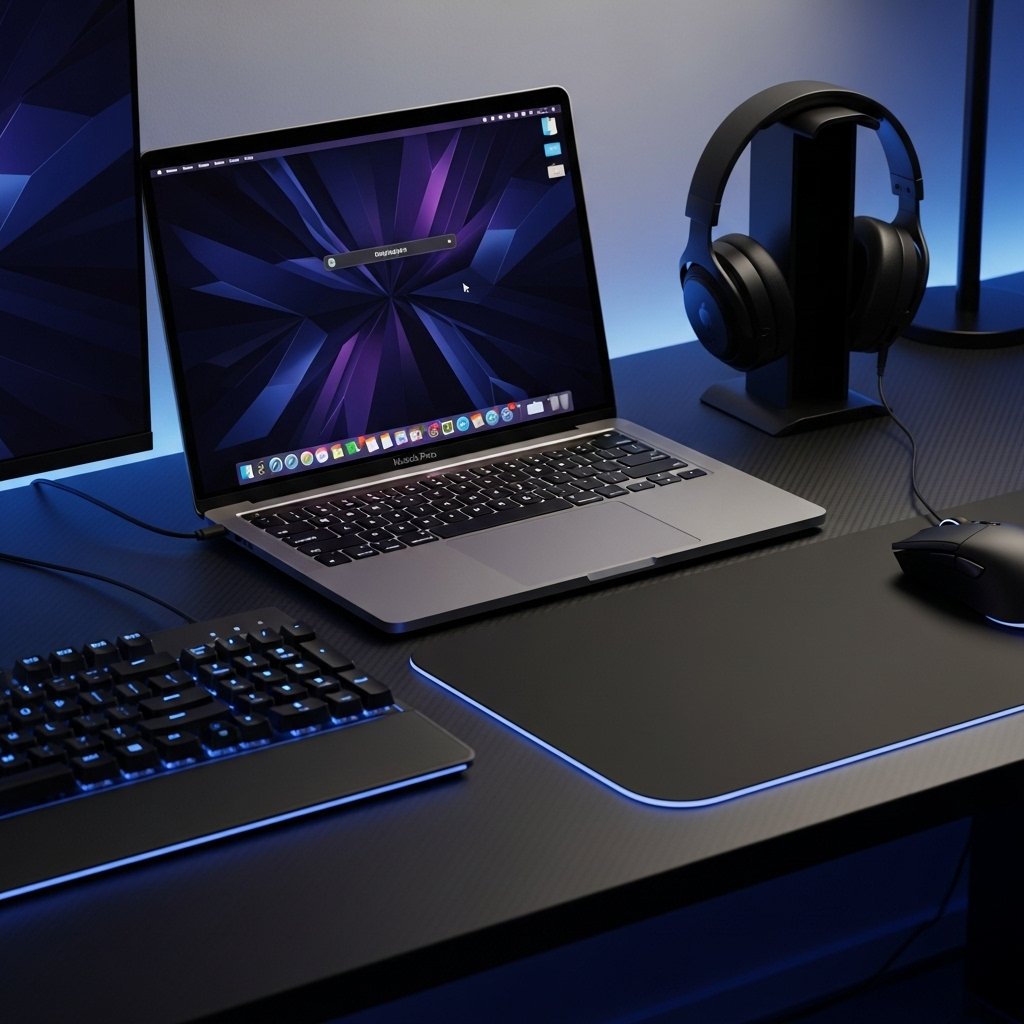
This shortcut opens Spotlight search within seconds. Gamers use Spotlight to open games, launchers, Discord, or system settings without breaking focus. Faster access reduces idle time between matches. Competitive players rely on quick transitions, especially during practice sessions or live streaming setups where speed matters.
Command plus Tab for App Switching
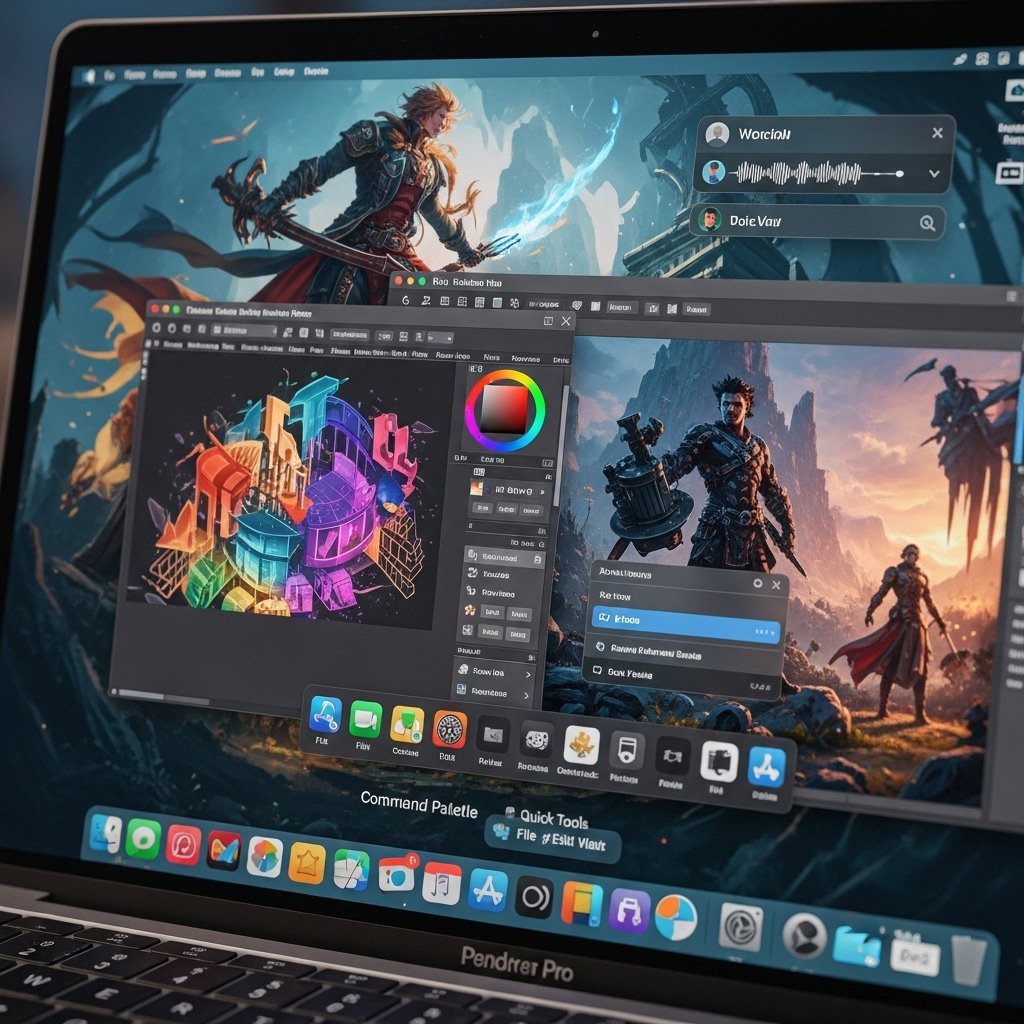
Command plus Tab switches between active applications. Gamers use this shortcut to move between a game, voice chat, and browser tools. Alt tab style switching supports rapid coordination during multiplayer matches. Streamers also depend on this shortcut to manage overlays, chats, and recording software smoothly.
Command plus Shift plus 5 for Screen Tools
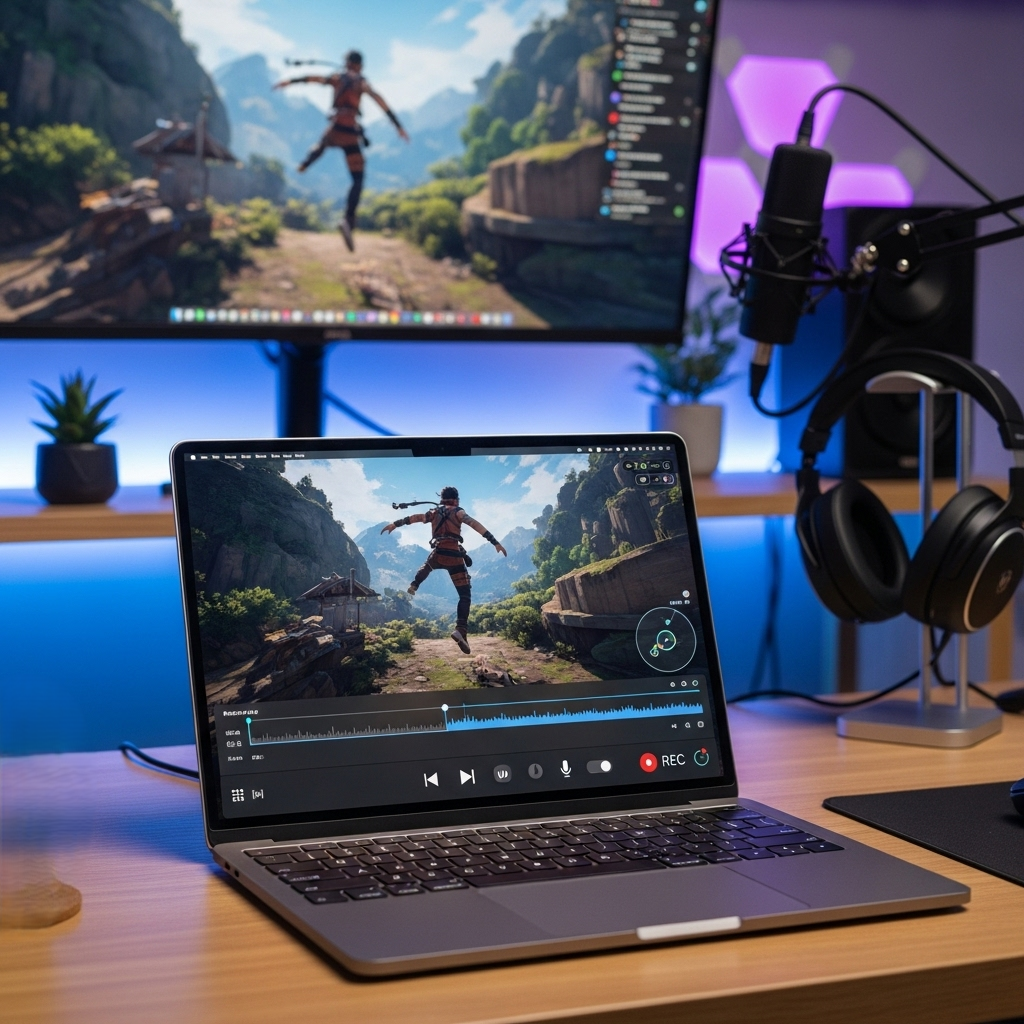
This shortcut opens screen capture and recording controls. Gamers record gameplay clips, capture scores, or document bugs using built in tools. Content creators rely on fast recording access during live play. Quick capture supports analysis and sharing without external software interruptions.
Command plus Control plus Q for Quick Lock
This shortcut locks the screen instantly. Gamers use screen lock during short breaks or public environments. Account safety improves during tournaments or shared spaces. Fast locking prevents interruptions and protects saved progress during offline moments.
Command plus W for Window Control
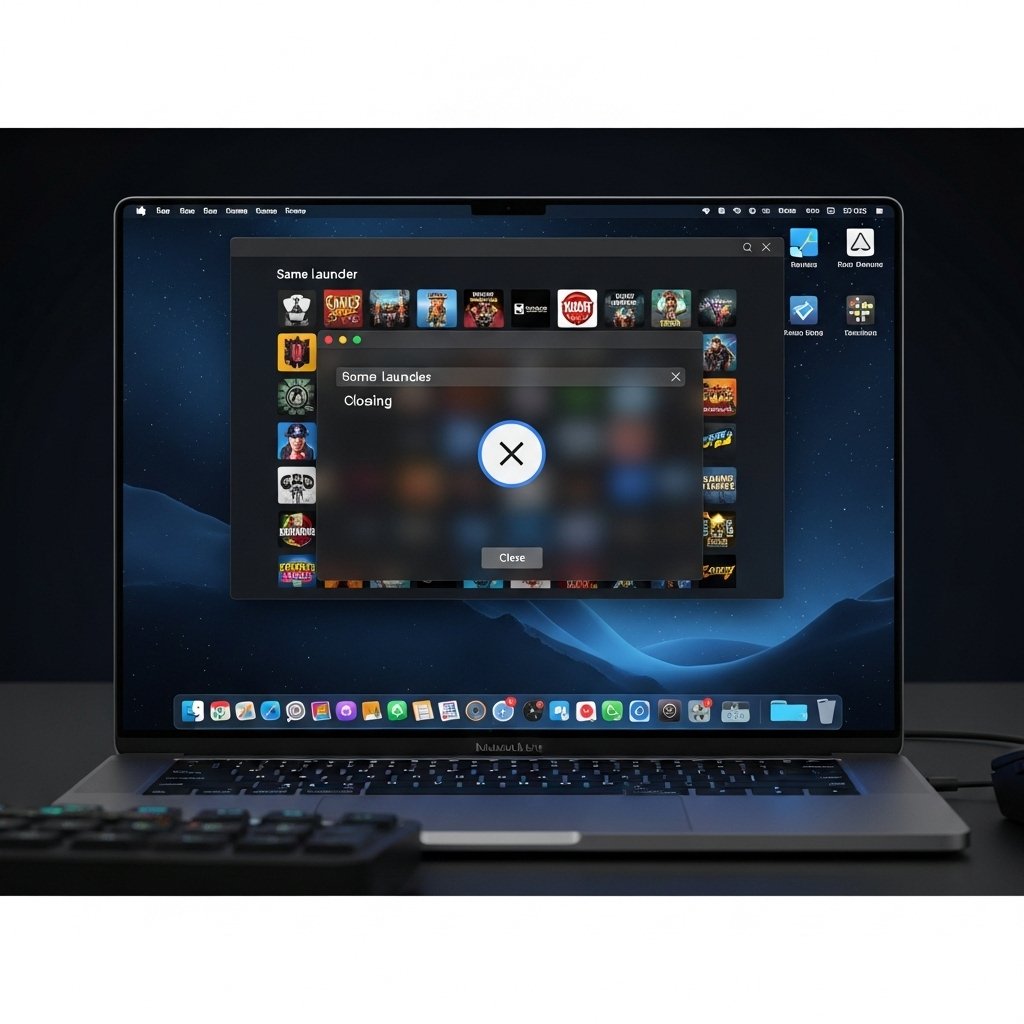
Command plus W closes the active window. Gamers use this shortcut to exit launchers, pop ups, or unused tabs. Fewer open windows reduce memory strain during gaming sessions. Clean workspace management supports stable frame rates and smoother performance.
Command plus M for Minimize
This shortcut minimizes the active window to the dock. Gamers hide non essential apps without closing them fully. Quick minimization keeps background tools available while maintaining a clear gaming view. Streamers rely on this action during fast transitions.
Control plus Command plus F for Full Screen
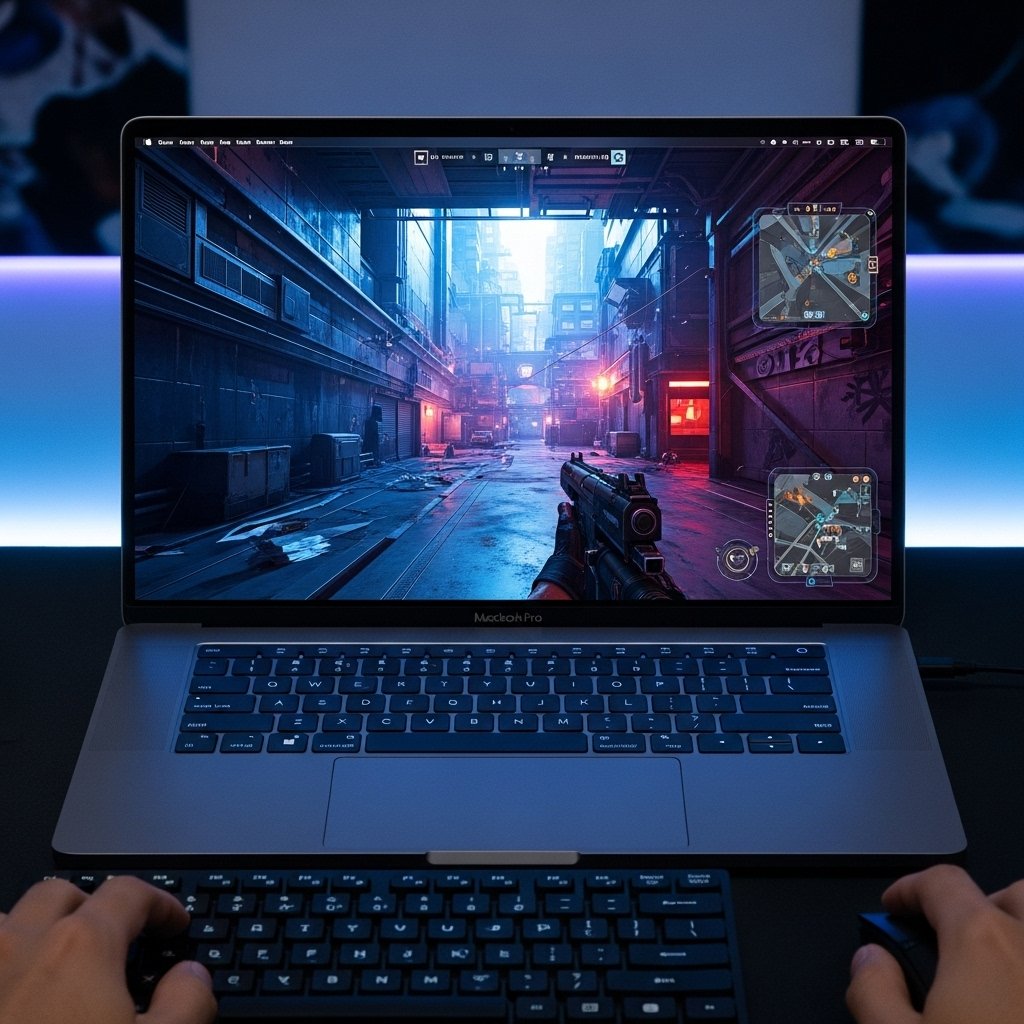
This shortcut toggles full screen mode. Full screen gaming improves focus and reduces visual clutter. Competitive players rely on immersive display control during matches. Fast switching supports quick access to system tools when needed between rounds.
Command plus Comma for App Settings
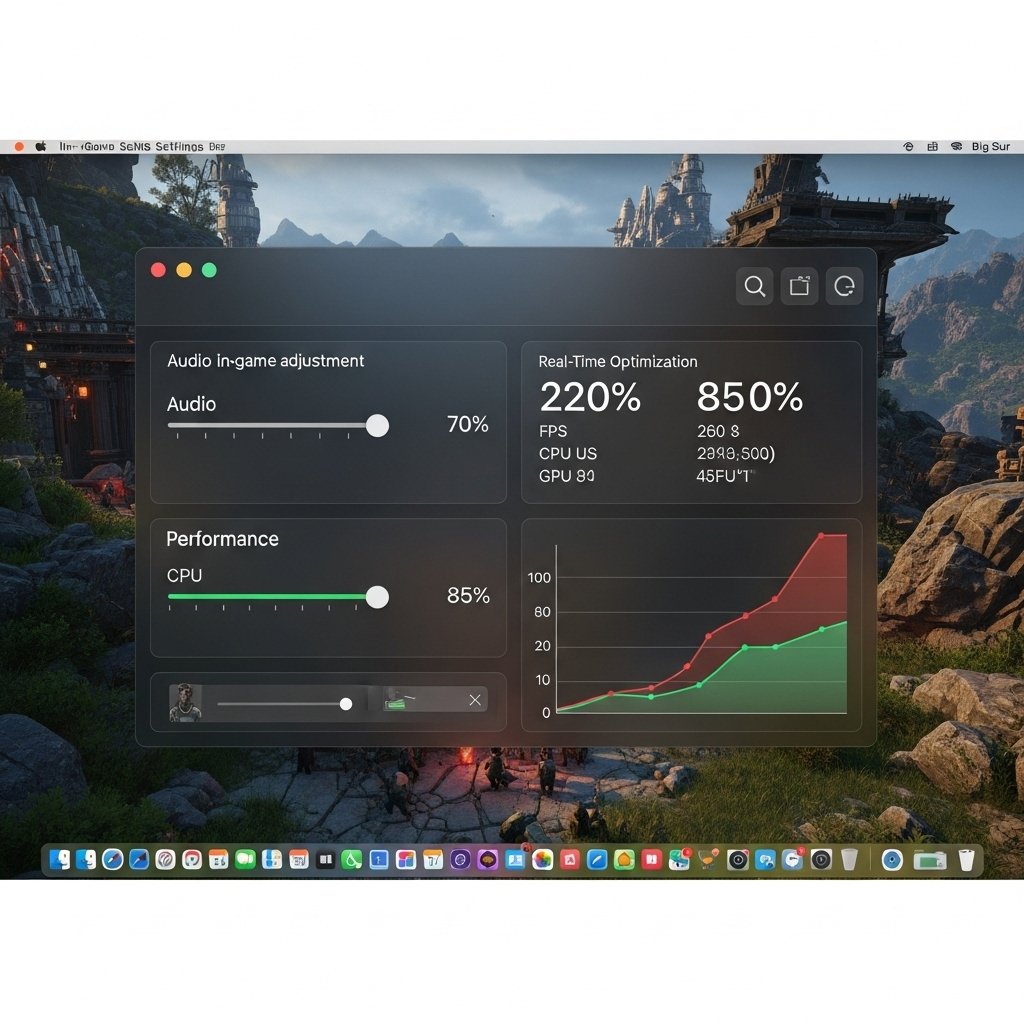
This shortcut opens preferences for the active application. Gamers adjust audio, controls, or performance settings without browsing menus. Fast settings access supports real time tuning during gameplay tests or hardware changes.
Command plus Shift plus N for New Folder
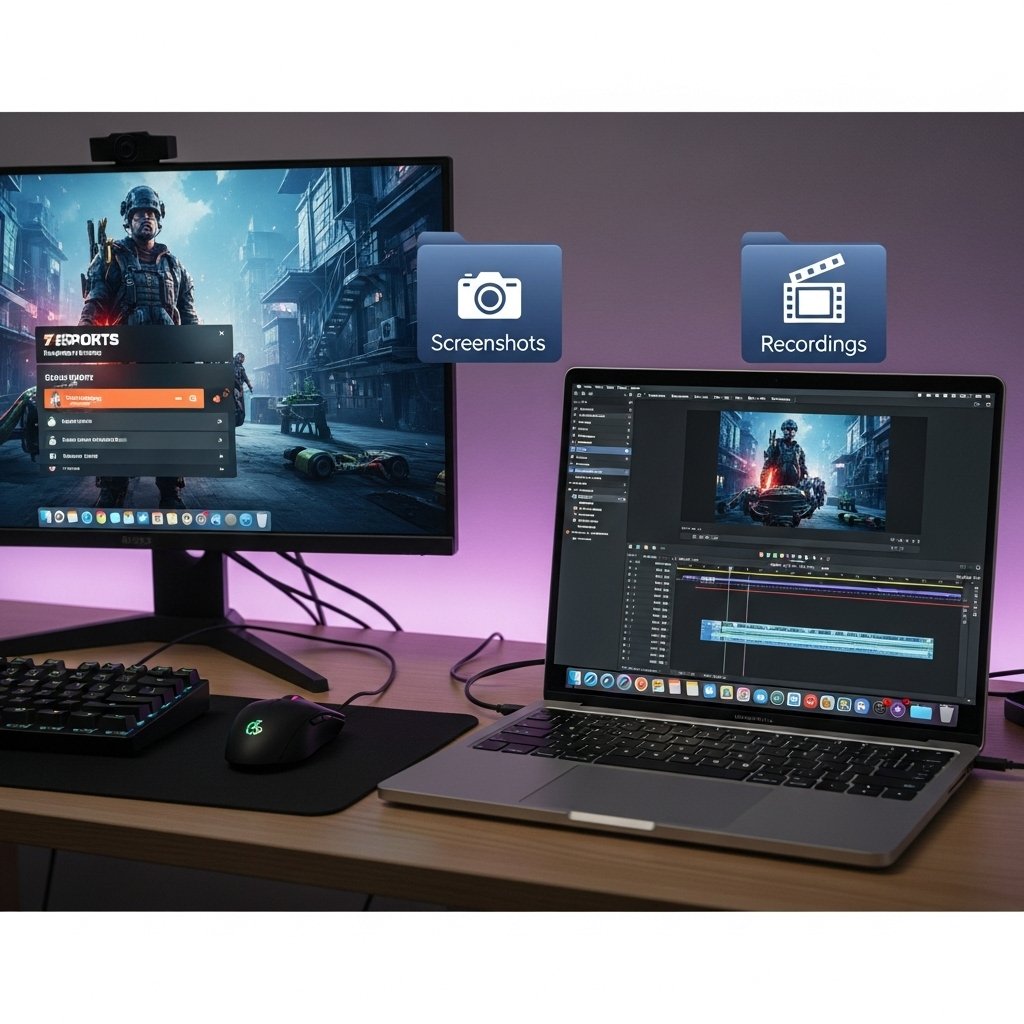
This shortcut creates a new folder instantly. Gamers organize screenshots, recordings, and mod files efficiently. Clean file structure supports faster editing and sharing workflows. Content creators rely on organized storage during long gaming projects.