

Account free access to Google Gemini changes how players approach quick research, strategy checks, and content planning. Google now allows entry without sign in, which reduces friction during short gaming sessions. The setup process stays simple and fast. For players who stream, mod, or follow esports news, the service offers fast responses without profile setup. The guide below explains access steps, feature scope, and limits, with focus on gaming related use cases.
Google Gemini access without sign in

Google opened limited access to Gemini without account creation. The system opens through a standard browser session. A player visits the Gemini page and starts a session. No email or password entry appears during entry. Session data clears after exit.
Why account free access matters for gamers

Many players prefer speed during breaks between matches. Account free access removes login steps. A player checks patch explanations or control tips within seconds. Streamers researching titles mid stream gain faster responses. Short sessions benefit most since setup time drops to near zero.
How to open Google Gemini without an account

A browser session starts the process. The user navigates to the Gemini page from Google search results. The interface loads with a prompt ready for input. No sign in screen appears. Access depends on region availability and current rollout status.
Features available without sign in

Text based prompts work during account free sessions. A gamer asks for build explanations, lore summaries, or performance tips. Long history storage stays unavailable. Image upload and advanced tools stay restricted. Basic responses remain fast and readable.
Limits players should expect

Session length stays shorter than signed access. Conversation history disappears after refresh. Personalization stays inactive. For long planning tasks like tournament prep, repeated prompts become necessary. These limits suit quick lookups rather than extended analysis.
Using Gemini for game research

Players research patch notes, weapon stats, or character roles. The system summarizes updates in plain language. Strategy explanations fit casual and competitive play. Players verify balance changes without browsing multiple sources. Speed remains the main advantage.
Using Gemini for streaming support
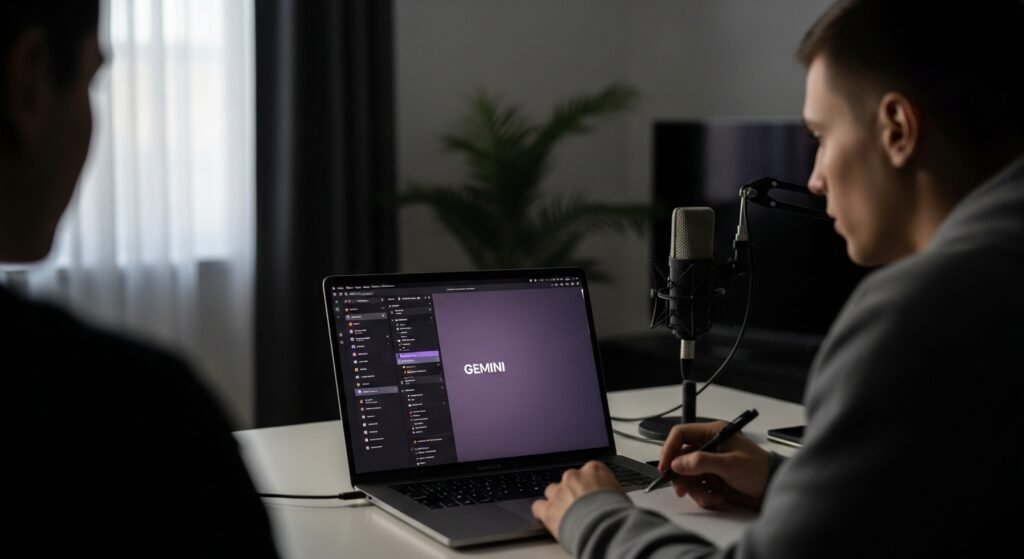
Streamers prepare titles, descriptions, and talking points. Gemini suggests segment ideas or discussion prompts. Chat interaction ideas appear within seconds. Since no account links exist, privacy risk drops during live sessions.
Privacy and data handling basics

Account free mode avoids profile attachment. Google processes prompts during the active session only. Data storage stays minimal. After session close, prior inputs disappear. Players seeking lower digital footprint prefer this mode.
When an account still makes sense

An account suits long term projects. Saved conversations help during game guides or mod documentation. Image analysis tools support map reviews or UI feedback. Players producing written content gain more value through signed access.
What gamers should try first

Start with short prompts. Ask for patch summaries or beginner tips. Test response speed during gameplay breaks. Avoid complex multi step tasks. For deeper analysis, switch to account access later. The free entry point works best for fast gaming support.

