Microsoft issued guidance for Windows 11 users regarding update KB5074109. The advisory targets users facing performance drops, crashes, or input lag after installation. Gamers report frame rate dips and session instability during extended play. The guidance focuses on short term stability while a corrective update undergoes validation. The message emphasizes user action rather than automated rollback, placing responsibility on system owners seeking reliable gaming sessions.
Why Microsoft issued the advisory
Microsoft support channels observed rising reports tied to KB5074109. Reports describe game freezes, driver conflicts, and unexpected restarts. Internal diagnostics linked patterns across multiple hardware profiles. The advisory reflects a controlled response to limit disruption while engineering teams work through validation paths for a revised package.
What KB5074109 changes in Windows 11

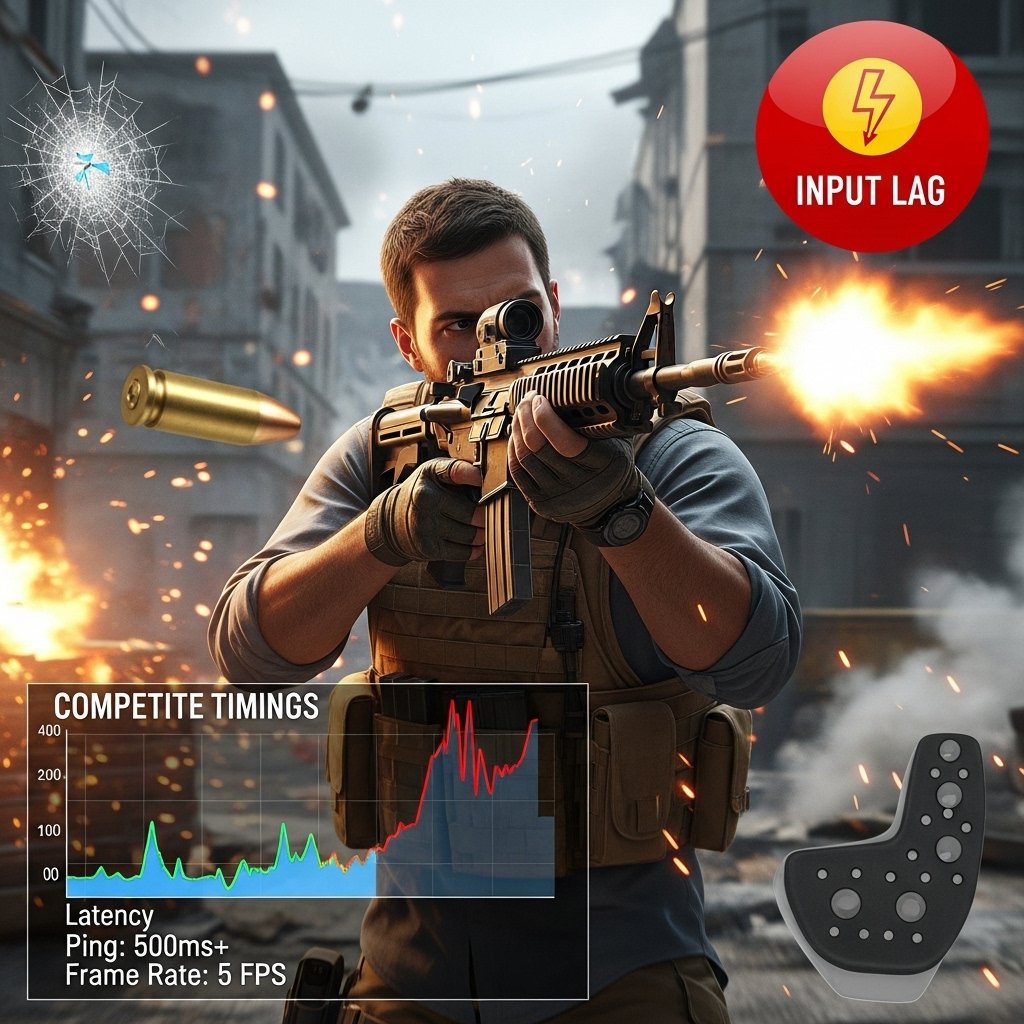
KB5074109 introduces background security adjustments and kernel level refinements. Those changes alter scheduling behavior during high load scenarios. Gaming workloads stress CPU threads and GPU queues for extended periods. Under those conditions, scheduling shifts correlate with stutter and delayed input responses reported by players.
How gamers first noticed the issue
Players flagged issues through community forums and support tickets. Competitive titles exposed the problem faster due to strict timing demands. Frame pacing inconsistencies appeared during ranked matches. Audio desynchronization followed prolonged play sessions, pushing affected users to trace recent system updates.
Types of games most affected
Fast paced multiplayer games show higher disruption rates. Shooters, racing games, and real time strategy titles rely on consistent frame delivery. Single player games with heavy background asset streaming also surface pauses. Lightweight indie titles show fewer reports due to lower system strain.
Hardware configurations involved
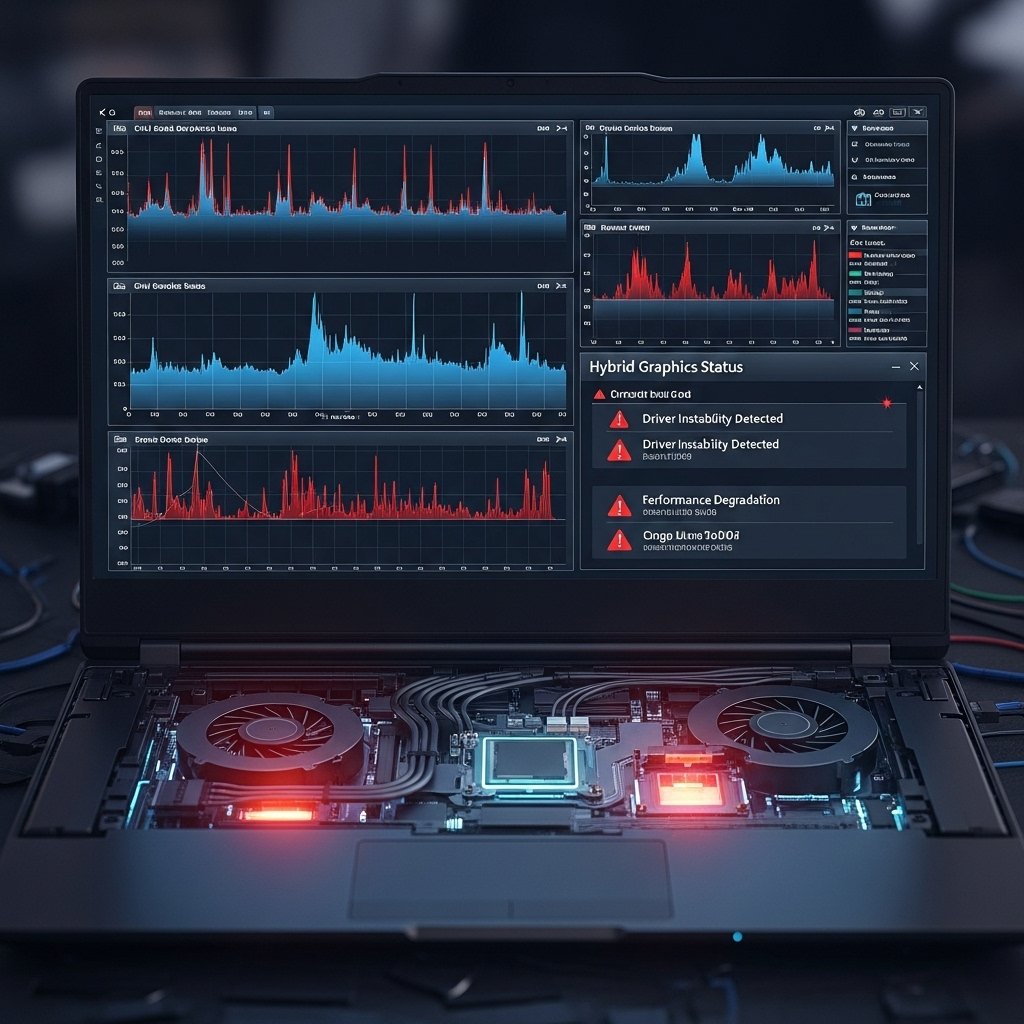
Affected systems span Intel and AMD processors across mid to high tier GPUs. Laptops with hybrid graphics report higher frequency issues. Systems using older chipset drivers show amplified instability. No single vendor stack isolates the problem, which supports a software level root cause.
Recommended steps for gamers
Microsoft advises uninstalling KB5074109 through Windows Update history. Users should reboot systems after removal. Graphics drivers require verification for current versions. Optional updates should remain paused until revised guidance appears. Backup creation remains advisable before system level changes.
Performance impact after removal
Users report restored frame consistency after update removal. Input latency stabilizes during long sessions. Crash frequency drops across affected titles. Thermal behavior returns to expected baselines. Those outcomes support the advisory as a practical stopgap for gaming focused systems.
What Microsoft plans next
Engineering teams continue analysis using telemetry and reproduction environments. A revised update package remains under testing. Distribution timing depends on validation across diverse hardware. Communication channels promise follow up guidance once a stable replacement reaches readiness.
What gamers should monitor going forward

Players should track official Windows release notes and support posts. Sudden performance shifts after updates warrant review of recent patches. Community feedback often surfaces issues early. A cautious update approach suits competitive players seeking consistent system behavior.