
Modern work mirrors competitive gaming. Attention management, fast decisions, and clean workflows define outcomes. Gmail supports structured play outside the screen when used with intent. The platform rewards preparation, rule based actions, and routine reviews. This article outlines Gmail practices aligned with gaming discipline. Each method focuses on speed, clarity, and reduced friction during daily communication cycles.
Inbox as a Mission Control Hub
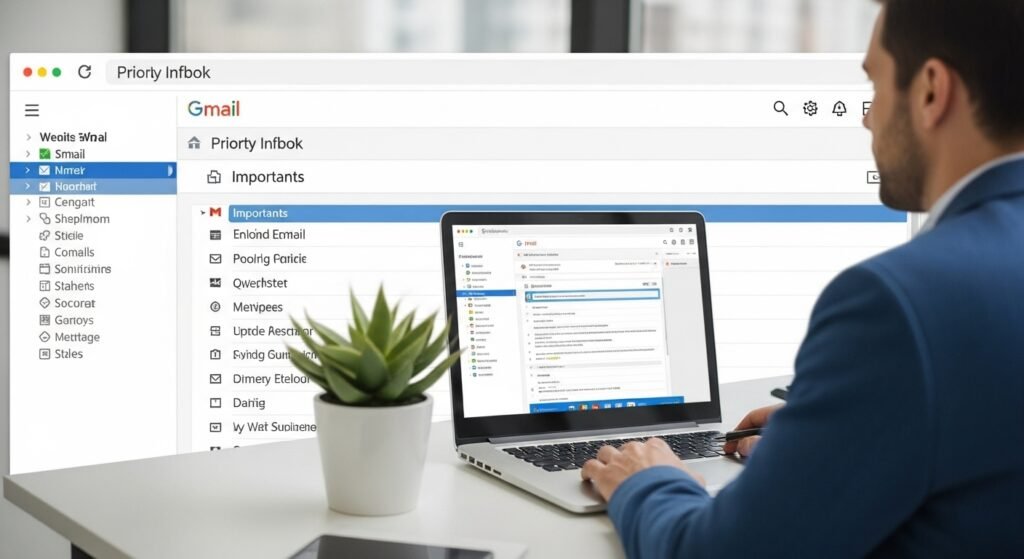
High level gamers treat dashboards as command centers. Gmail inbox design follows the same logic. A single inbox view with clear priority signals reduces scanning time. Tabs and categories separate noise from objectives. Daily review sessions mirror pre match planning and keep focus on tasks tied to progress.
Priority Inbox for Objective Tracking
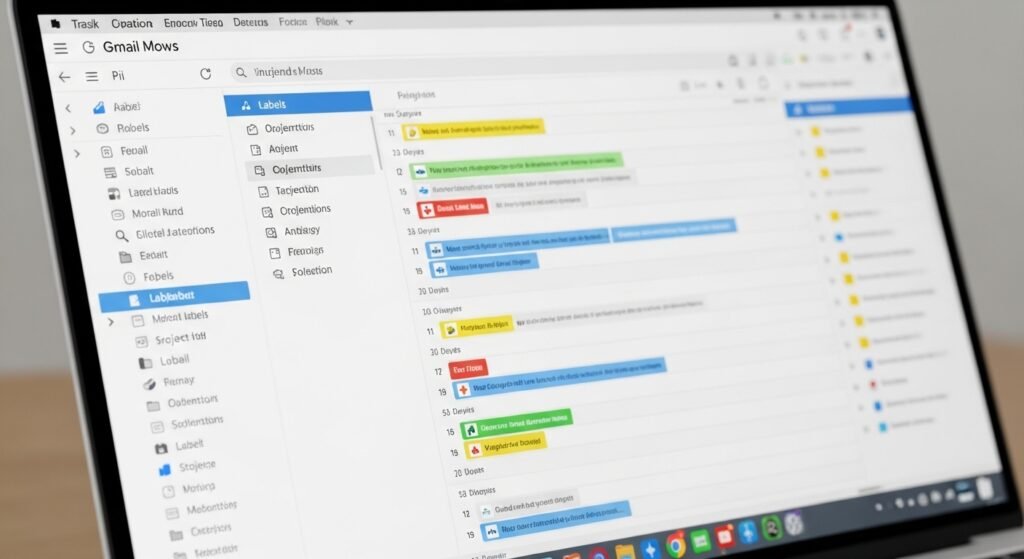
Priority Inbox ranks messages based on interaction patterns. This mirrors quest prioritization in role playing games. Critical threads surface first while low value chatter stays contained. Over time, Gmail learns response behavior and refines sorting. This reduces cognitive load and shortens decision loops during busy work sessions.
Labels as Loadouts for Tasks
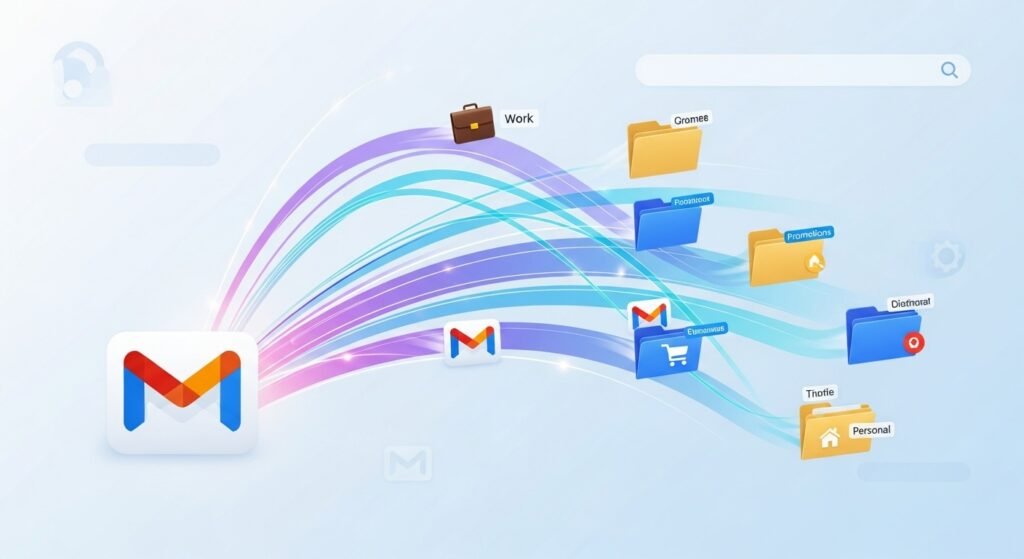
Gamers select loadouts based on match type. Labels function the same way for email. Projects, clients, and action states receive distinct labels. Color coding adds quick visual recognition. Consistent label rules prevent message loss and improve retrieval speed during high volume communication periods.
Filters as Automation Scripts

Automation defines competitive efficiency. Gmail filters act like background scripts. Incoming messages move, label, archive, or flag based on rules. Newsletters skip the inbox. Client mail lands in dedicated views. This reduces manual sorting and preserves attention for messages tied to outcomes.
Keyboard Shortcuts for Faster Input

Mechanical skill matters in games and workflows. Gmail keyboard shortcuts reduce mouse reliance. Actions like archive, reply, forward, and search happen through single keystrokes. Speed gains compound across dozens of emails daily. Muscle memory develops with repetition and supports faster turnaround times.
Search Operators as Map Awareness
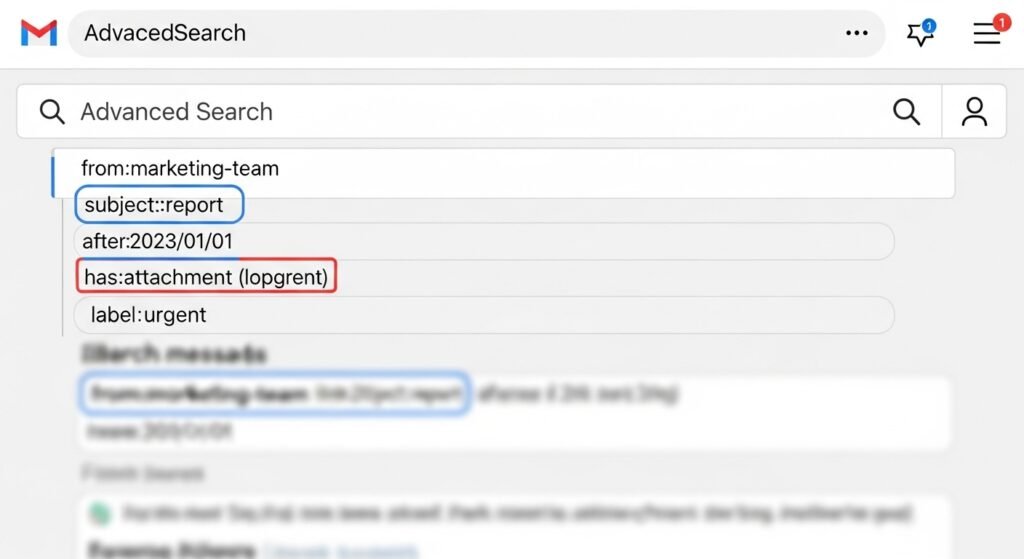
Strong players know maps well. Gmail search operators provide similar awareness. Queries filter by sender, date, attachment type, or keyword. Time spent scrolling drops sharply. Accurate searches support fast audits, reference checks, and follow ups during tight schedules.
Templates for Repeated Actions
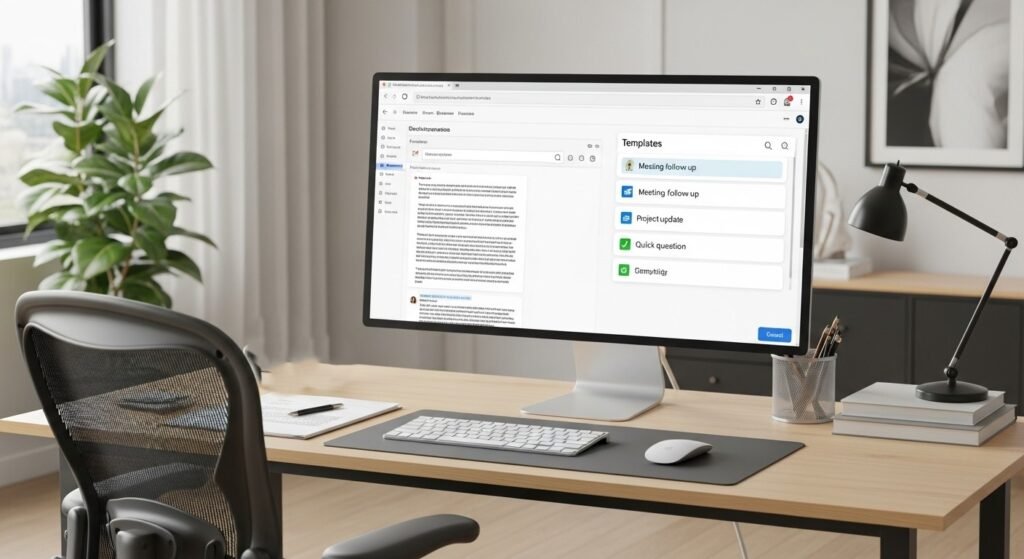
Repeated actions slow progress without standardization. Gmail templates store common responses. Status updates, confirmations, and requests reuse consistent language. This mirrors preset strategies in multiplayer games. Templates reduce typing time and maintain tone consistency across professional exchanges.
Stars and Markers for Tactical Signals
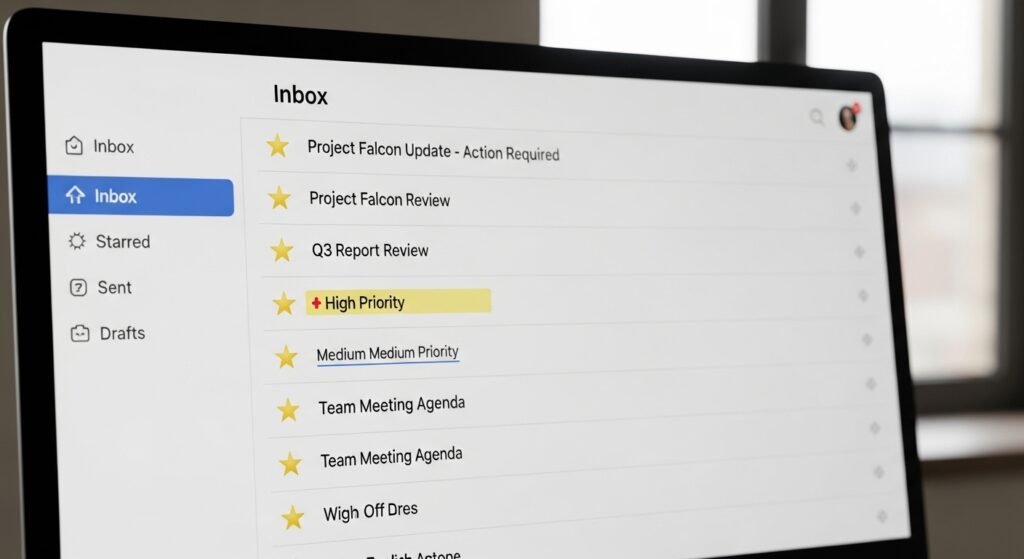
Visual markers guide decisions in fast games. Gmail stars and markers highlight messages needing action. Multiple star colors reflect urgency levels. This replaces mental tracking with visible cues. Daily scans become faster and missed responses decline.
Scheduled Send for Timing Control

Timing shapes outcomes in competitive play. Scheduled Send applies the same principle to communication. Emails reach recipients during optimal hours across time zones. Drafting happens during focus windows. Delivery aligns with attention cycles, improving response rates and workflow balance.
Routine Reviews for Progress Reset

Post match reviews drive improvement. Gmail benefits from routine inbox resets. Weekly cleanups archive resolved threads and update labels. This maintains a low message count and sharp visibility. A clean inbox supports confidence and readiness for the next work cycle.