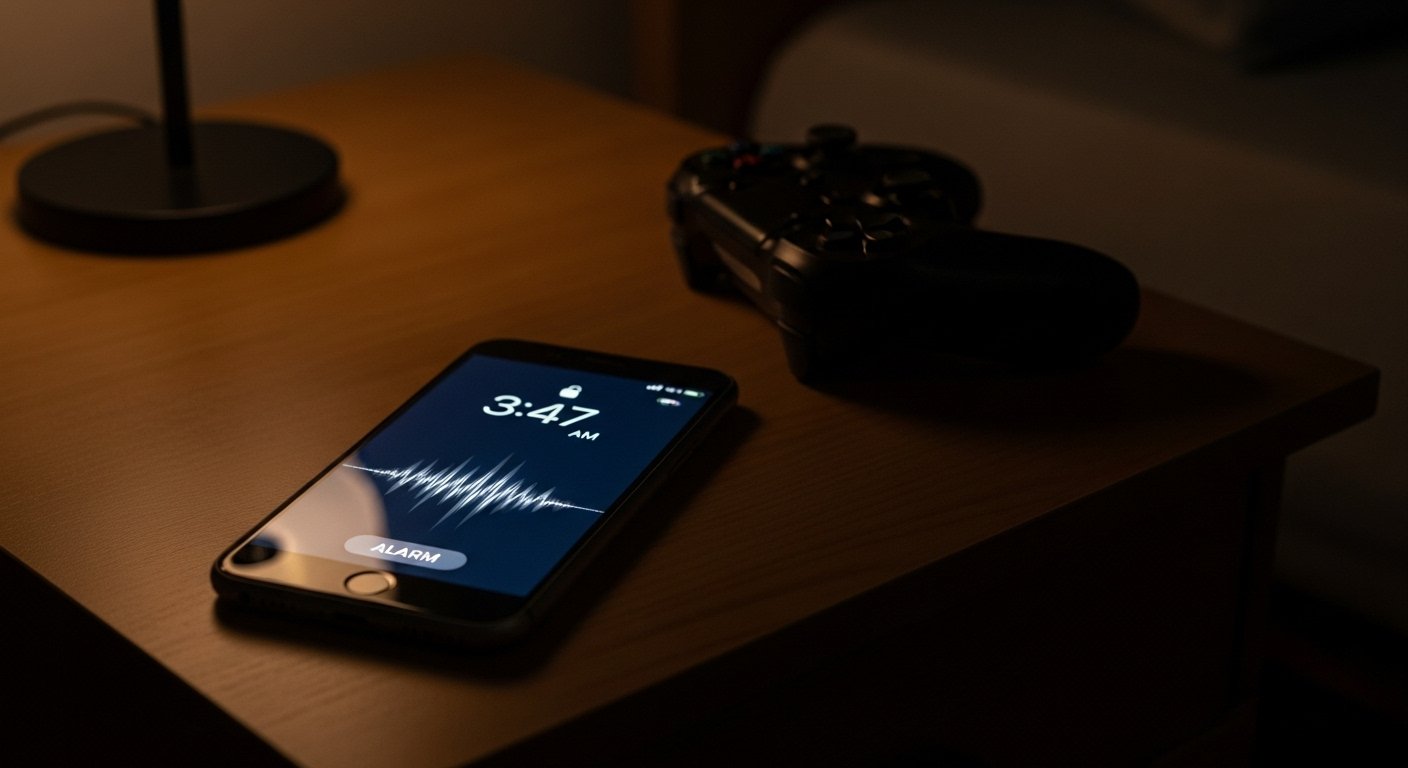
Missed alarms affect daily routines, ranked matches, and tournament schedules for mobile gamers. The iPhone silent alarm issue has caused late wake ups even when alarms appear correctly set. Competitive players depend on precise timing for practice blocks, clan events, and live competitions. This guide explains practical steps to reduce alarm failures and protect gaming schedules through settings control, habit changes, and system checks.
Disable Attention Aware Features
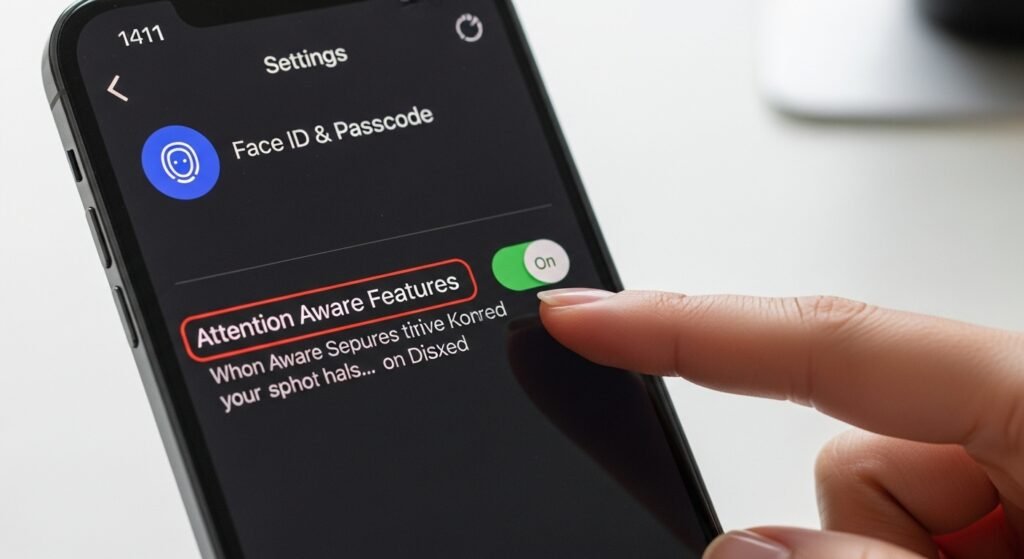
Attention Aware lowers alarm volume when Face ID detects open eyes. During sleep, partial facial detection lowers sound output. Disabling this feature prevents volume reduction. Mobile gamers who sleep near the phone benefit from consistent alert levels, especially before early match queues or timed daily events.
Avoid Focus Modes Overnight
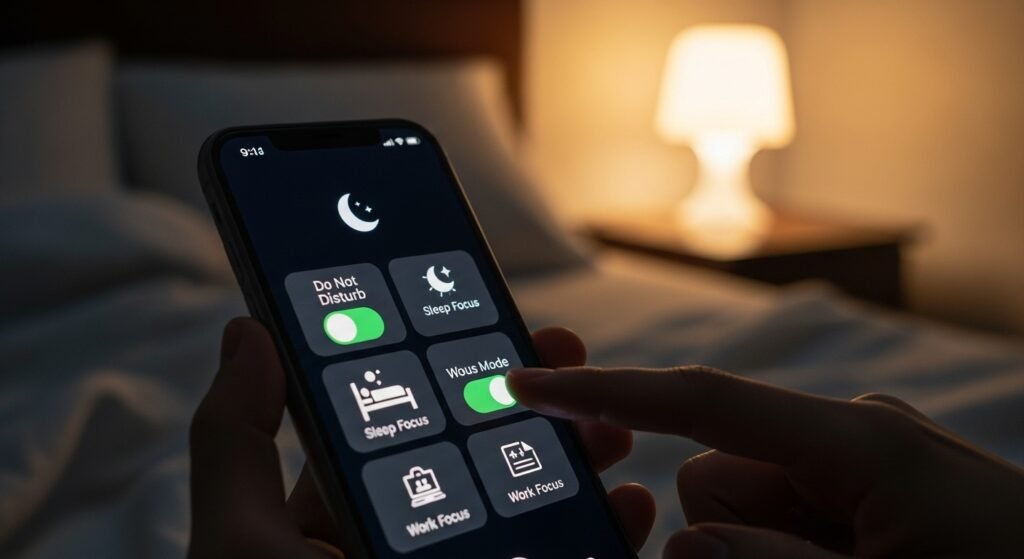
Focus modes filter notifications and system alerts. Alarm conflicts appear when multiple Focus profiles overlap. Turning off Focus modes before sleep avoids priority confusion. Competitive gamers using Focus for streaming or scrims should schedule manual deactivation to protect morning alarms before ranked play.
Check Alarm Volume Manually
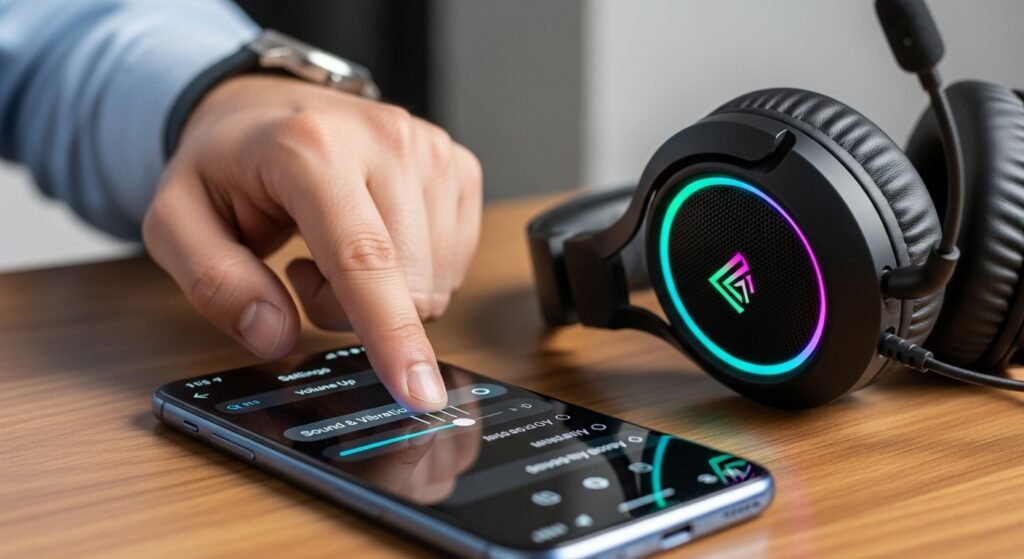
Alarm volume links to ringer settings. Many users rely on side buttons, which reduce alert sound. Manual adjustment through sound settings locks alarm volume at a stable level. For gamers, strong volume prevents missed practice sessions after late night gaming blocks.
Limit Alarm Snooze Chains
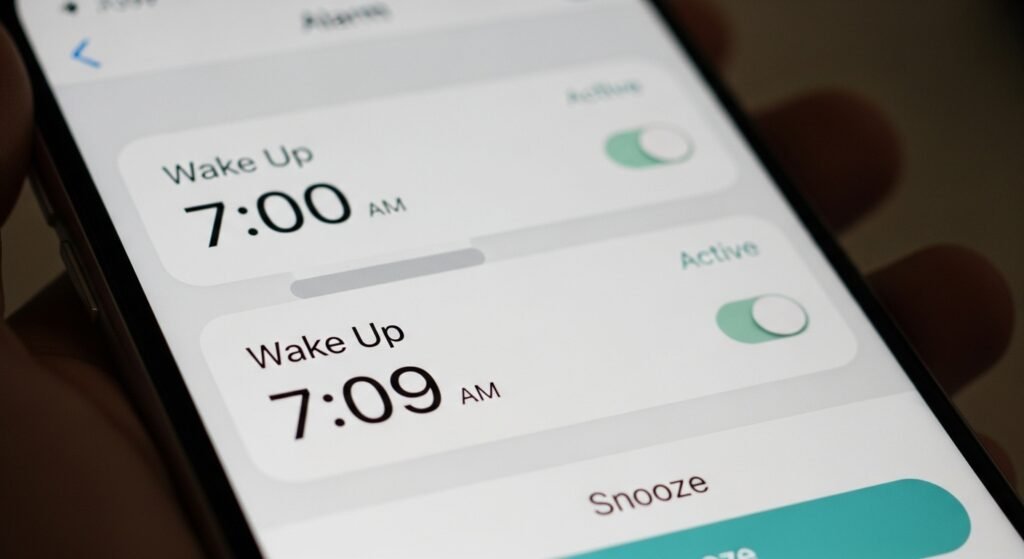
Repeated snoozes increase failure risk. Multiple overlapping alarms strain the alert system. Setting one primary alarm with a backup five minutes later reduces system load. Tournament players often rely on structured wake times, which benefits from clean alarm setups.
Restart the Phone Weekly
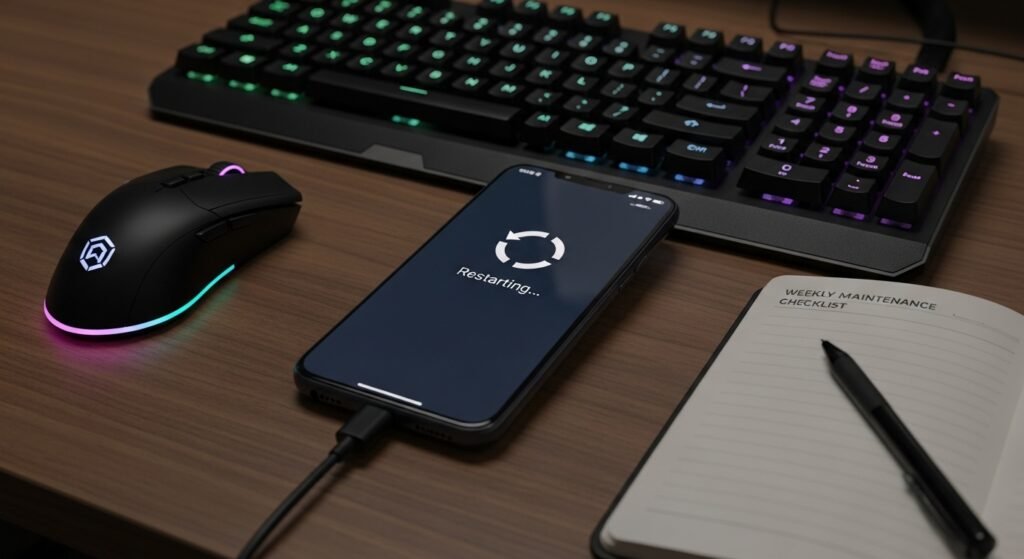
System uptime affects background services. Long uptime increases error probability in alarm scheduling. A weekly restart refreshes system processes. Mobile gamers who leave phones active for long sessions gain stability through routine restarts.
Keep iOS Updated Carefully
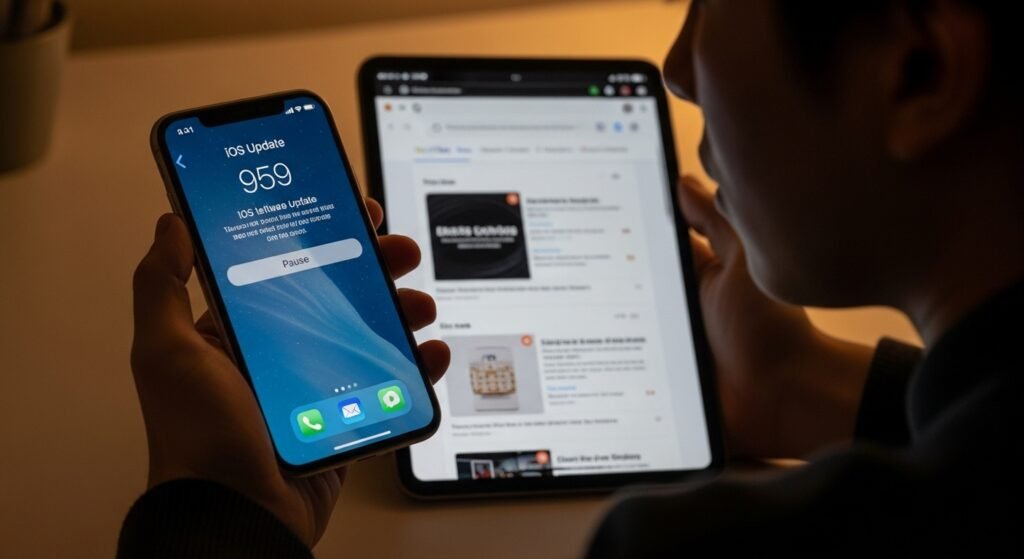
Software updates include alarm fixes, though some updates introduce issues. Checking community feedback before updating reduces exposure to new bugs. Gamers who rely on alarms for event timing should update during low activity periods rather than before competition days.
Avoid Third Party Alarm Apps
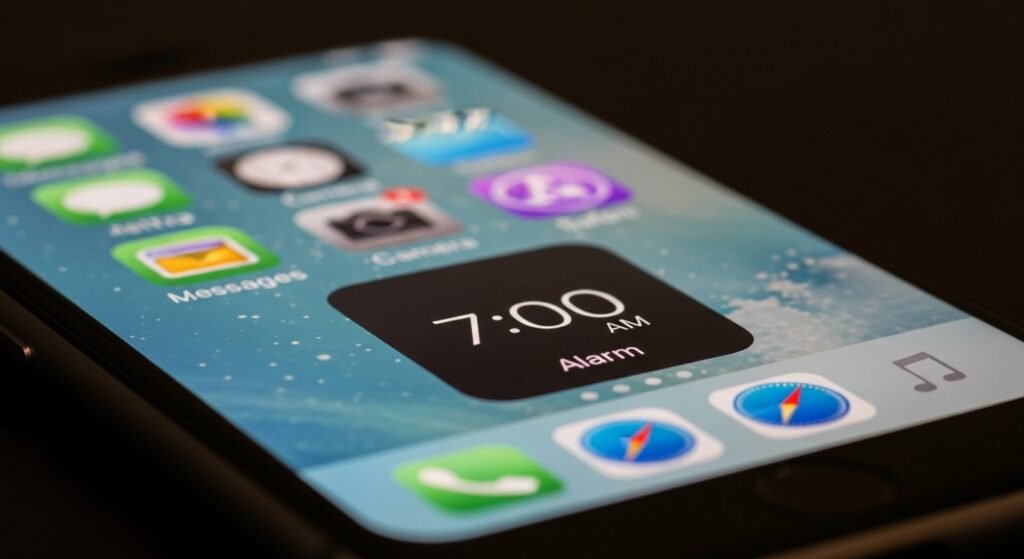
External alarm apps compete with native scheduling. Background restrictions disrupt alert delivery. The native clock system integrates deeper with hardware. Competitive gamers benefit from lower failure rates by relying on the built in alarm system only.
Place the Phone Face Down
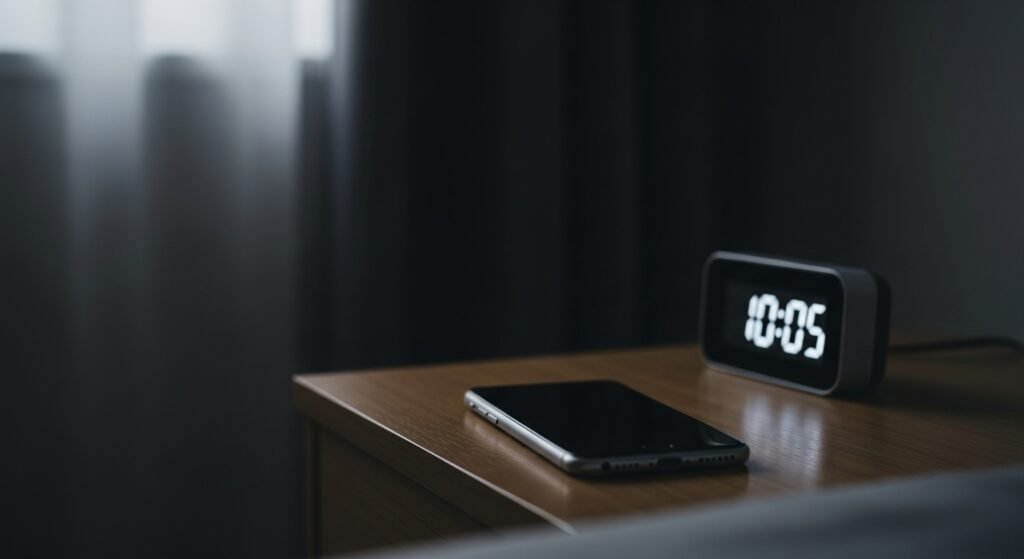
Face up placement triggers attention detection. Face down placement blocks sensors and preserves volume. This physical adjustment improves alert reliability. Gamers sleeping after late sessions gain stronger alarms without changing digital settings.
Test Alarms Weekly
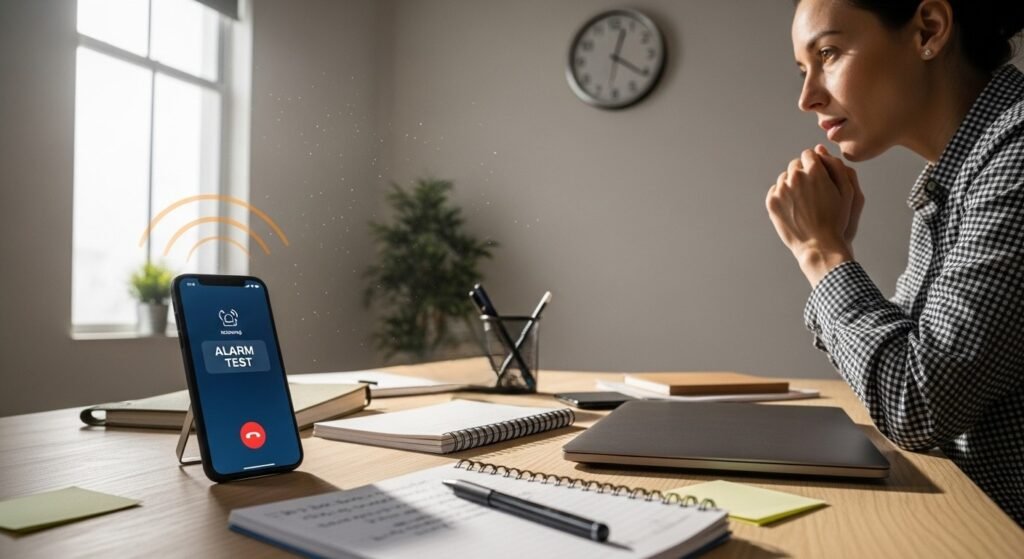
Regular alarm testing reveals silent failures early. Setting a test alarm during daytime confirms sound output. Weekly checks prevent surprises before major gaming events. Structured players treat alarm testing like equipment checks before matches.
Use a Secondary Device
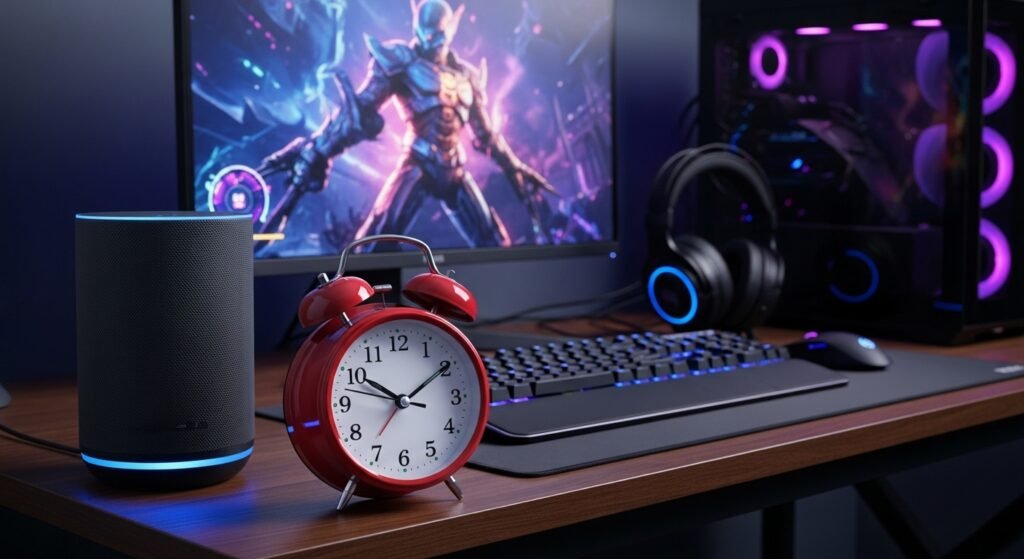
A secondary alarm source adds redundancy. Smart speakers or basic alarm clocks provide backup alerts. Tournament focused gamers use redundancy to protect schedules during qualifiers or team events. This step ensures wake reliability even during system errors.