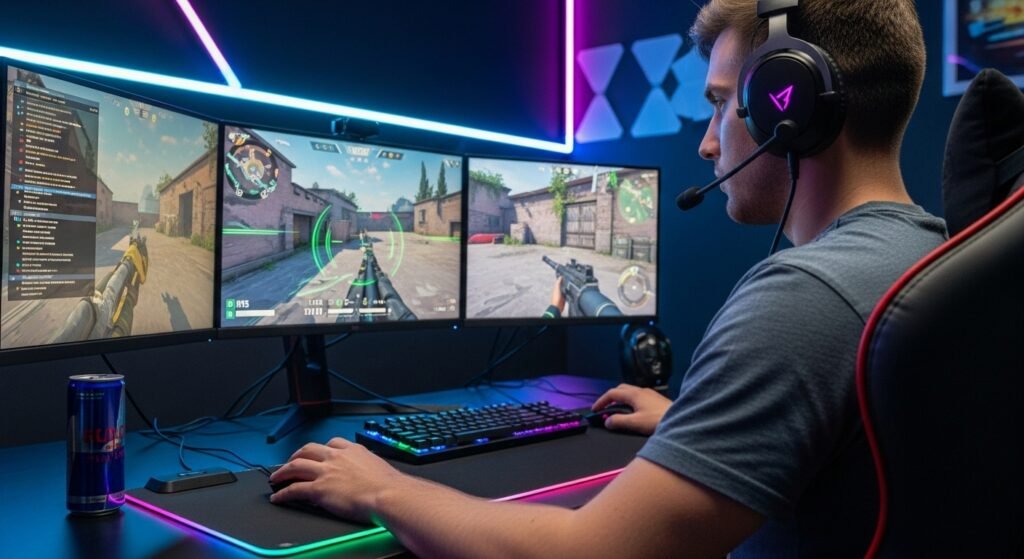
Wireless input devices attract strong interest among gamers and general computer users. Desk layouts continue to change, and cable reduction plays a role in setup decisions. Performance expectations also rise due to competitive play and long sessions. A wireless mouse offers freedom from cords, yet trade offs exist. This article examines benefits and limits with a focus on gaming use, daily tasks, and long term ownership.
Freedom of Movement During Gameplay
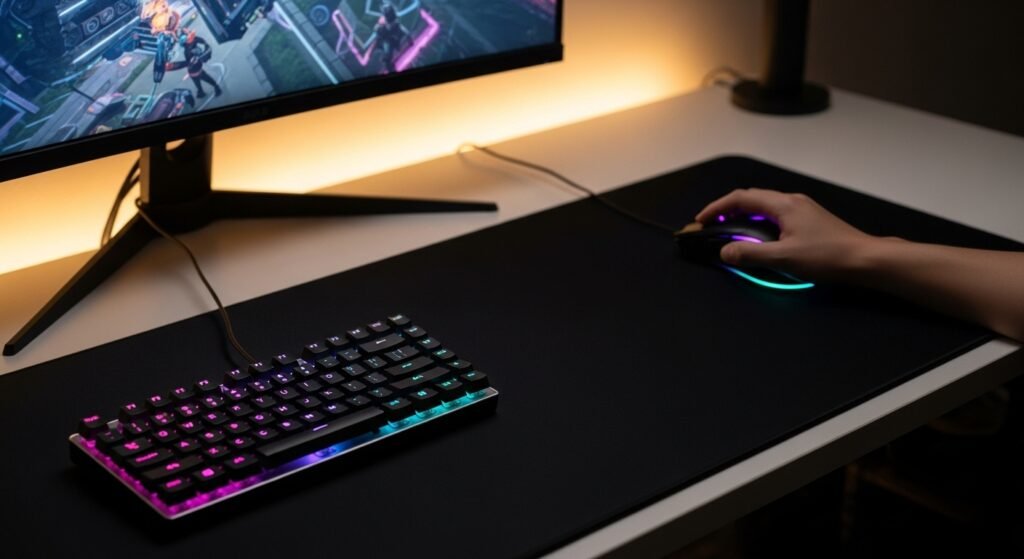
Wireless models remove cable drag from desk surfaces. Gamers gain wider motion range during fast aim adjustments. First person and action titles benefit from unrestricted hand travel. Competitive players value consistent glide without cable resistance. Desk setups with low friction mouse pads show noticeable improvement in comfort during extended sessions.
Desk Cleanliness and Setup Simplicity

Cable reduction leads to cleaner desk layouts. Wireless designs reduce clutter near keyboards and monitors. Small desks benefit from fewer tangled accessories. Streamers and content creators prefer tidy visuals on camera. Setup time decreases due to fewer connection steps and simpler cable routing across workspaces.
Portability for Laptops and Travel
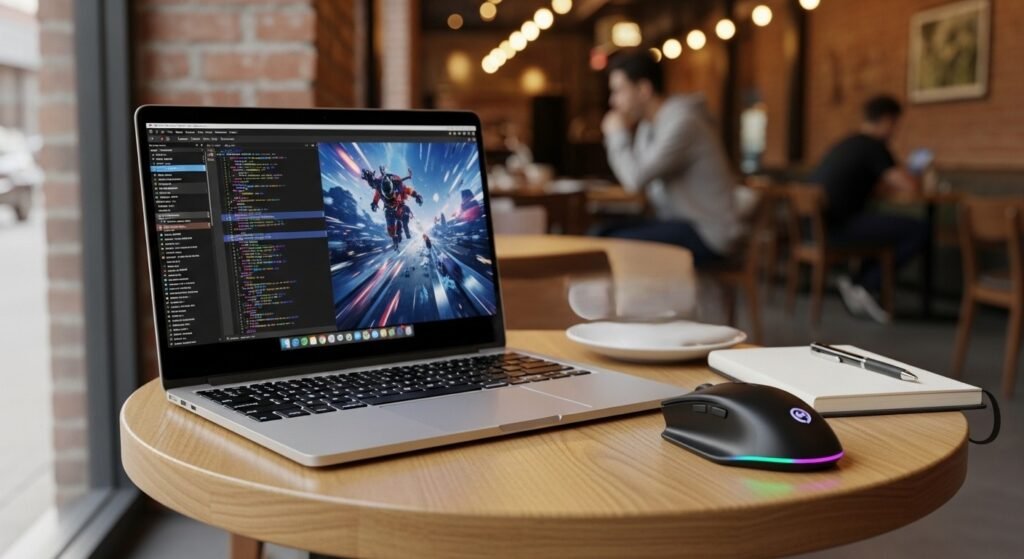
Wireless mice suit mobile users who switch locations often. Laptop gamers and remote workers avoid wrapping cables during transport. Compact receivers store easily in mouse bodies or cases. Cafes and shared workspaces support quick setup without desk cable management concerns. This feature supports frequent movement between gaming and productivity environments.
Battery Dependence and Power Planning
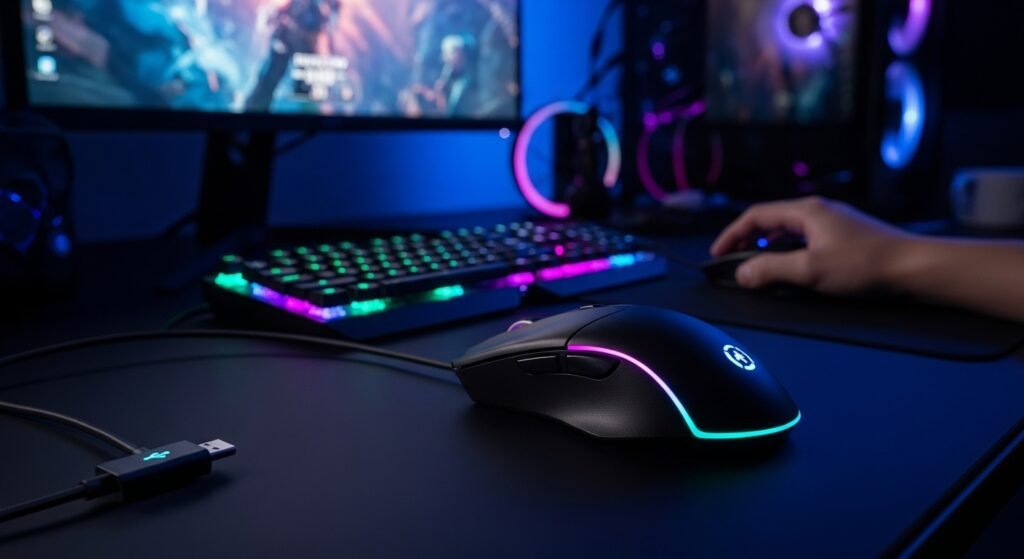
Wireless designs rely on batteries or internal cells. Power depletion interrupts sessions without preparation. Recharge schedules require attention during long gaming periods. Some models support fast charging, yet charging cables reintroduce temporary tethering. Spare batteries or charging docks reduce disruption but add cost and planning.
Latency and Signal Stability
Modern wireless technology delivers low response times suitable for gaming. Competitive grade sensors achieve near wired parity. Signal interference from crowded wireless environments affects performance in rare cases. Tournament players often test conditions before use. Home setups with stable receivers experience consistent tracking under normal conditions.
Weight and Balance Considerations
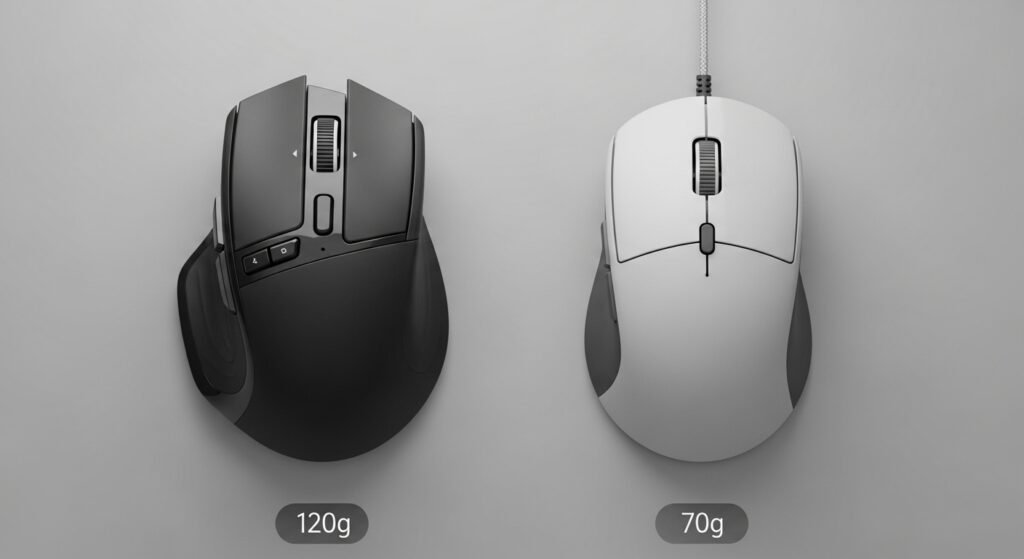
Wireless mice often weigh more due to batteries and internal components. Weight influences precision and fatigue during long sessions. Some gamers prefer heavier builds for control. Others favor lightweight frames for rapid movement. Buyers should assess grip style and game genre before selecting a weight profile.
Cost Compared to Wired Alternatives
Wireless gaming mice carry higher price points. Added components raise manufacturing costs. Entry level wired options deliver similar sensor accuracy at lower prices. Budget focused gamers weigh performance needs against spending limits. Premium wireless models target enthusiasts seeking convenience and refined features.
Maintenance and Long Term Reliability
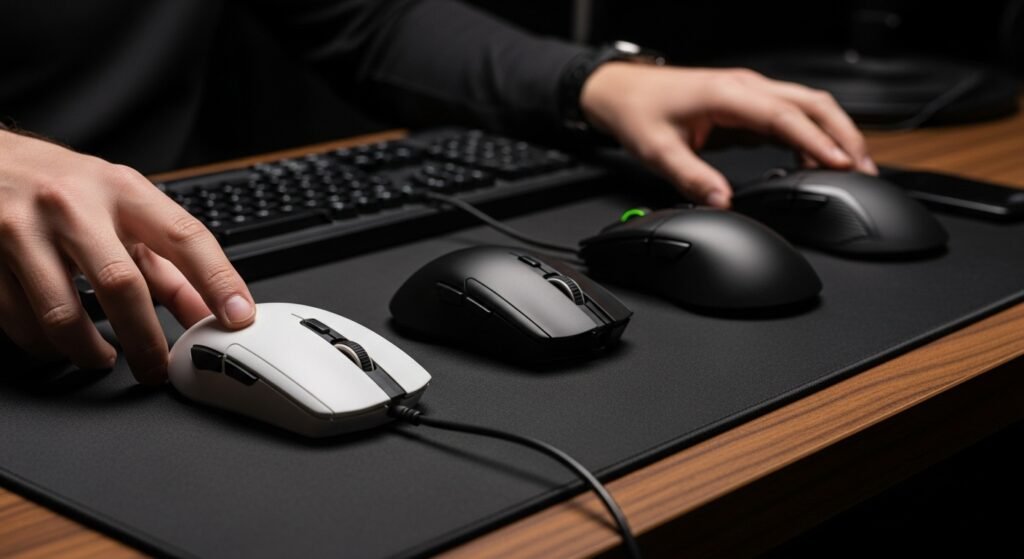
Wireless devices include more internal parts. Batteries degrade over time and require replacement or servicing. Charging ports experience wear with frequent use. Wired mice face cable wear instead. Ownership duration depends on usage patterns, charging habits, and build quality across product tiers.
Compatibility With Gaming Systems
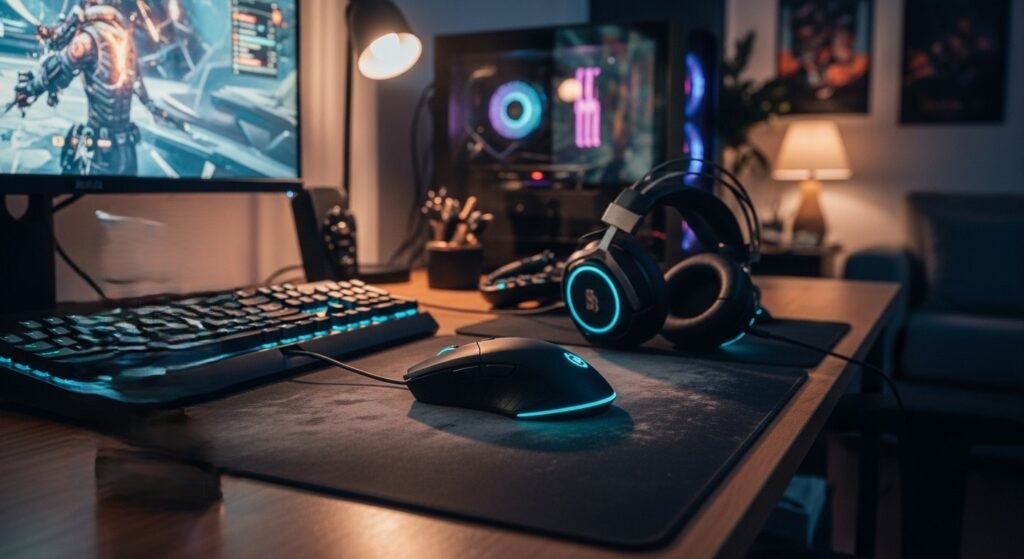
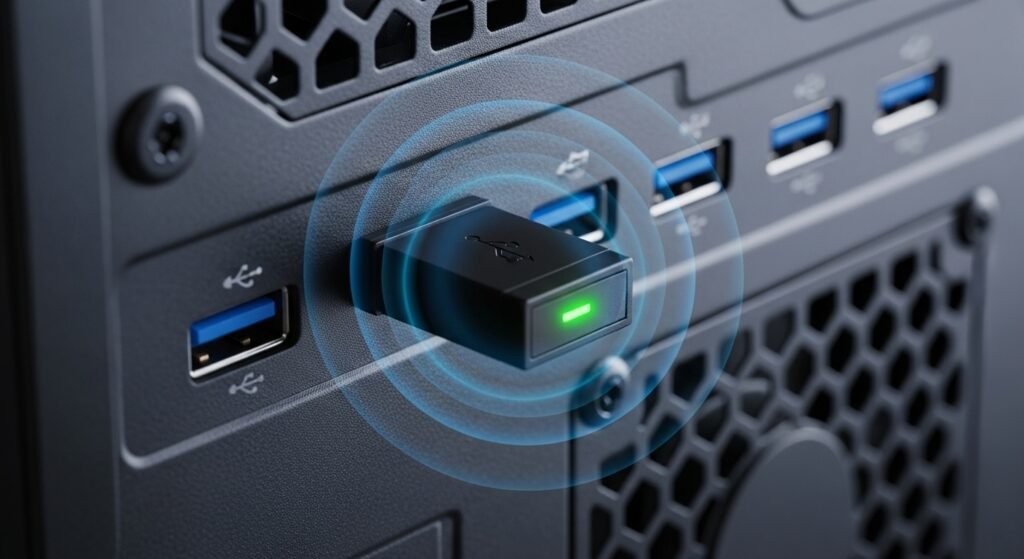
Wireless mice connect through USB receivers or Bluetooth. Console support varies by model and platform. PC systems handle wireless input with minimal setup. Some gaming features depend on dedicated software. Users should confirm operating system support before purchase to avoid feature loss.
Use Case Fit for Different Gamers
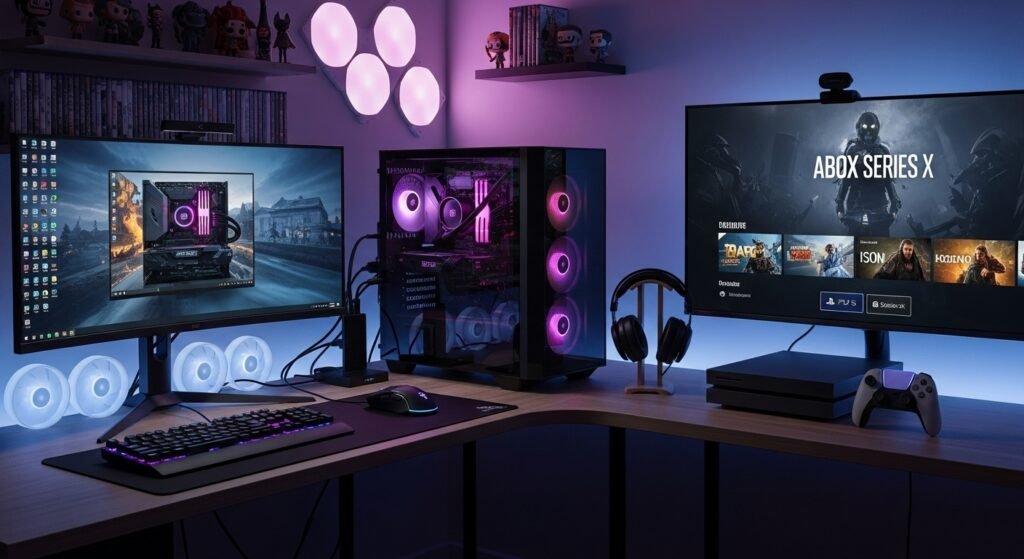
Casual players value convenience and desk comfort. Competitive players focus on latency, weight, and reliability. Strategy and simulation genres place less demand on rapid movement. Wireless mice suit mixed use environments combining gaming, work, and media. Personal priorities guide final selection more than specifications alone.