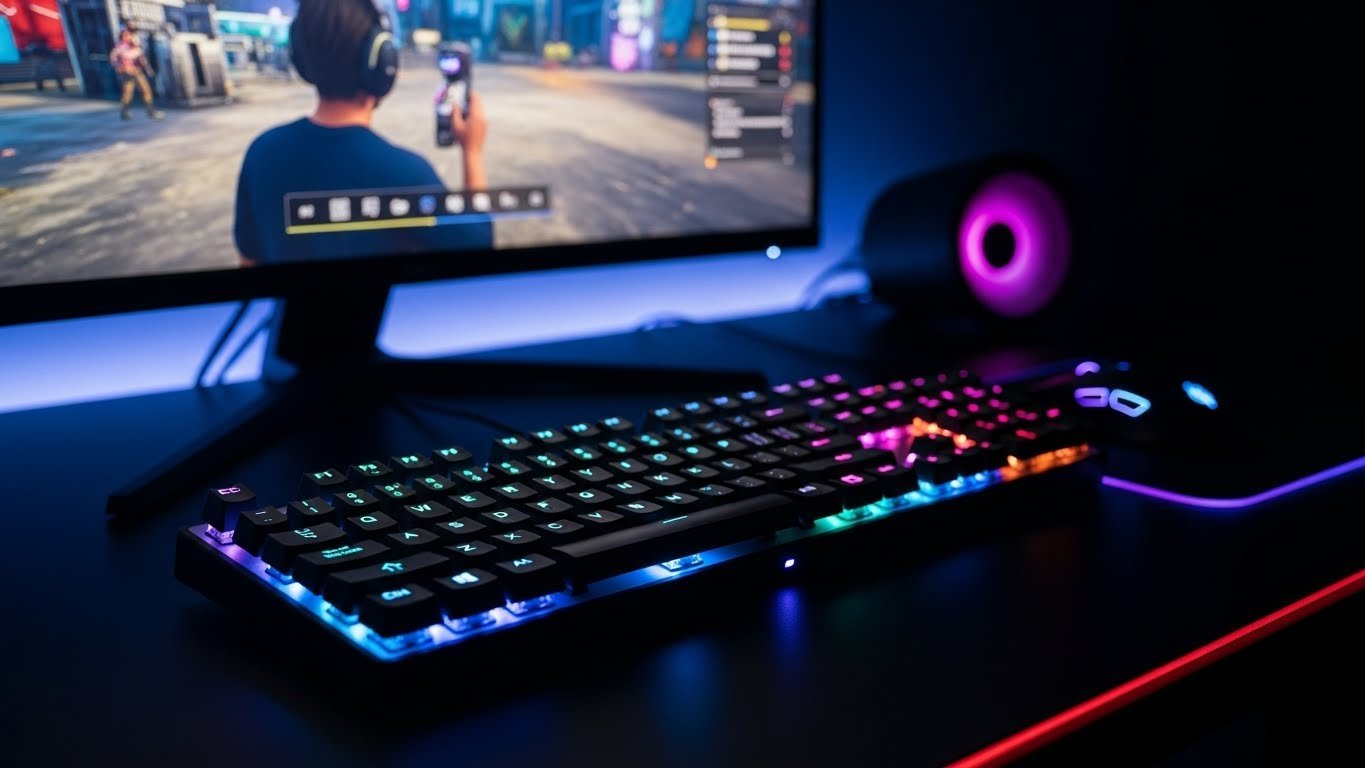
Esports relies on fast response and accuracy of inputs. When playing on the keyboard, dust, skin oils and food particles accumulate in a keyboard over a long period of time. These accumulations impact important travel and signal preciseness. Frequent cleaning will allow maintaining the stability of performance and minimize the loss of inputs during matches. It is also a definite routine and increases the hardware life and preserves the tactile feedback that is highly requested by players who depend on muscle memory and reaction time.
Why Keyboard Cleaning Matters for Gamers
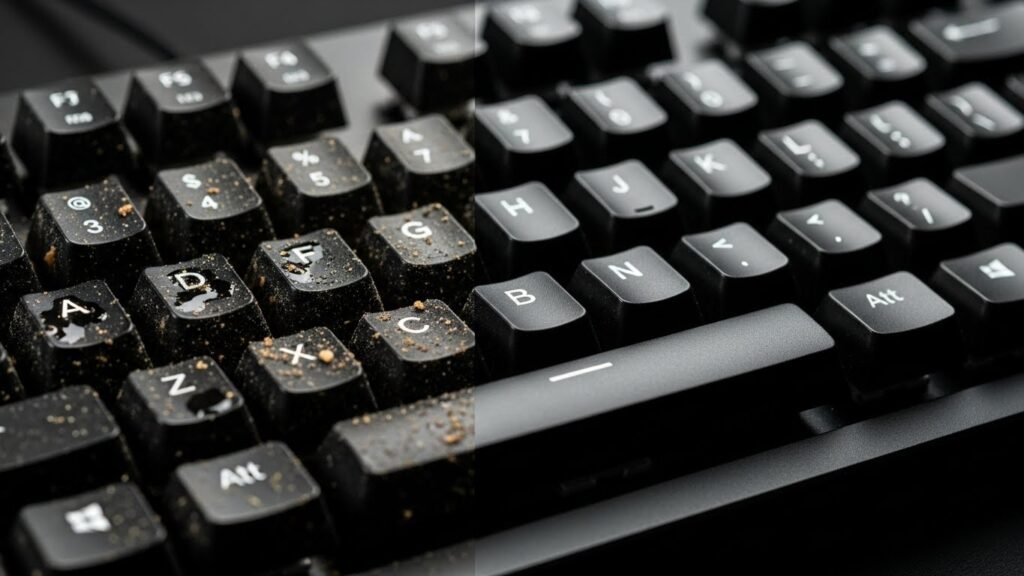
Gaming activities entail fast typing and prolonged exposure to sweat and dust. The deposit of the residue blocks the movement of the switches and adds resistance. There is slow response during competitive play as noticed by competitive players. Clean surfaces facilitate consistent actuation and aid in consistency in the sport played in high speed where timing determines the result.
Basic Tools Required for Safe Cleaning
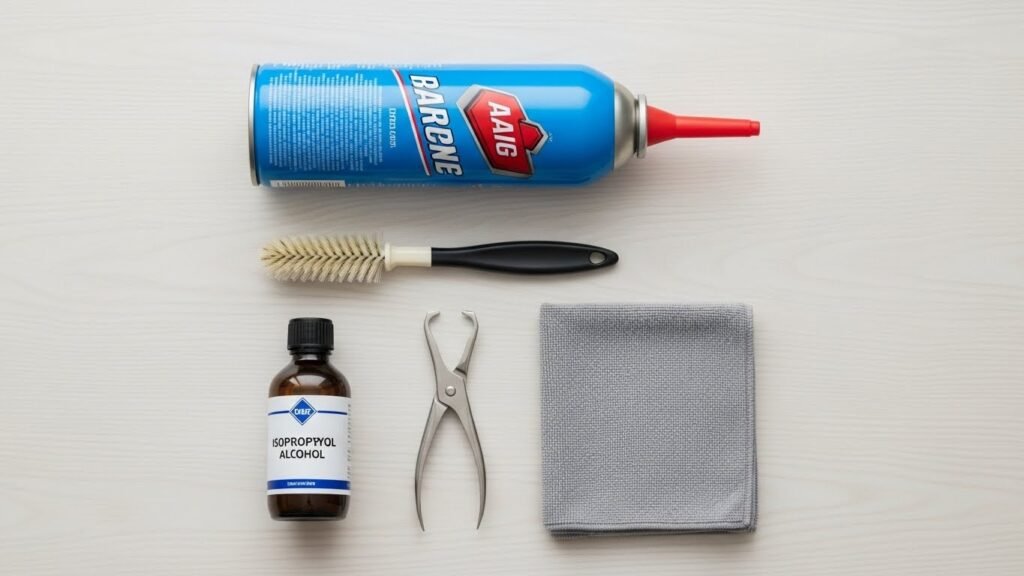
Simple tools are needed in order to maintain the keyboard in good condition. Loose debris is cleared off between keys with the use of compressed air. Surfaces are not scratched by a soft brush that removes dust. Surface oils are dealt with by microfiber cloths. The medium-level concentration of isopropyl alcohol assists in sanitation without possible hydration. These products are compatible with frequent maintenance without destroying elements.
Preparing the Keyboard Before Cleaning
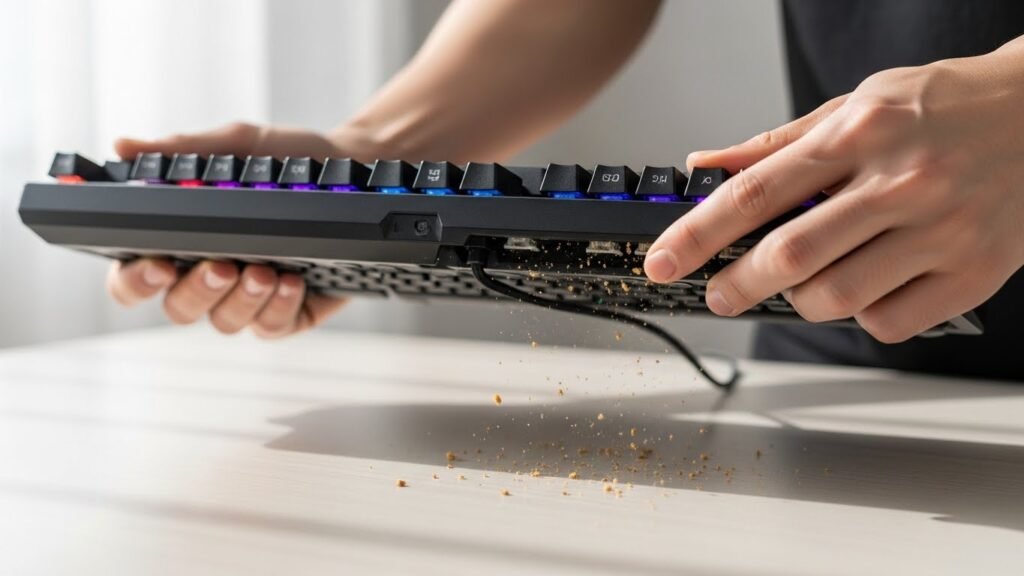
With the correct preparation, risk is minimized during the cleaning process. Unplug the keyboard. Battery replacement is needed in wireless models. Put the keyboard on its back and give it a slight tap to get off the loose things. This measure eliminates debris prior to the procedure of detailed cleaning and minimizes contamination between internal parts.
Removing Loose Debris Between Keys
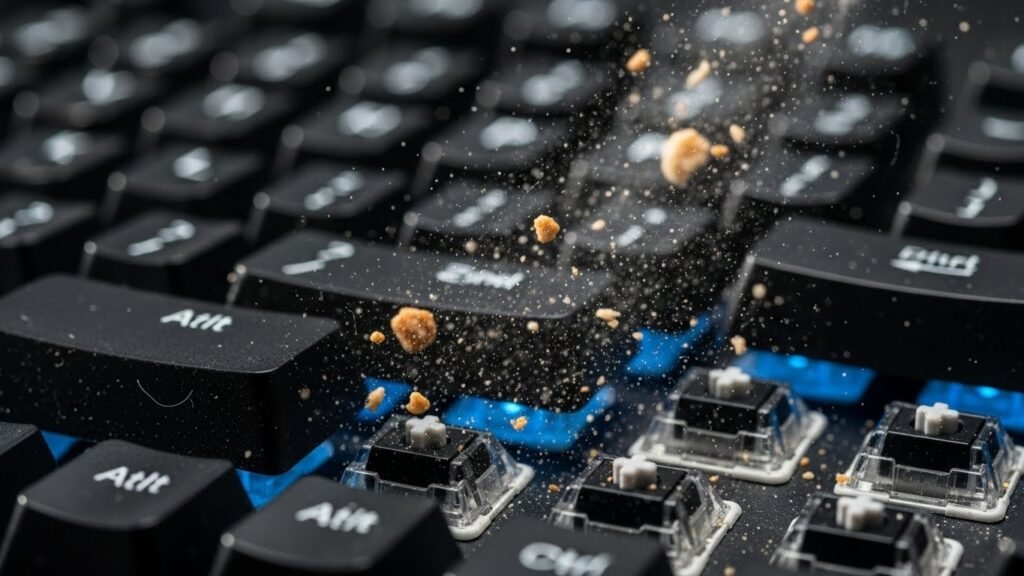
Dust and crumbs settle between keycaps during gaming sessions. Compressed air applied in short bursts dislodges particles effectively. Angled airflow prevents deeper displacement. A soft brush assists stubborn debris. This approach keeps switches clear and preserves consistent keystroke travel during extended play.
Cleaning Keycaps and Surface Areas
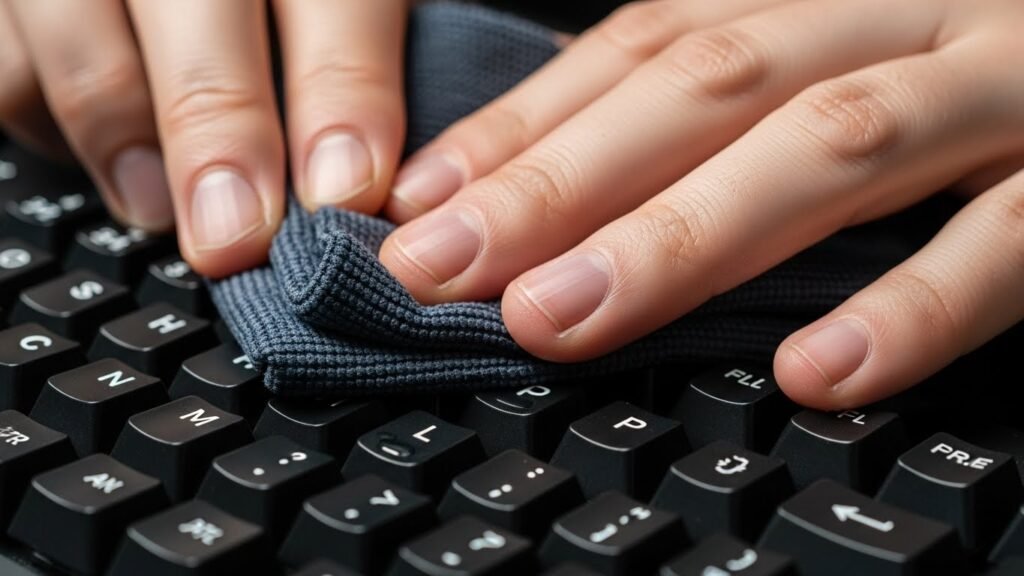
Surface oils build up through repeated hand contact. Lightly dampen a microfiber cloth with isopropyl alcohol. Wipe keycaps and surrounding areas evenly. Avoid excess liquid. This process restores grip texture and reduces slip during rapid inputs common in action focused gaming genres.
Deep Cleaning Mechanical Keyboards
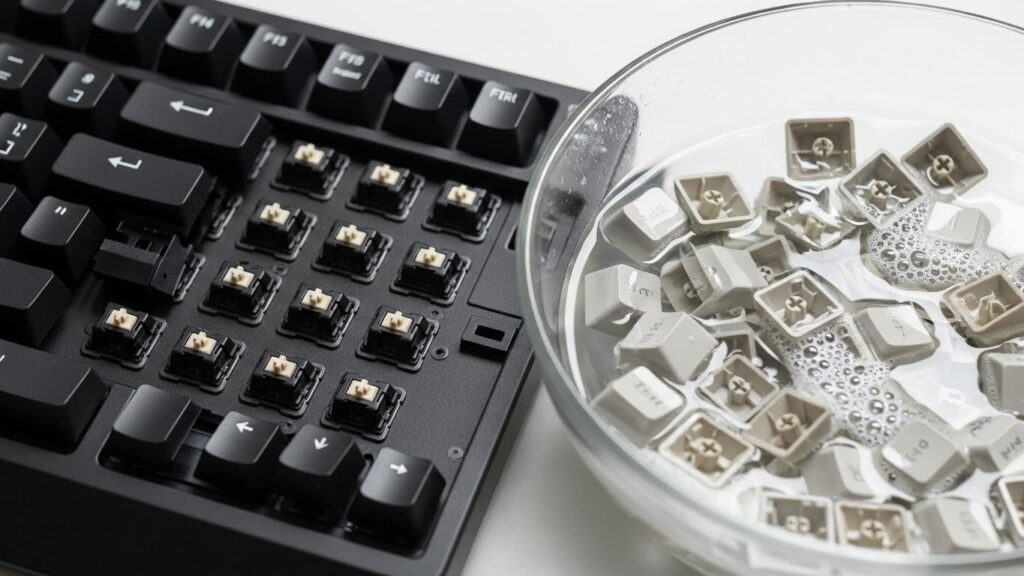
Mechanical keyboards benefit from periodic deep cleaning. Keycaps remove individually with a puller tool. Soak keycaps in warm water with mild soap. Dry fully before reassembly. This process restores tactile feel and removes hidden residue affecting switch responsiveness during competitive sessions.
Caring for Membrane and Low Profile Keyboards
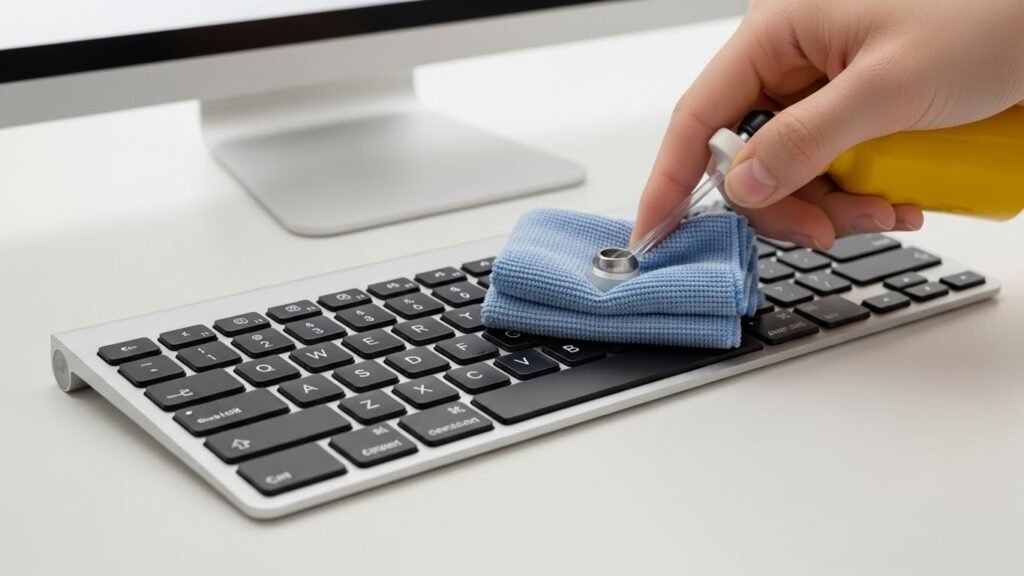
Membrane and low profile models require surface focused cleaning. Avoid liquid entry points. Use compressed air and light alcohol wipes only. Gentle pressure protects internal layers. Regular surface maintenance preserves consistent actuation pressure and avoids uneven response during repeated keystrokes.
Cleaning Frequency Based on Gaming Habits

Cleaning schedules depend on usage patterns. Daily gamers benefit from weekly surface cleaning. Deep cleaning suits monthly intervals for heavy use. Casual players maintain performance with monthly surface care. Consistent routines prevent buildup and support predictable input behavior during gameplay.
Maintaining Long Term Keyboard Performance
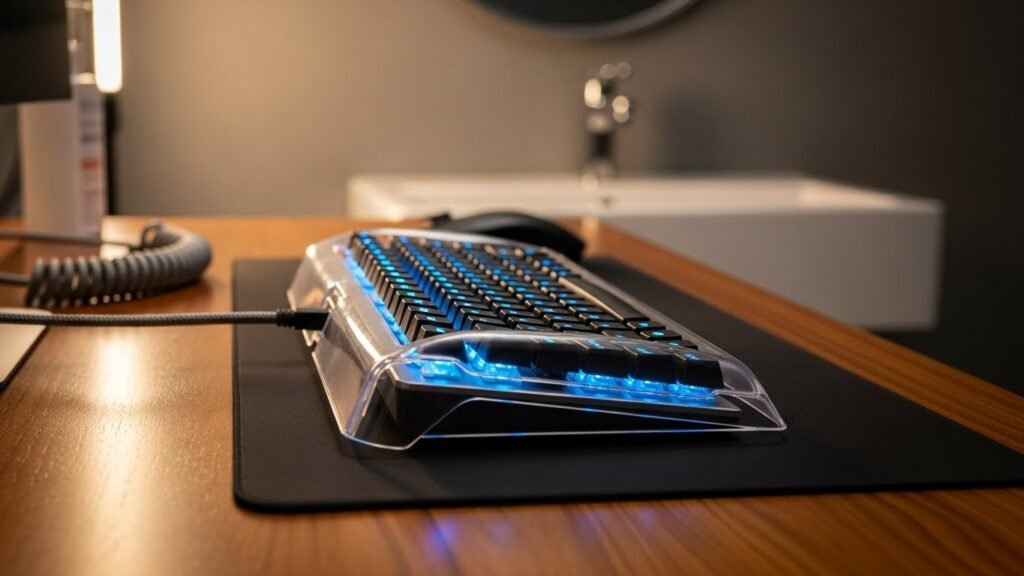
Preventive habits support keyboard health. Hand washing before sessions reduces oil transfer. Avoid eating near equipment. Store keyboards with dust covers when idle. These steps reduce cleaning frequency and preserve switch integrity. Reliable performance supports competitive focus and sustained gaming efficiency.