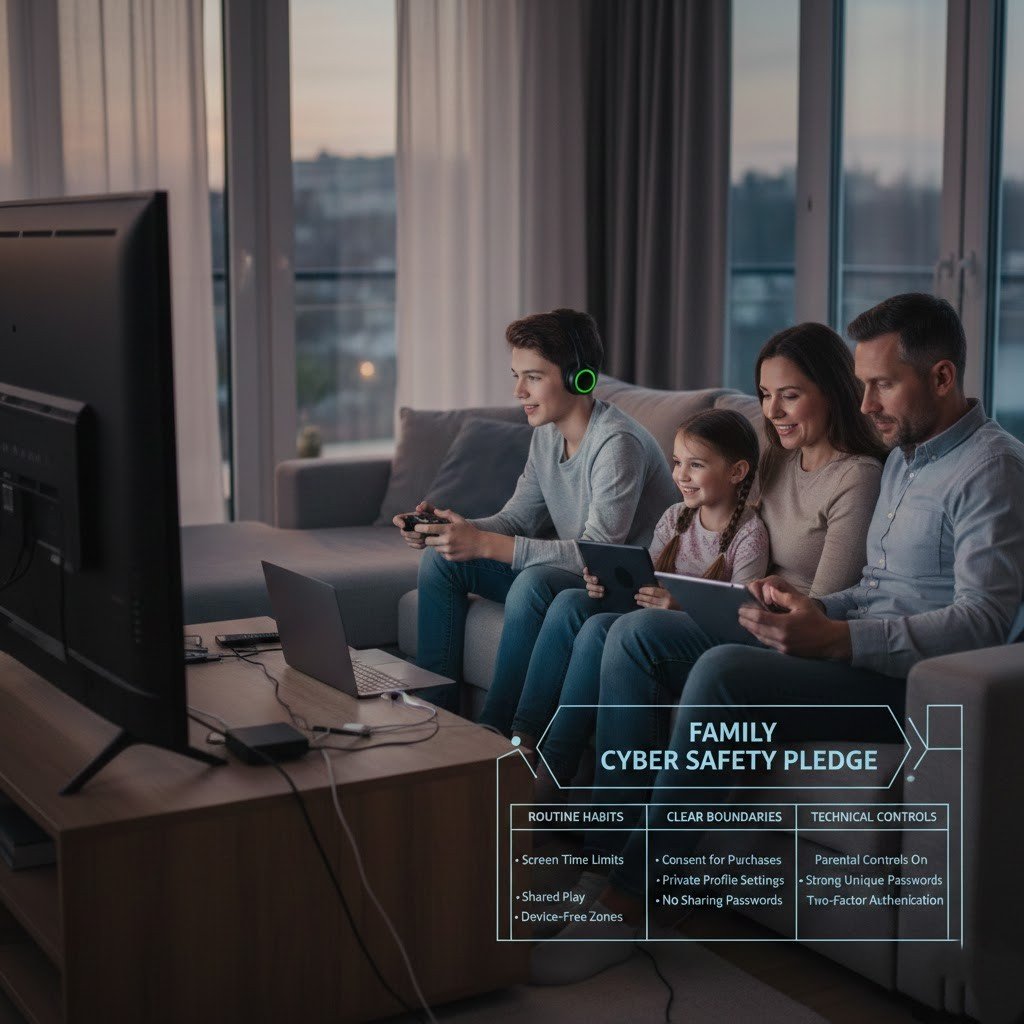
Homes now rely on shared internet access for gaming, learning, and communication. Consoles, laptops, and phones stay connected for long periods each day. Online games introduce chat systems, digital purchases, and shared profiles. These features create exposure to account misuse and privacy loss. A home focused approach to cyber safety helps families reduce risks through routine habits, clear boundaries, and basic technical controls tied closely to gaming activity.
Password Discipline Across Devices

All the gaming and email accounts must have their own passwords. This is because a short or repeated passwords expose more after data leakages. A good password contains numbers, symbols, and letters of adequate length. A password manager helps families to keep credentials in a safe place and minimize the tendency to use the same passwords across the gaming services.
Account Verification for Gaming Profiles

Most gaming platforms support two step login verification. This feature requires a code from a phone or app during sign in. Activation prevents access after password exposure. Parents should apply this setting to gaming accounts, connected email addresses, and digital stores used for game purchases.
System Updates on Consoles and Computers
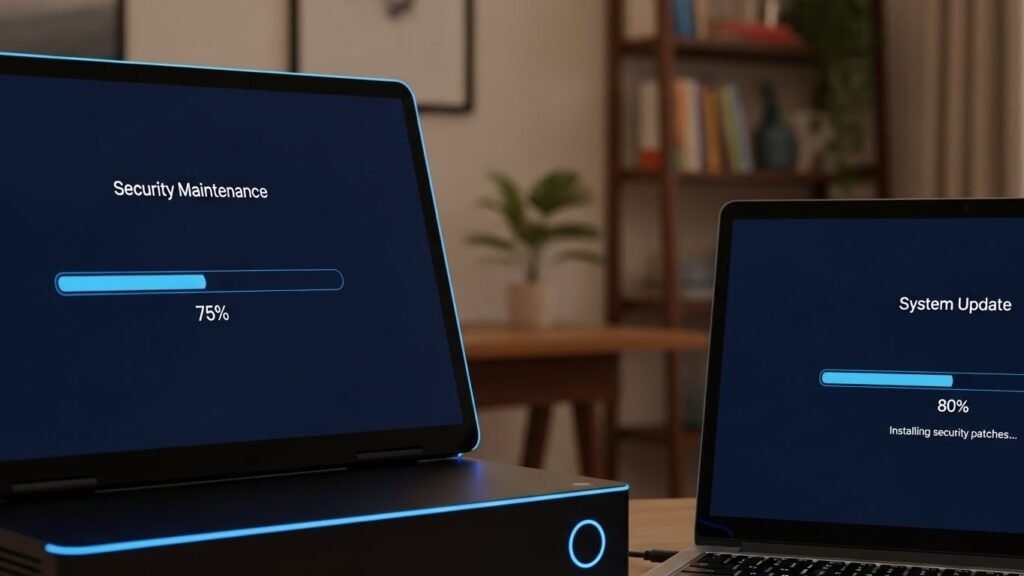
Software updates fix known security issues. Consoles, PCs, routers, and mobile devices need regular updates. Automatic updates reduce oversight effort. Families should confirm updates at least once each week. This habit lowers exposure during online multiplayer sessions where devices interact with unknown users.
Home Network Protection Basics

A secure home network protects every connected device. Router login details should differ from factory settings. Strong Wi Fi encryption limits outside access. A guest network separates visitor devices from gaming systems. This structure reduces unintended access during online play and shared internet use.
Parental Controls for Gaming Platforms
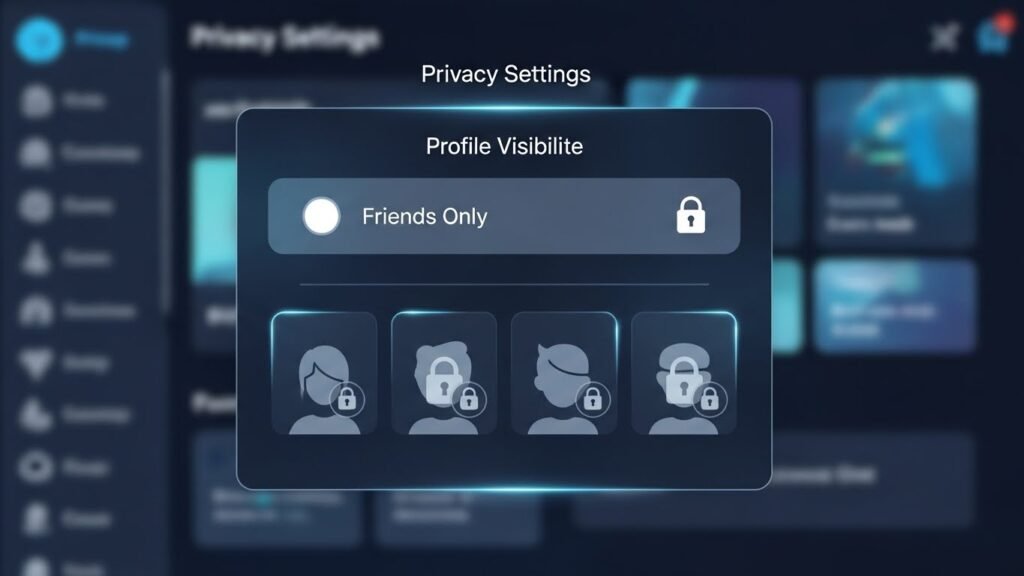
Built in parental tools help manage game access and spending. Settings restrict chat, purchases, and mature content. Time limits support balanced gaming routines. These controls reduce exposure to unwanted interactions while supporting age appropriate play for younger users.
Privacy Settings and Social Interaction

Online games include messaging, voice chat, and public profiles. Privacy settings should limit contact to approved friends. Public profiles expose personal details such as usernames and play schedules. Restricted visibility reduces unwanted messages and impersonation attempts during competitive and casual gaming.
Recognizing Scams Linked to Games

Scams often appear as messages offering free game items or bonus currency. These offers request login details or downloads. Families should review common examples together. No legitimate service asks for passwords through chat messages. Awareness reduces response to misleading offers tied to gaming rewards.
Clear Family Rules for Online Conduct
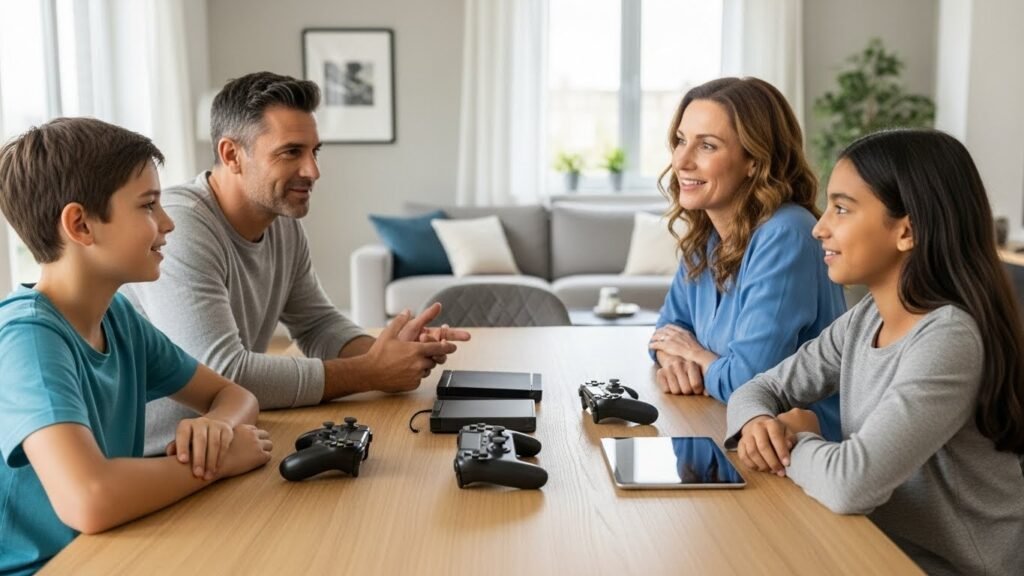
Shared rules support consistent behavior. Families should discuss acceptable chat behavior, friend requests, and time limits. Children need guidance on reporting strange messages. Calm discussion encourages early reporting. This approach supports safer gaming experiences without discouraging enjoyment.
Regular Security Check Routines

Cyber safety improves with repetition. Monthly reviews of passwords, privacy settings, and device updates keep protections current. Families who treat security as routine maintenance reduce long term risk. This practice supports safer gaming and everyday internet use across the home.